119
Chapter 6 Using GSM/GPRS
6.3.6 EDITING PHONE BOOK
The names and phone numbers stored on the SIM card can be viewed here. You can sort
the Phone Book entries by tapping the heading of any column, for example, “Name”. The
Phone Book entries will be re-arranged by “Name” in alphabetically ascending order.
Button
Description
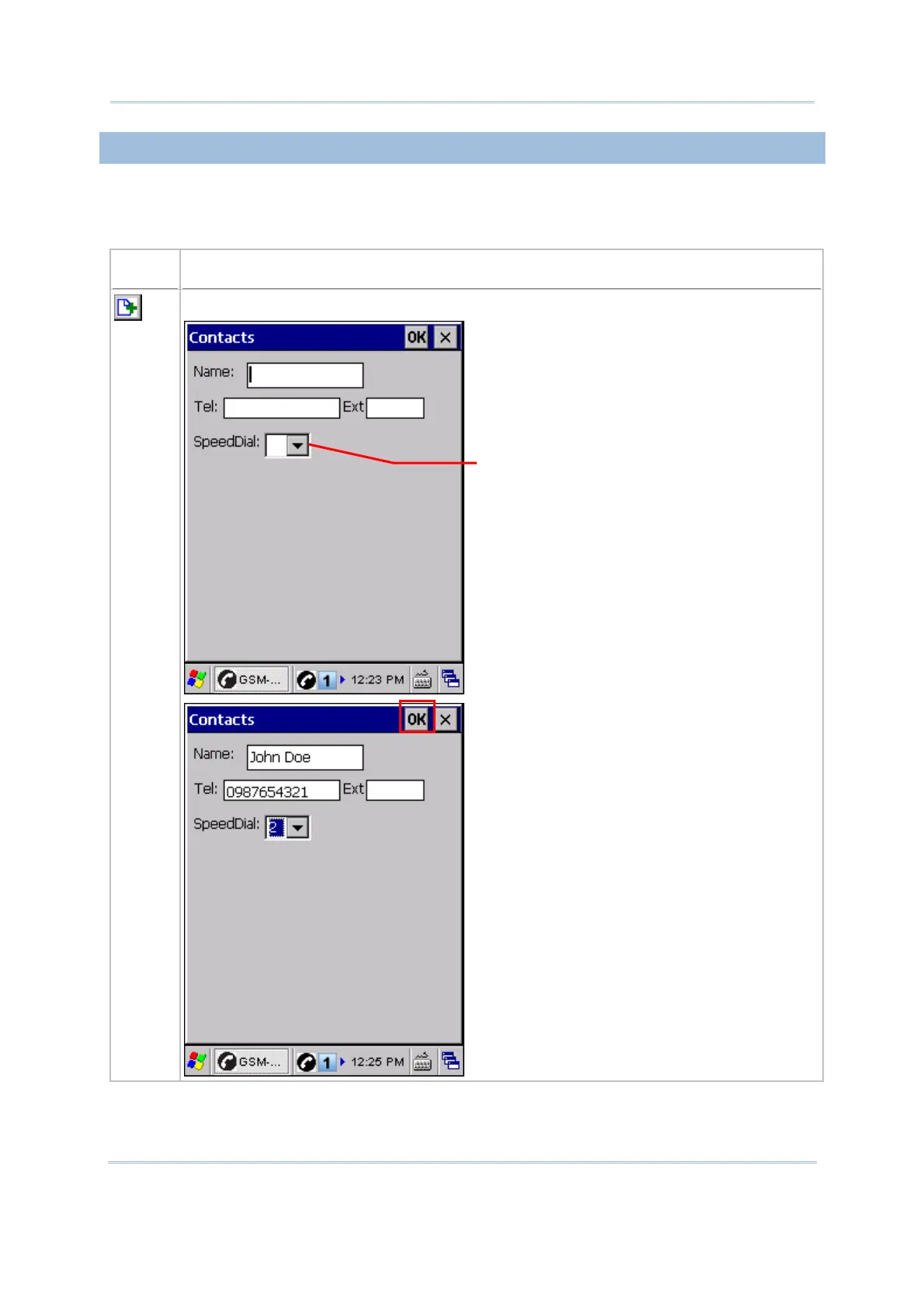
Add a new contact
You may assign a Speed Dial number
for the numbers you call most.
Up to 50 Speed Dial numbers are
allowed.



 To Next Page