121
Chapter 6 Using GSM/GPRS
Import data to Phone Book
Open an existing phone book, such as “Phonebook.txt”, the data will be automatically
imported to the Phone Book stored on your SIM card.
To ensure you are importing
the correct data and avoid extra editing, we suggest you to preview the text file in
Wordpad on the mobile computer.
Save Phone Book as…
The current Phone Book
in use is stored on your SIM card. You may save it as a text
file, “Phonebook.txt” by default, so that you can copy it to another mobile computer
and open it directly in this phone dialer application.
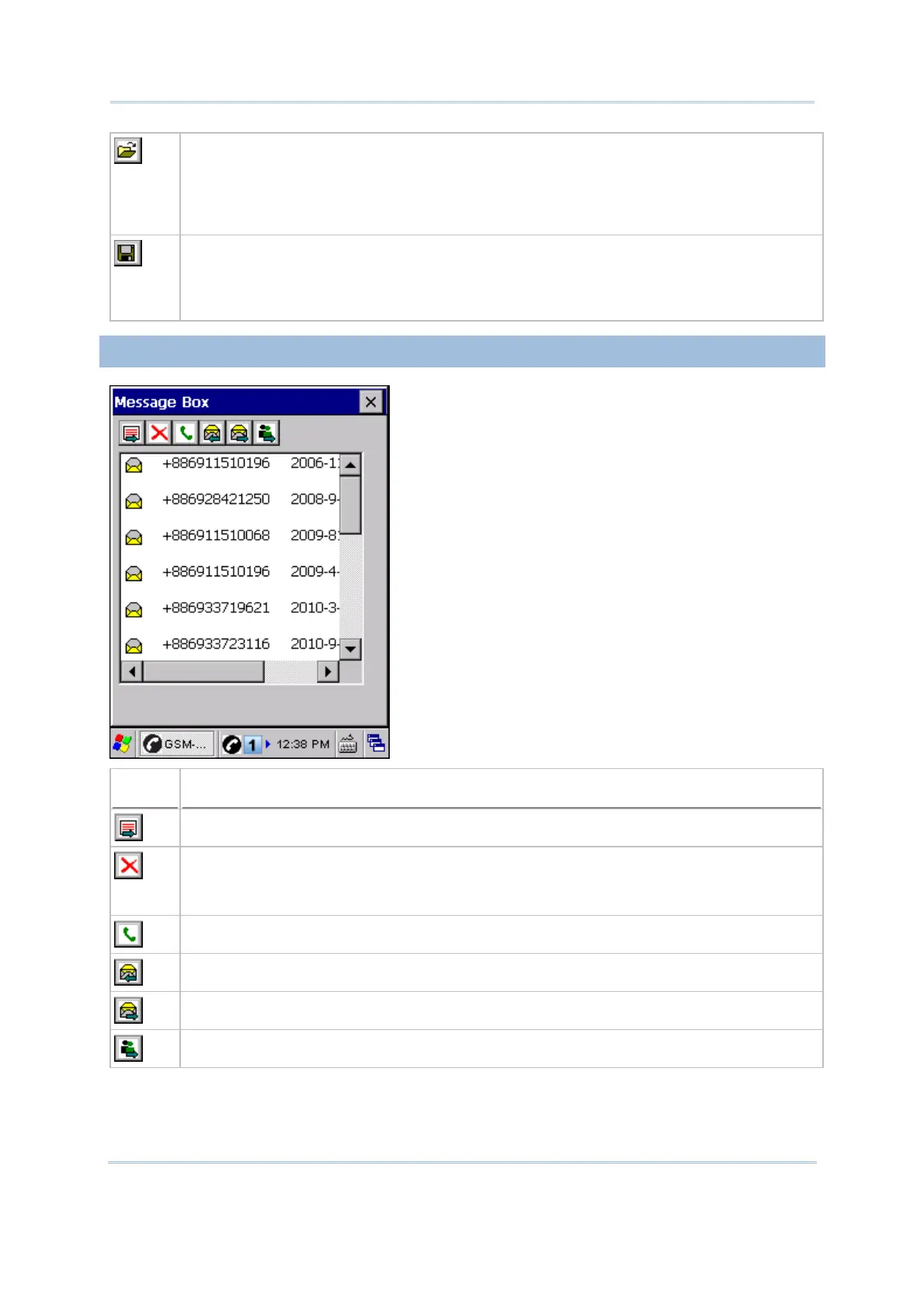
6.3.7 MESSAGE BOX
Button
Description
Create a message
Select a message entry and tap the [Delete] button to delete it.
By default, it allows you to delete the selected record; however, you may choose to
delete all records.
Select a message entry and tap the [Call] button to make a phone call.
Reply
Forward
Save to Phone Book



 To Next Page