113
Chapter 6 Using GSM/GPRS
6.2 GPRS CONNECTION
6.2.1 CHECKING GPRS CONNECTION
In GSM/GPRS Manager, it is set to start GPRS service first by default. Upon turning on
the GSM/GPRS power, it takes several seconds to launch GSM-Connect. GPRS
connection will be established automatically if PIN verification is not required.
If PIN verification or special configuration is required for your network, refer to
6.4
GSM/GPRS Manager
for advanced settings.
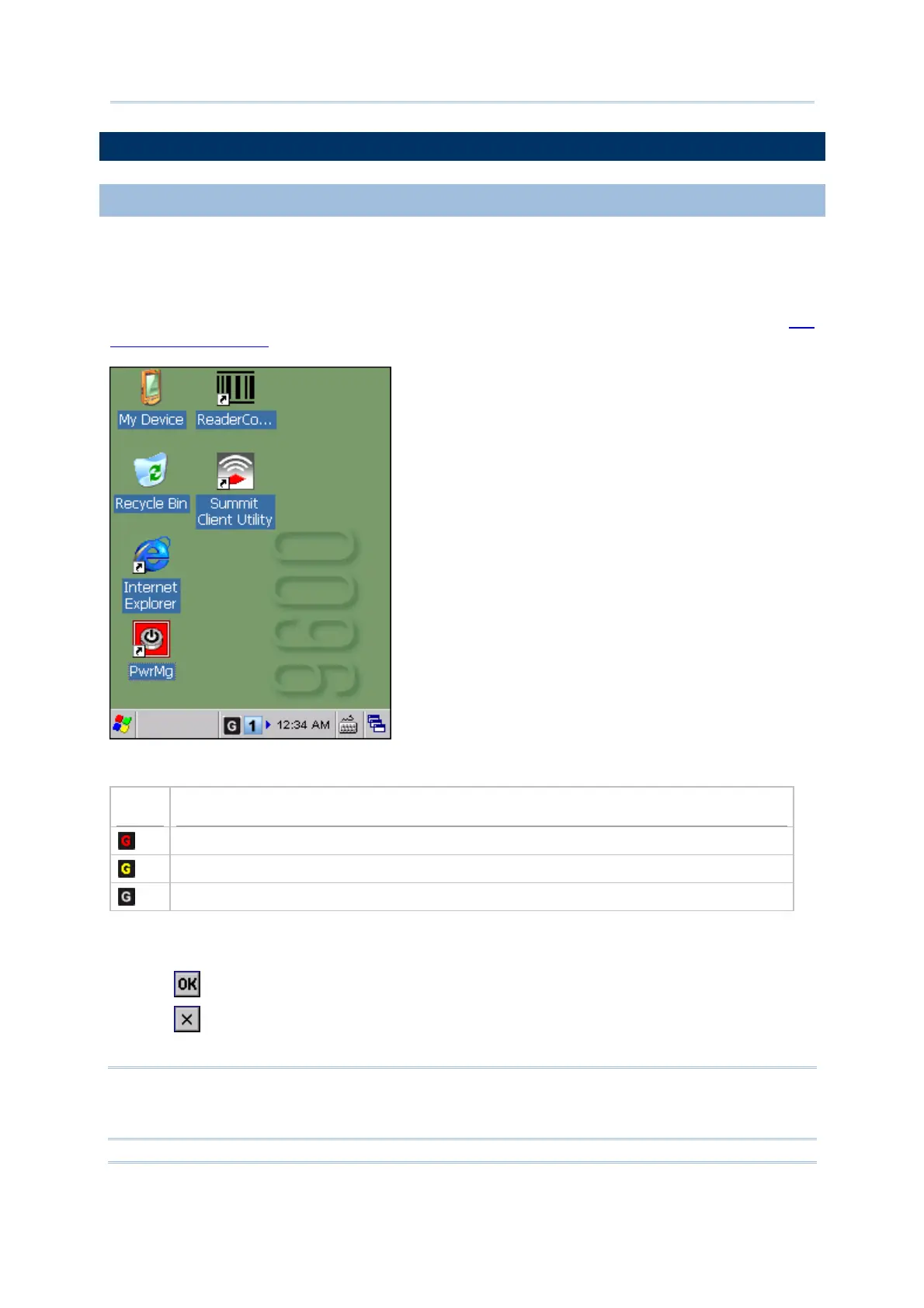
An associated icon will appear on the taskbar to indicate the GPRS connection status.
Icon
Indication
Initializing the GSM/GPRS module or the GPRS connection is disconnected
Connecting to GPRS network
GPRS connection has been established successfully
When the signal strength becomes too weak to maintain the GPRS connection, a warning
message will be displayed.
Tap to re-connect to the GPRS network.
Tap to turn off the power to GSM/GPRS module. Alternatively, you may turn off
GSM/GPRS power through Power Management.
Note: (1) GSM/GPRS power is maintained even in suspend mode.
(2) Because the settings in Power Management will be kept after warm or cold
boot, it will resume to last wireless power status after the power cycle.



 To Next Page