6
9600 Mobile Computer
Reference Manual
REMOVING HAND STRAP
The hand strap is ideal for one-handed operation, which requires safe and convenient
hold of the mobile computer.
Warning: When in use, make sure the hand strap is well hooked and attached.
Adjust the length of the hand strap to suit your handbreadth.
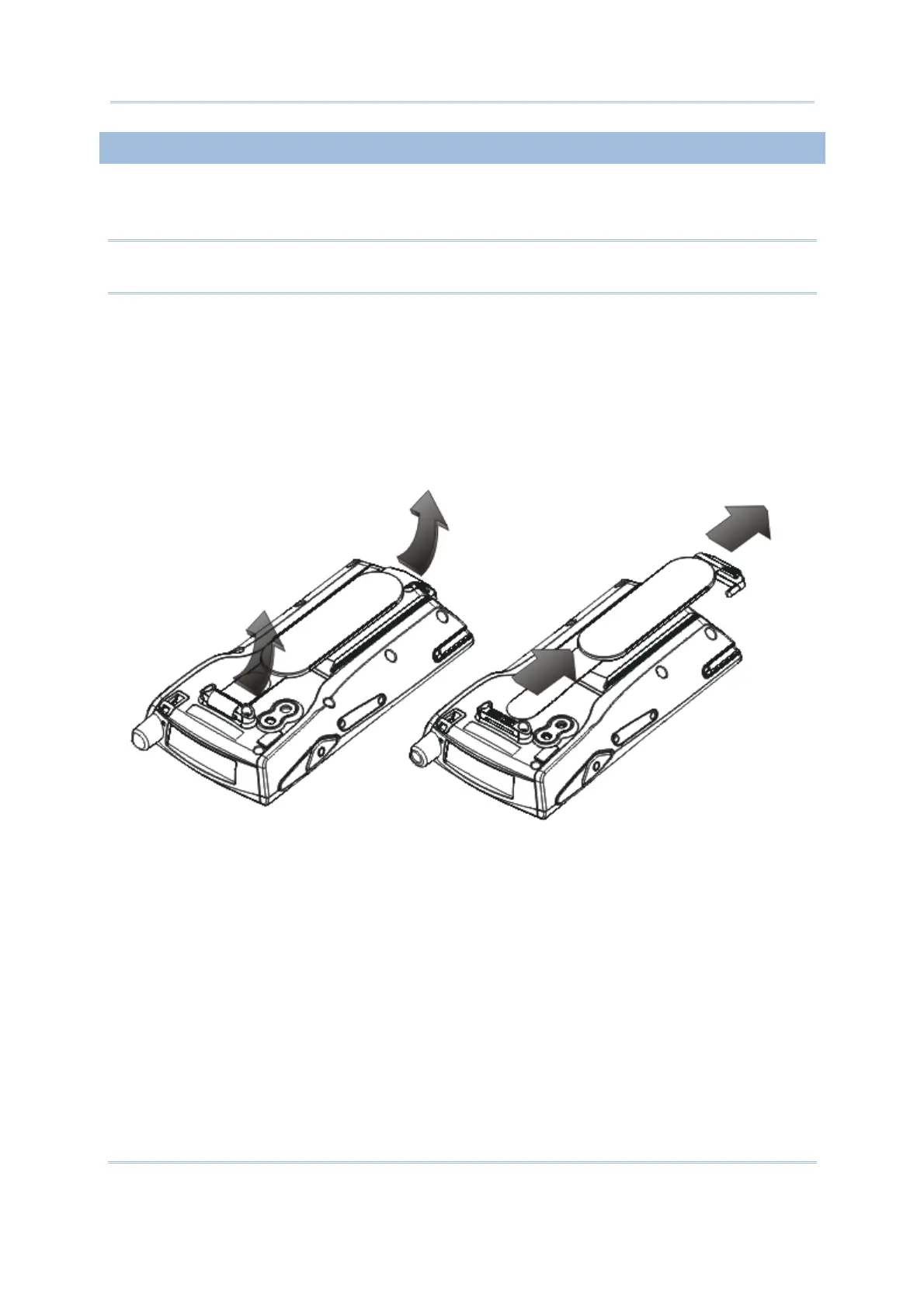
When the hand strap is not desired, remove it from the mobile computer by following
these steps:
1) Place the mobile computer face down on a flat and clean surface.
2) Detach the free end of the strap and remove it from the slit.
3) Unhook the other end of the hand strap from the bottom.
Figure 2: Removing the Hand Strap



 To Next Page