151
Chapter 8 More Applications
8.4.2 TAKING A SNAPSHOT
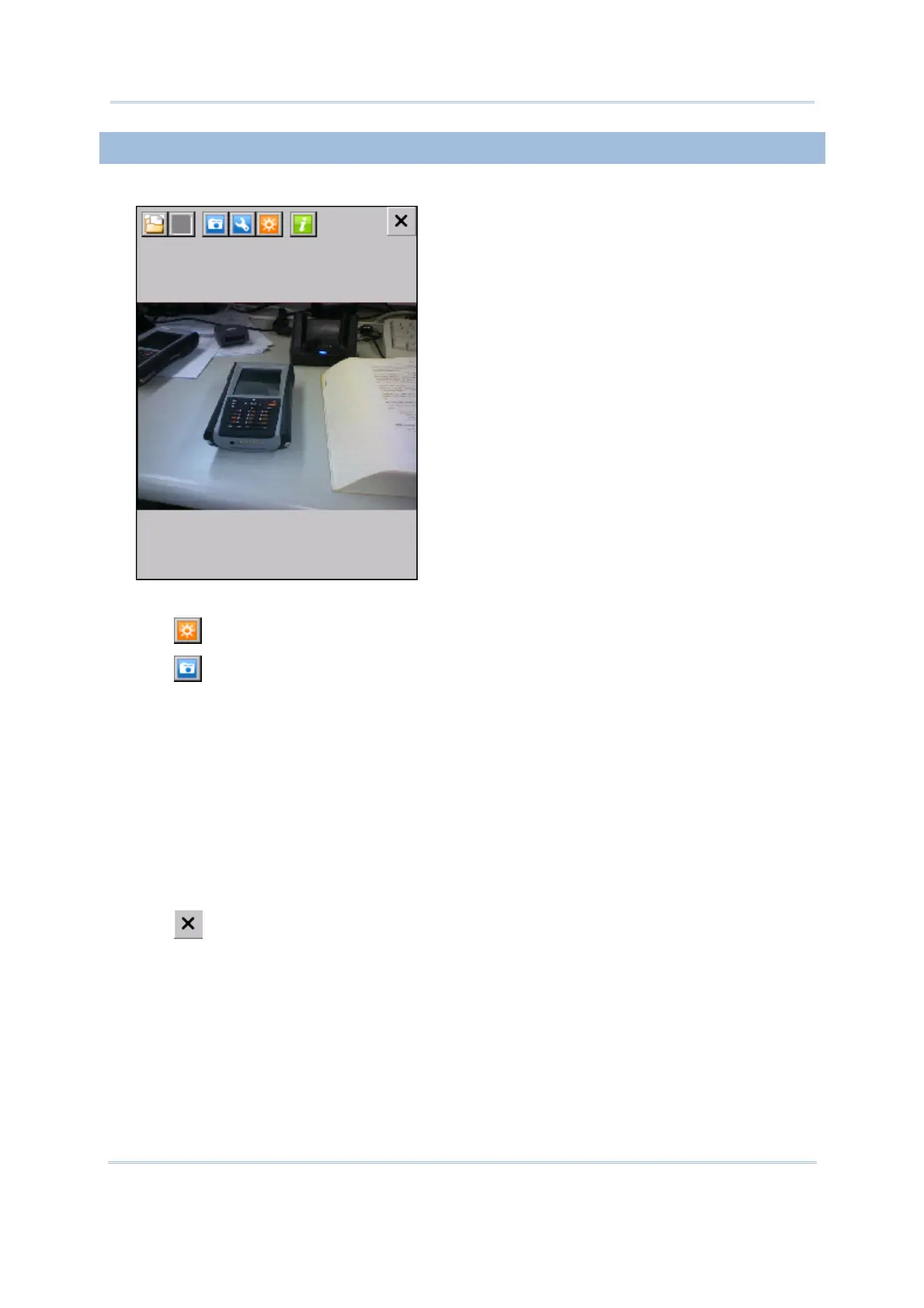
1) In the Camera Preview Mode, a preview will be displayed.
2) Hold still and take aim at the object you want to take a picture.
3) Tap
to turn on the auxiliary LED light if necessary.
4) Tap
to take pictures.
Each will be automatically saved under the directory “\DiskOnChip\pics” in the format
of HHMMSS_YYMMDD.jpg or HHMMSS_YYMMDD.bmp, as shown below.
YY: 2-digit year
MM: 2-digit month
DD: 2-digit date
HH: 2-digit hour
MM: 2-digit minute
SS: 2-digit second
5) Tap
to turn off the camera and exit the program.



 To Next Page