141
Chapter 8 More Applications
If you wish to reset the current system configurations and settings to defaults, tap
[Reset] to delete the current system registry "\DiskOnChip\Sysbak\Registry.dat". It will
then reload the default registry values after a cold boot.
8.1.2 PREPARING FOR BACKUP
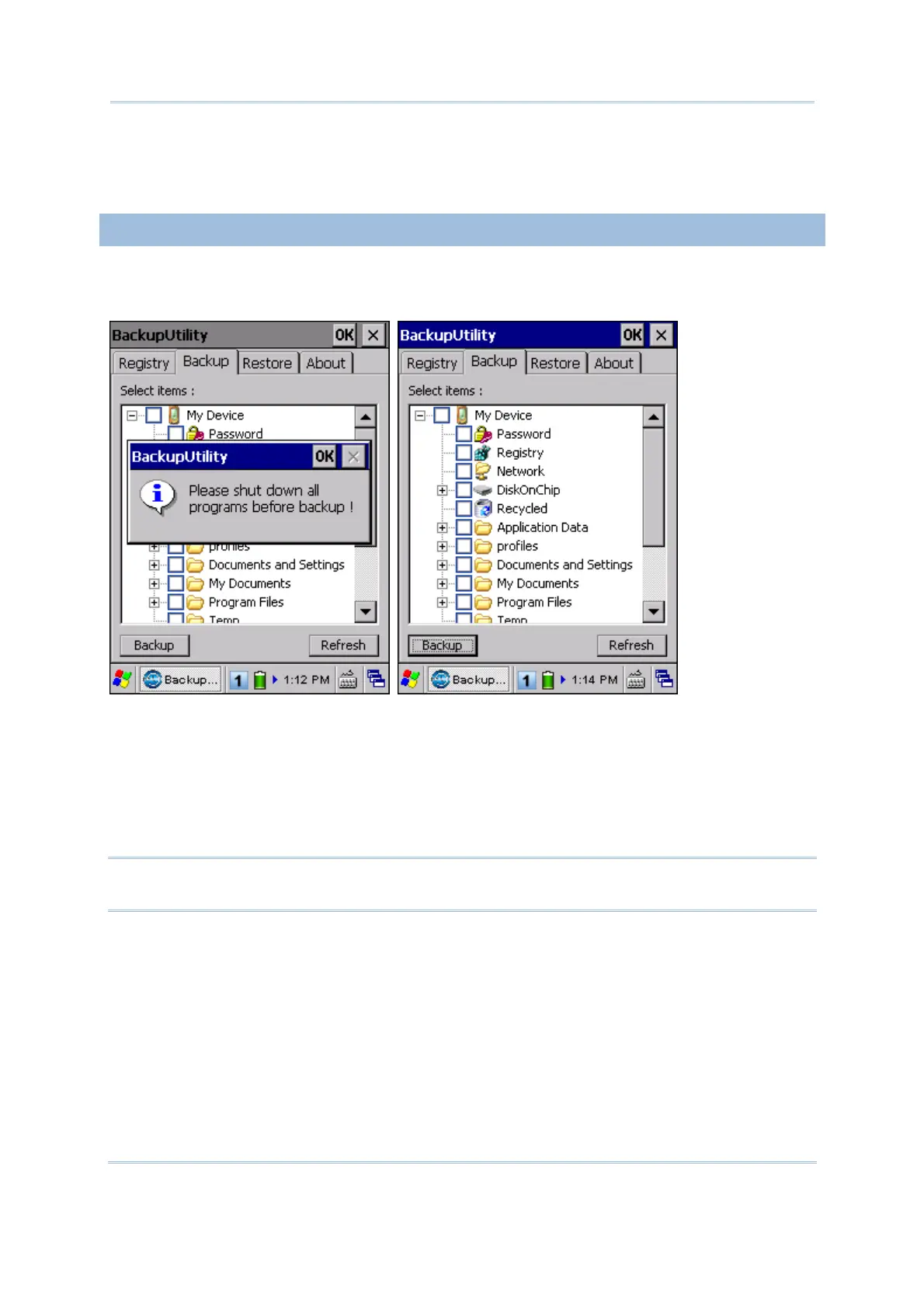
Tap the Backup tab and it will automatically start scanning the file system. Within a few
minutes, it will generate a list for the backup operation.
If the items "Password" and "Registry" are not listed, it means no Password.dat and
Registry.dat are found in "\DiskOnChip\Sysbak\". Take necessary steps before you tap
[Refresh] to refresh the list of available items.
Password – Go to Start | Settings | Control Panel | Password, and then apply
password protection at power-on or to the DiskOnChip folder if necessary.
Registry - Go to the Registry tab and tap [Save].
Warning: You may not be able to backup all data when programs are still running! It
is suggested that you exit all the applications before backup.



 To Next Page