54
9600 Mobile Computer
Reference Manual
3.3 SYSTEM SETTINGS
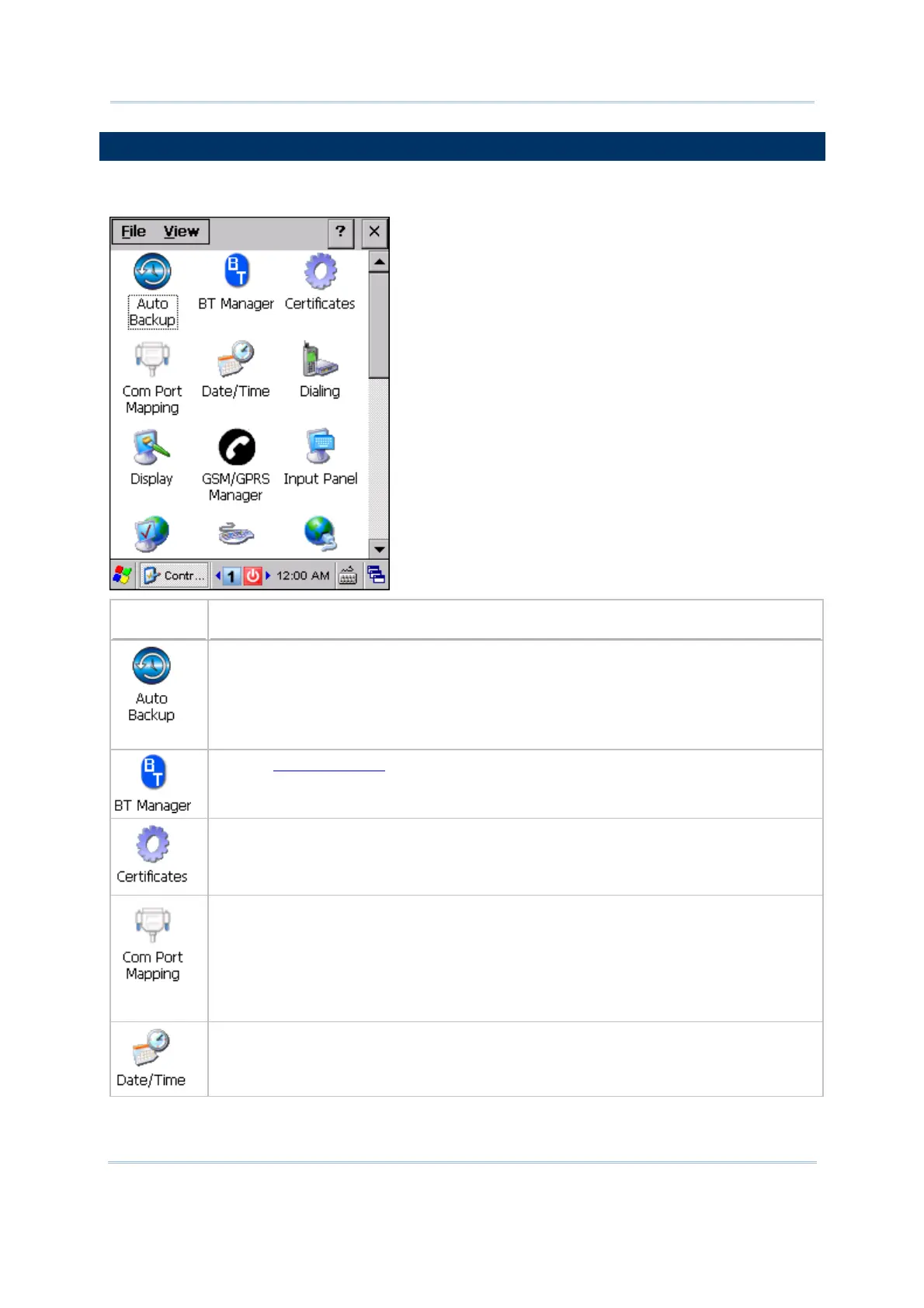
Go to Start | Settings | Control Panel.
Items
Description
In the [Auto Backup] dialog box, you may configure how often the mobile computer
automatically backups the system registry to "\DiskOnChip\Sysbak\Registry.dat".
By default, the backup interval is set to 10 seconds.
You may select to disable the automatic backup operation, and manually backup
the system registry by using CipherLab Backup Utility.
Refer to 5.9 BT Manager.
In the [Certificates] dialog box, you may view or modify digital certificates that some
application use to establish trust for secure connections.
In the [Com Port Mapping] dialog box, you may configure
the physical port for serial
data communications.
By default, COM 7 is enabled for data communications via the RS-232 cable.
You may select to disable COM 7 when you need to have an additional virtual
COM port. For example, you may use it for BT SPP via programming. The new
setting will not take effect until a warm boot is performed.
In the [Date/Time] dialog box, you may change date, time, and time zone settings.



 To Next Page