55
Chapter 3
Configurin
9600 Mobile Computer
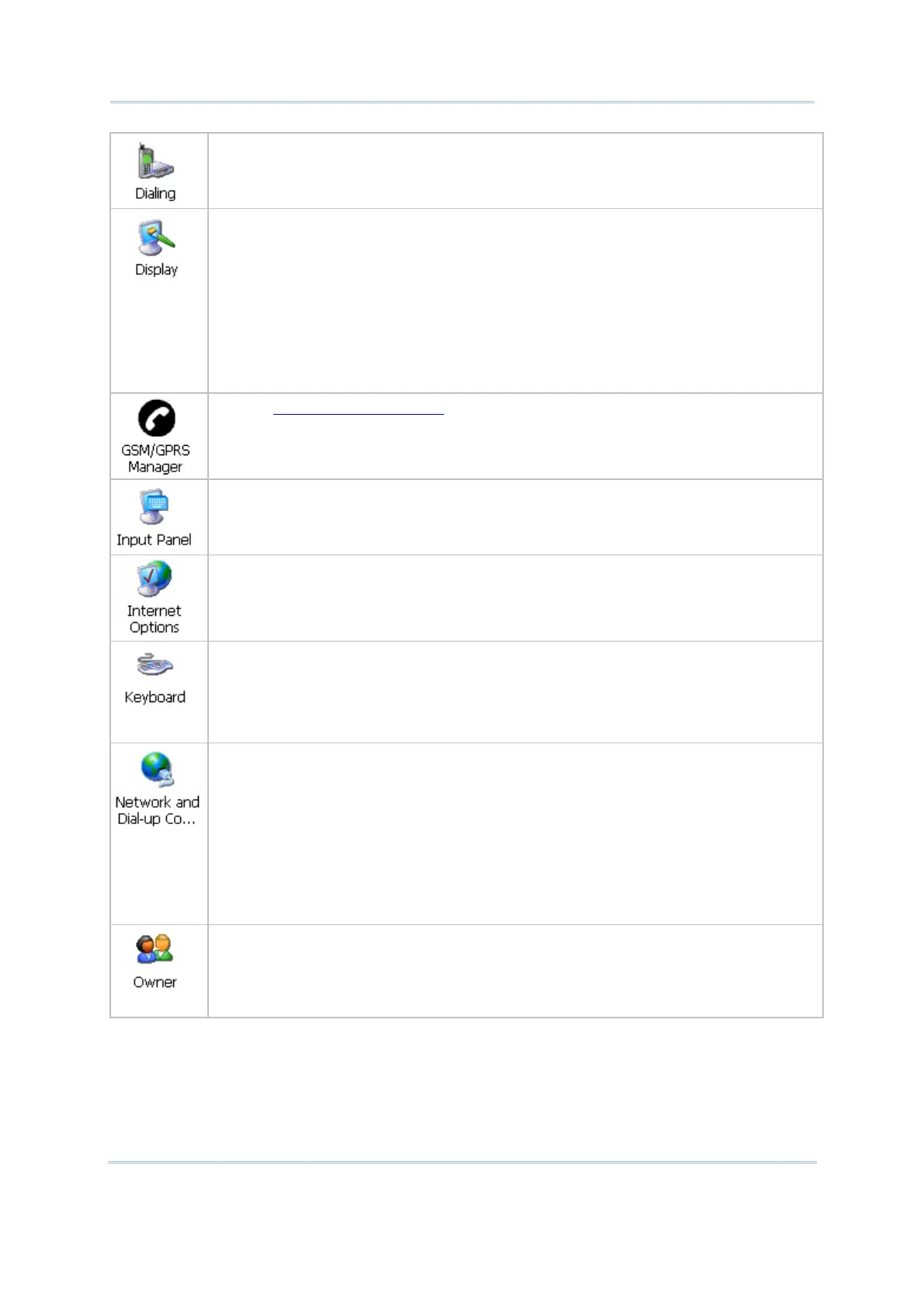
In the [Dialing Properties] dialog box, you may configure settings for modem
communications, such as GPRS modem.
In the [Display Properties] dialog box,
Background tab: Select an image for the background.
Appearance tab: Select a desired color scheme for windows, dialog boxes, and
items.
Backlight tab: Specify for how long the mobile computer is idle and then the
backlight will be automatically turned off while on battery power and external
power respectively. Tap the [Advanced] button to move the slider and adjust the
brightness of the LCD backlight when it is set to be automatically turned on once
a key is pressed or you tap the touch screen.
Refer to
6.4 GSM/GPRS Manager.
In the [Input Panel Properties] dialog box, you may configure how the Soft Input
Panel (SIP) works.
In the [Internet Options] dialog box, you may configure how the mobile computer
connects to the Internet.
Connect an external keyboard to the mobile computer or cradle via USB host cable.
In the [Keyboard Properties] dialog box,
Repeat tab: You may configure settings for character repeat.
Backlight tab: You may change the backlight setting for Qwerty keypad.
In the [Network and Dial-up Connections] window, you may configure settings for
the mobile computer connects to a network directly or through a modem.
Alternatively, you may tap Start | Settings | Network and Dial-up Connections.
USB Connection (ActiveSync via USB cable)
GPRS (through a GPRS modem)
AX88772 (via Ethernet Cradle)
SDCCF10G1 (via 802.11b/g)
BTPAN (via Bluetooth)
In the [Owner Properties] dialog box,
Identification/Notes tab: Type your contact information or notes.
Network ID tab: Type the user name, password, and domain name used to log
on to the remote network.



 To Next Page