85
Chapter 5 Using Bluetooth
5.1.1 BLUETOOTH PROFILES SUPPORTED
Bluetooth Profiles Supported
Serial Port Profile (SPP) supports Server/Client
Object Push Profile (OPP) supports Server/Client
File Transfer Profile (FTP) supports Server/Client
Dial-Up Networking Profile (DUN) supports Client only
Personal Area Networking Profile (PAN)
Human Interface Device Profile (HID) supports keyboard and mouse without cursor
Headset Profile (HSP)
Hands-Free Profile (HFP)
Note: For Serial Port Profile, Server/Client connection is allowed one at a time. Yet, you
may have COM 7 released for programming. Refer to 3.3 System Settings – Com
Port Mapping.
5.1.2 BLUETOOTH TOOLBAR
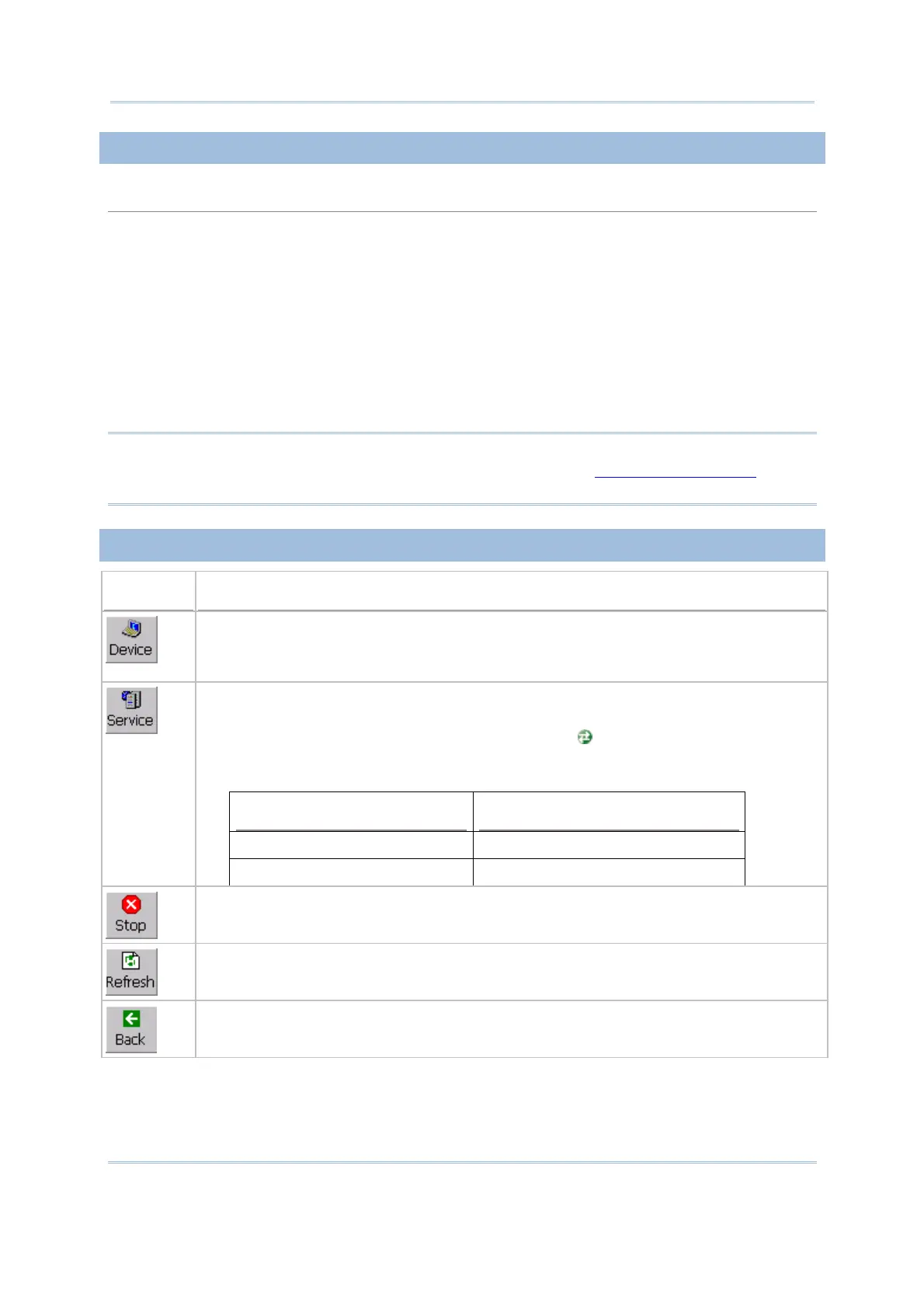
Buttons Description
Tap this button to view Bluetooth devices discovered during this session.
If you tap the button for the first time, it will start the inquiry process to discover
nearby Bluetooth devices.
Tap this button to view Bluetooth services provided on 9600.
By default, File Transfer and Object Push services are made available, and
therefore, displayed along with a green indicator .
To change properties of a service, tap and
hold it to select [Change Local Path]
from the pop-up menu.
Local Path Bluetooth Service on 9600
\Temp File Transfer
\My Documents Object Push
Tap this button to stop inquiring, disconnect connection(s) or unload service(s).
Tap this button to refresh the device list or Bluetooth services provided on the remove
device once a connection has bees established successfully.
Tap this button to restore the previous window.



 To Next Page