84
9600 Mobile Computer
Reference Manual
3) It takes several seconds to launch BT-Connect and enable Bluetooth services. The
associated icon
will appear on the taskbar. Meanwhile, the LED on the mobile
computer will turn blue and flash slowly.
Note: (1) Bluetooth power is maintained even in suspend mode.
(2) Because the settings in Power Management will be kept after warm or cold
boot, it will resume to last wireless power status after the power cycle.
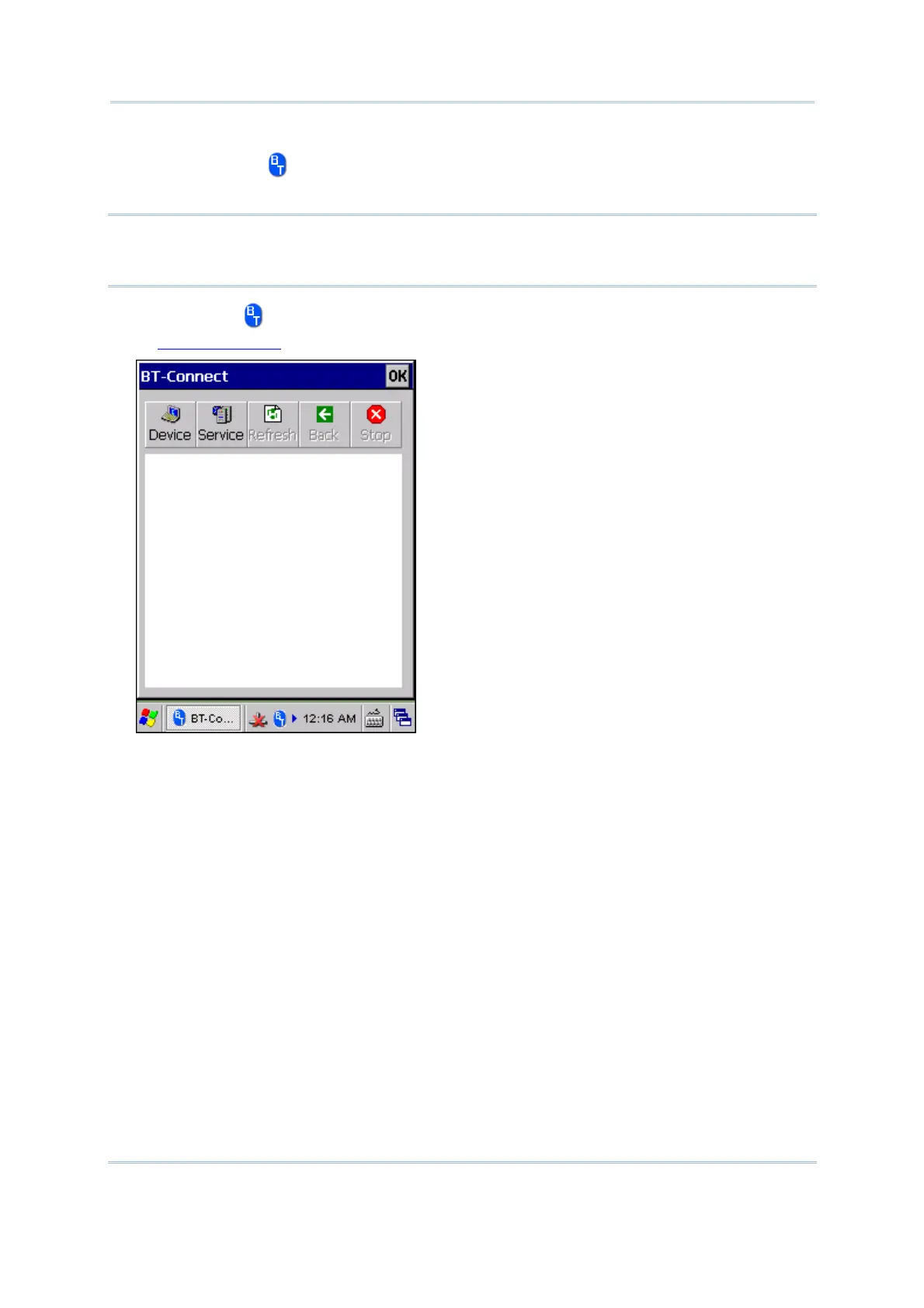
4) Tap the icon to access the menu that allows you to maximize BT-Connect. Refer
to
5.9 BT Manager to change the initial settings.
5) To stop Bluetooth connection and exit BT-Connect, turn off BT power through
Power Management. The LED on the mobile computer will go off.



 To Next Page