181
Appendix III 2D Imager
Note: When printing barcodes, keep each Macro PDF sequence separate, as each has a
unique identifier. Do not mix barcodes from several Macro PDF sequences, even if
they encode the same data. When you scan Macro PDF sequences, scan the entire
Macro PDF sequence without interruption!
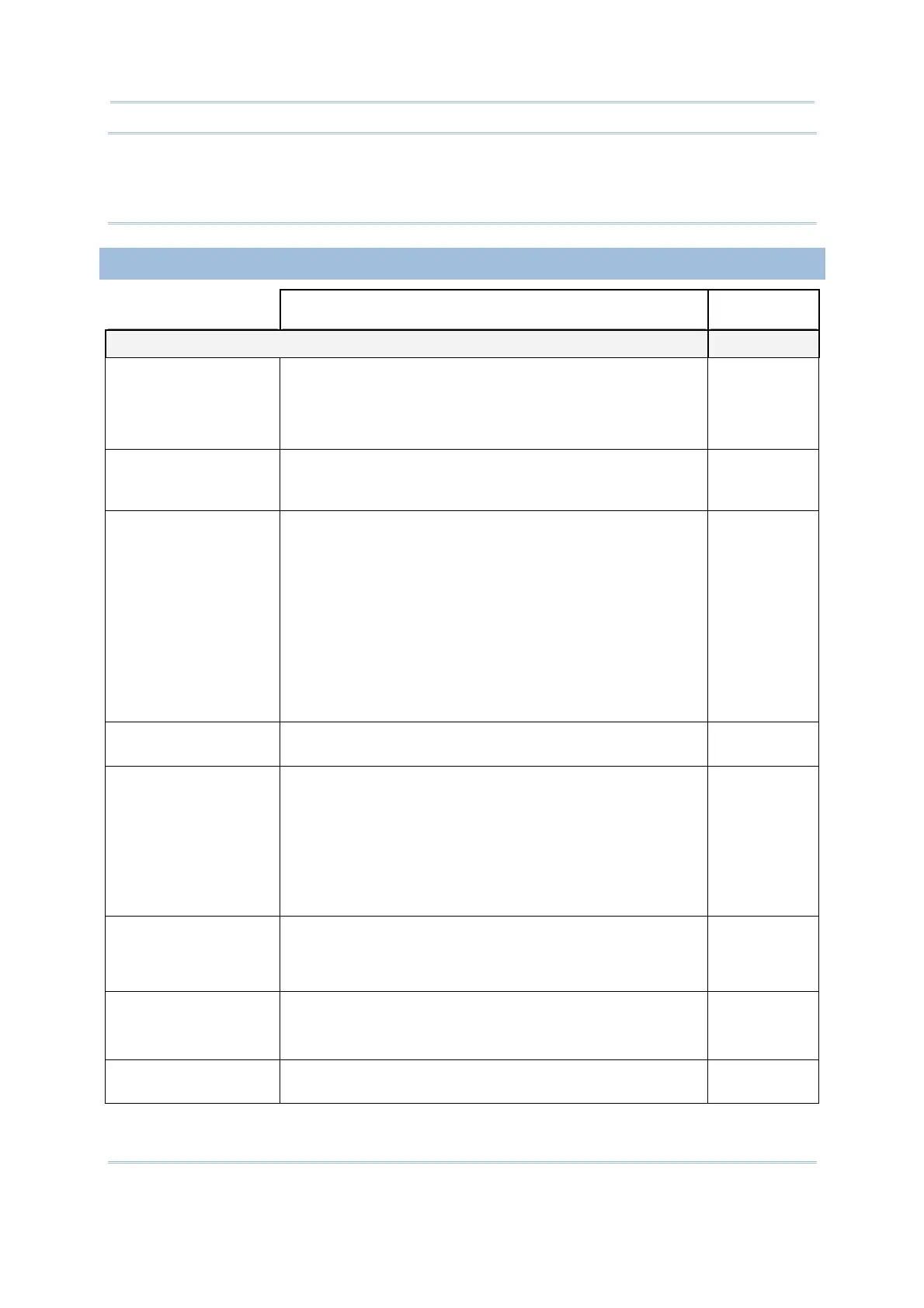
IMAGE CAPTURE & MISCELLANEOUS
2D Engine Description Default
Image Capture Disable
Image Capture
Illumination
Decide whether to flash illumination
on every image
capture to aid decoding.
Turn On (Internal LED )
Turn Off
On
Image Capture
Autoexposure
Decide whether to manually specify the gain and exposure
time (only recommended for advanced users with difficult
image capture situations).
On
Exposure Time Only applies when Image Capture Autoexposure is
disabled.
Exposure Time controls the amount of time the CCD is
allowed to collect light, much like the shutter speed for
a camera. Generally, the brighter the environment, the
lower the exposure time.
Increasing the exposure time
past 20 ms in a handheld application increases the risk
of blurring the image due to hand jitter.
Set the manual exposure time in the range of 1
ms, 10
ms, 20 ms, 30 ms, 40 ms, 50 ms, 60 ms, 70 ms, 80
ms, 90 ms, 100 ms.
1 ms
Snapshot Aiming
Pattern
Decide whether to project the aiming
pattern while
capturing an image.
On
Image Resolution Decide how to alter image resolution before compression.
Multiple pixels are combined to one pixel, resulting in a
smaller image containing
the original content with reduced
resolution.
752×480 (Full resolution)
376×240 (Half resolution)
188×120 (= 1/4 resolution)
752×480
Image Format Decide in which file format the image is saved.
JPEG file format
BMP file format
JPEG
Optimized for JPEG
Quality
Decide whether JPEG images are optimized for quality.
Cancel the check box so that JPEG images are
optimized for size.
Enable
Select JPEG Quality Set a value from 5 to 100, where “100” represents the
highest quality image.
65



 To Next Page