108
9600 Mobile Computer
Reference Manual
5.9.2 PREFERENCE
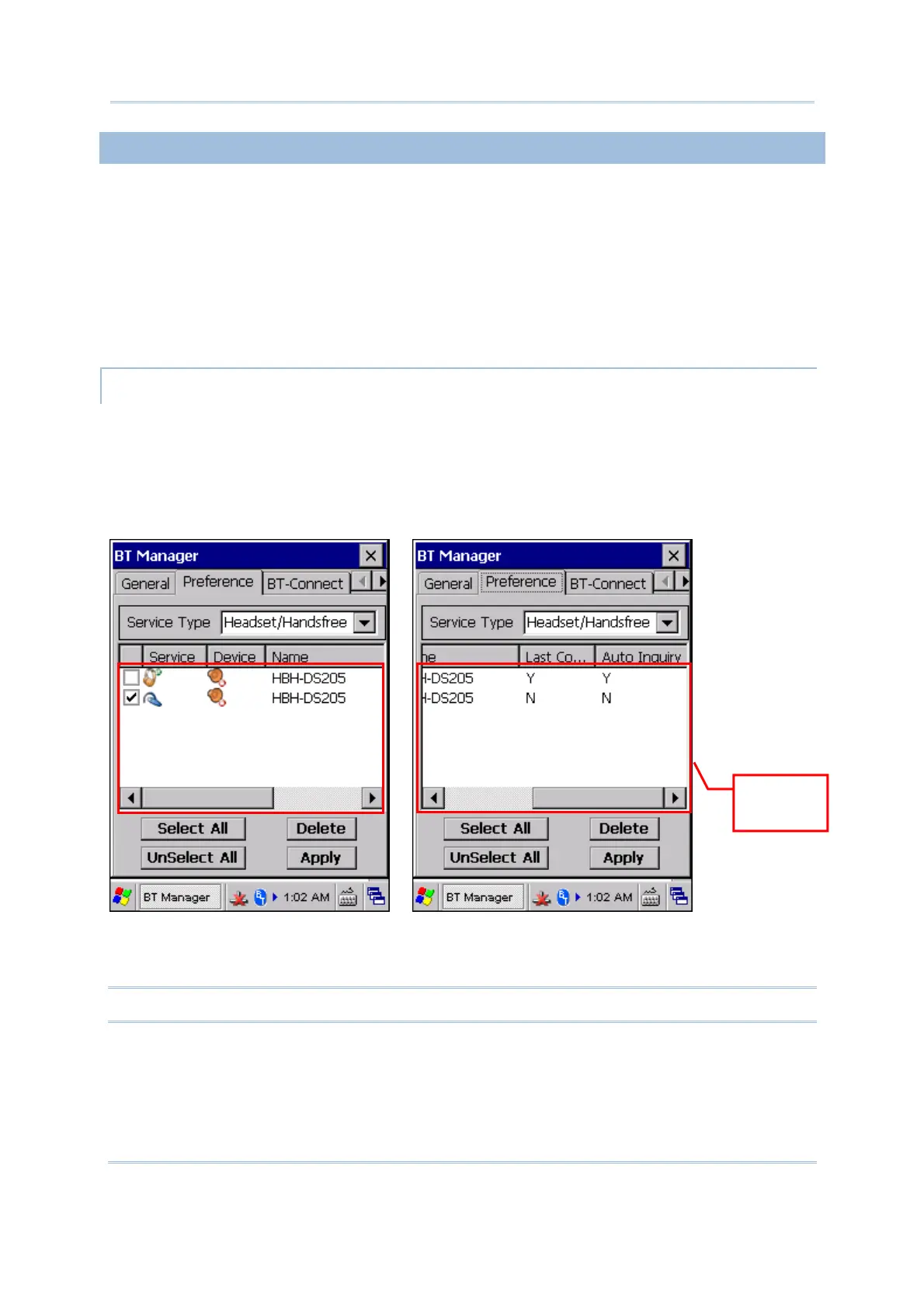
BT Manager helps sort out usage preference for all remote services which are previously
connected/disconnected. Select a desired service type from the drop-down menu:
Headset/Handsfree
HID
PAN
SPP
Others – FTP, OPP, and DUN
MANAGING BLUETOOTH SERVICES
You can view Bluetooth services which belong to the selected service type in the content
field, including service/device icons, device names, and default connection settings (Last
Connection and Auto Inquiry).
A colored icon indicates the service is available for use.
A grayed icon indicates the service is currently unavailable.
To delete an unwanted service, select the check box of the service and tap [Delete]. You
may tap [Select All] or [Unselect All] to make the selection at a time.
Note: You cannot delete a service which is currently in use.
Content
Field



 To Next Page