129
Chapter 7
Using Reader Configuration Utility
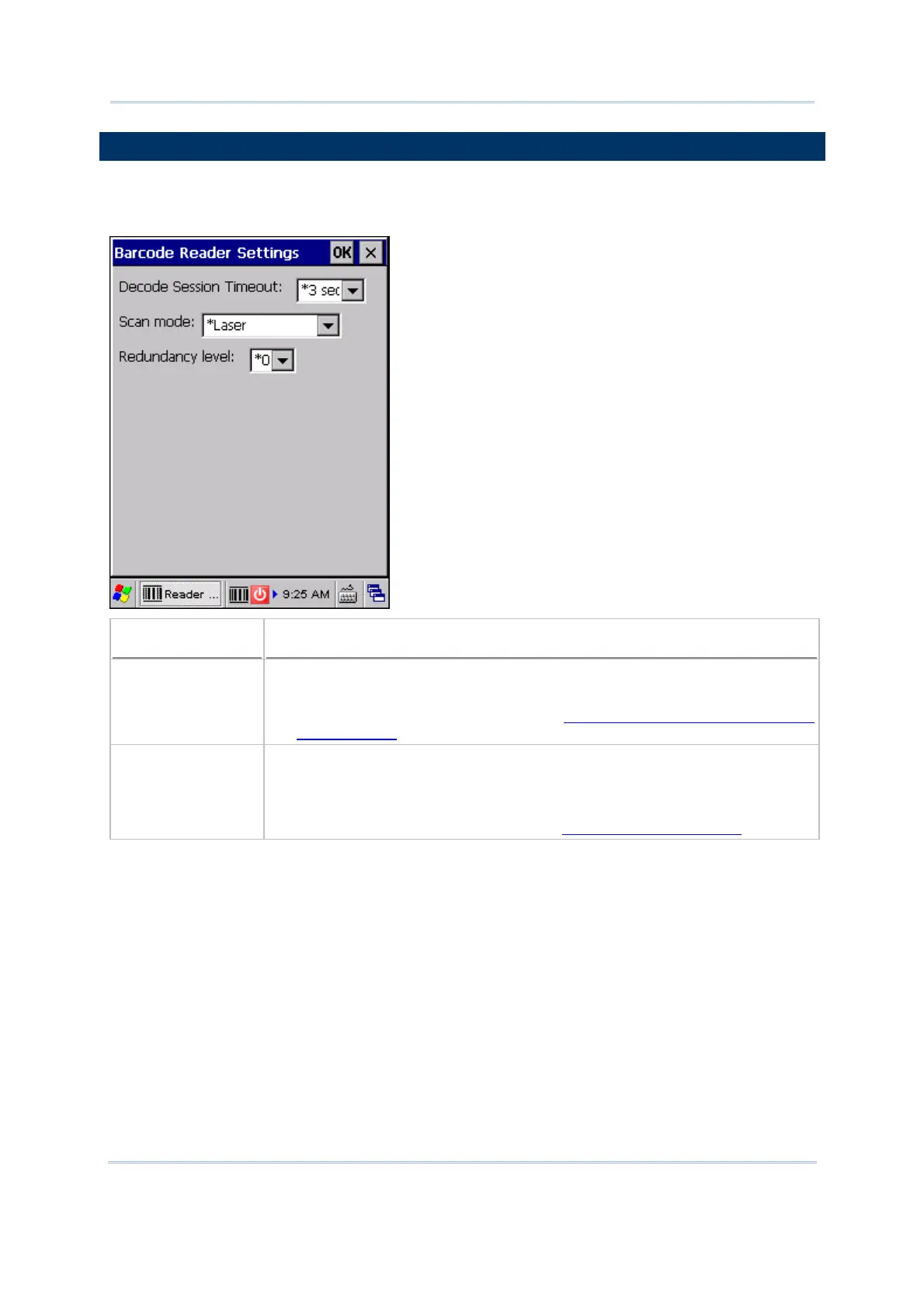
7.2 BARCODE READER SETTINGS
The barcode reader configurations depend on the scan engine(s) installed. You can tell
which reader is currently in use and make necessary changes on the General tab.
Barcode Reader
Description
CCD/Laser Reader If installed, tap the [Barcode Reader] button to configure the reader settings
for CCD or Laser scan engine.
Refer to the Reader Settings Table in Appendix II - Linear Imager (CCD),
Laser (SE950).
2D Reader The 2D scan engine is capable of reading linear and 2D barcodes.
If installed, tap the [Barcode Reader] button to configure the reader settings
for 2D scan engine.
Refer to the Reader Settings Table in Appendix III - 2D Imager.



 To Next Page