18
9600 Mobile Computer
Reference Manual
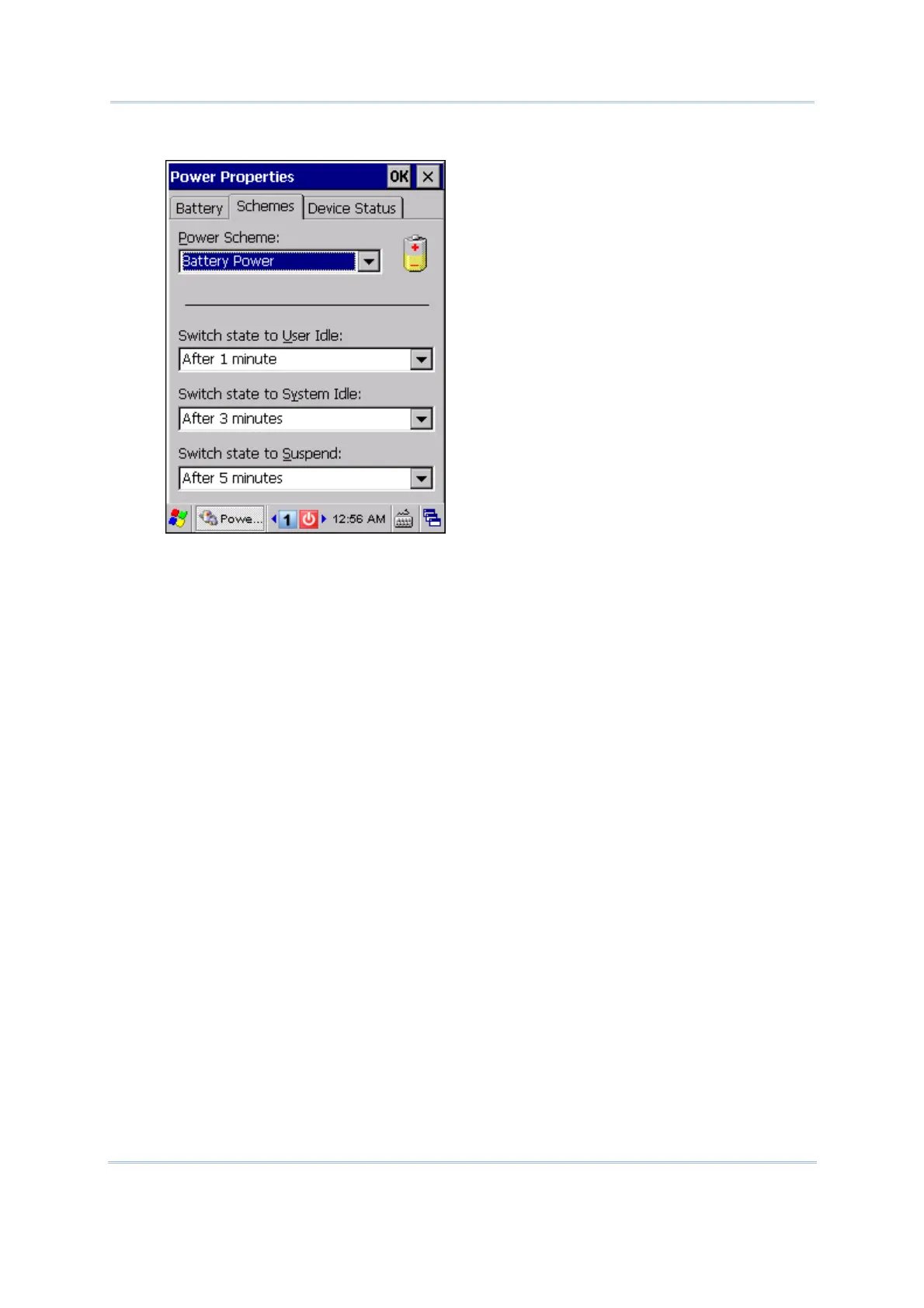
2. Tap the Schemes tab.
3. Select the desired power scheme and options for suspending operation when not
in use. The system can be set to three different states to conserve power:
User Idle state
System Idle state
Suspend state
The time choices represent the amount of time that must pass before the system
will switch to the next power conservation state.
If you keep the default settings, 9600 will enter the User Idle state in 1 minute, go
to the System Idle state in another 3 minutes, and then the Suspend state in
another 5 minutes.
That is, 9600 will switch to Suspend mode after a total of 9 minutes.



 To Next Page