125
Chapter 6 Using GSM/GPRS
CHANGING PIN CODE
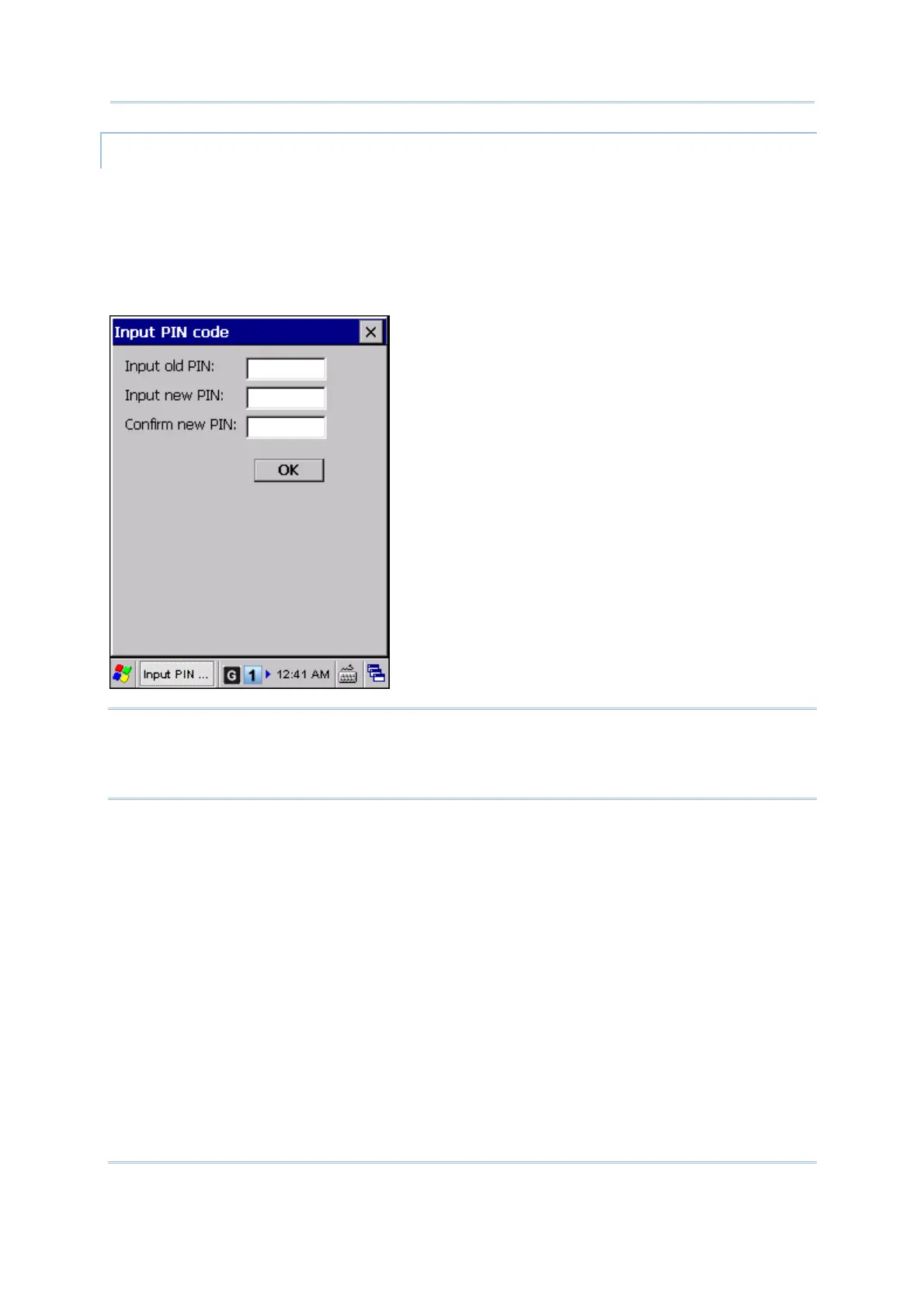
To change the PIN code on your SIM card, tap [Change PIN] and input the old and new
PIN codes in the dialog box.
When PIN protection is enabled and a PIN code is required to access the GSM/GPRS
service, tap [Change PIN] and enter the old PIN three times to verify your PIN. If you
need to change the PIN code, tap [Change PIN] again, and input the old and new PIN
codes.
Note: The PIN verification on the mobile computer allows three attempts to input the
correct PIN code. If you fail three times, the PIN will be blocked, and you will need
to obtain the PUK code from your network operator and unblock the SIM card on
your cellular phone.



 To Next Page