20
9600 Mobile Computer
Reference Manual
2. You may tap, hold, and drag the slider to re-allocate the memory.
SDRAM
Storage Memory (left) Program Memory (right)
128 MB
onboard
It refers to the memory allocated
for file and data storage.
It refers to the memory allocated
for running programs.
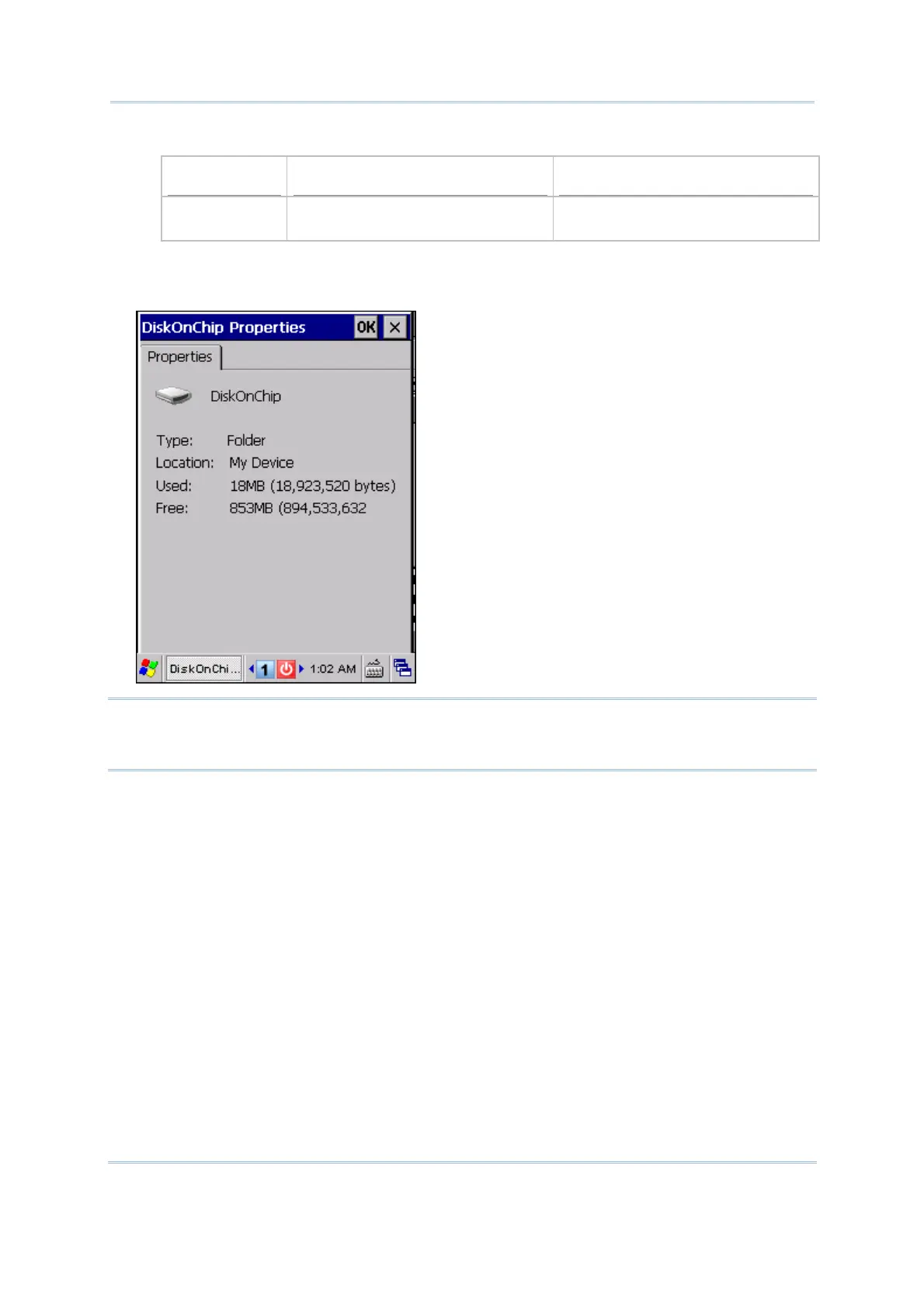
Double-tap My Device on the desktop, and then tap and hold the DiskOnChip icon.
Select Properties from the pop-up menu. In the Properties tab, it displays the current
capacity and usage of DiskOnChip.
Note: The DiskOnChip is part of the onboard 1 GB flash memory. Because the flash
memory is non-volatile, data or programs stored in DiskOnChip will not be erased
after hardware reset.
Go to Start | Settings | Control Panel and double-tap the Storage Manager icon.
Here provides information on the DiskOnChip folder or storage card.



 To Next Page