77
Chapter 4 Using 802.11 Radio
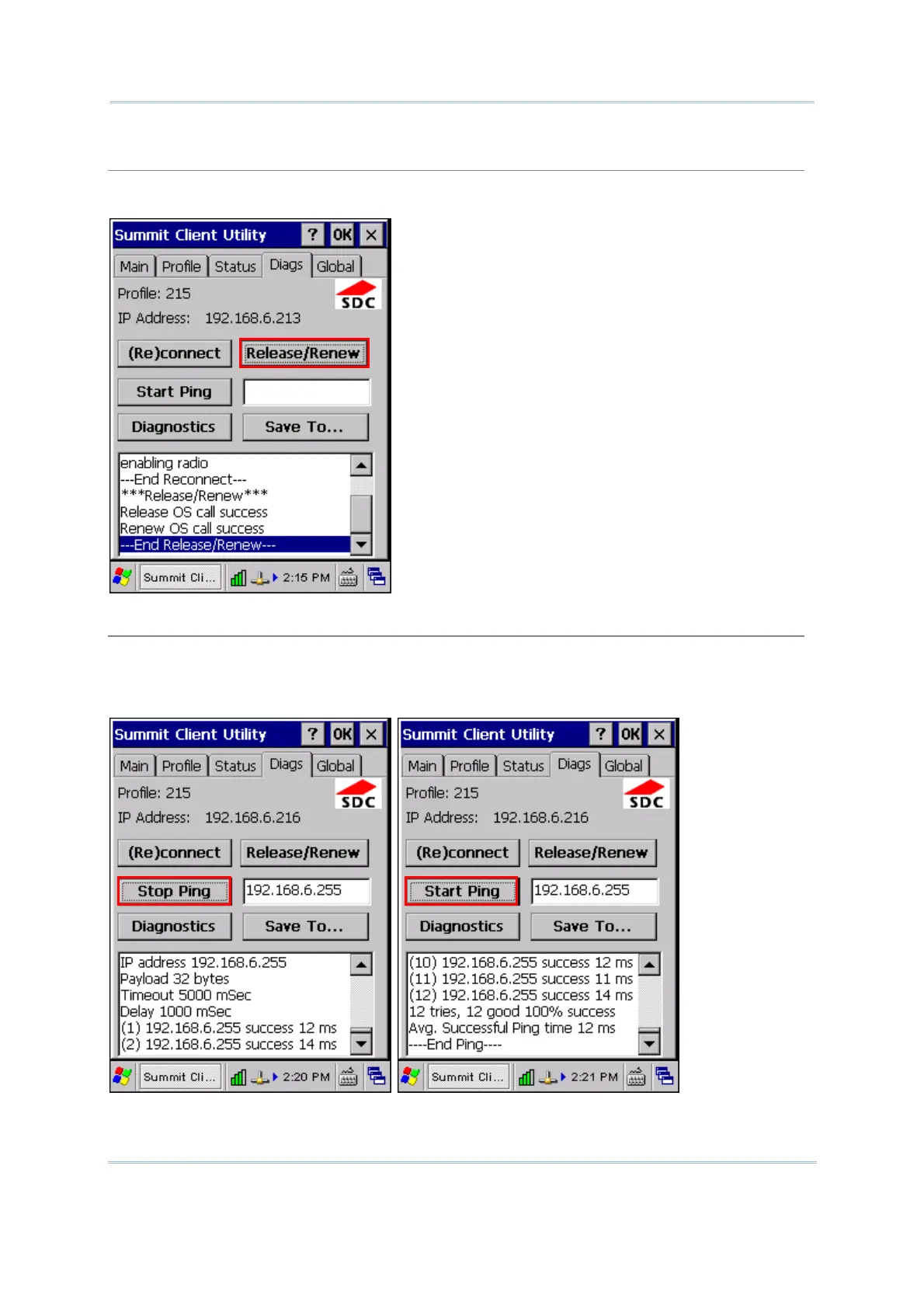
Release/Renew
Obtain a new IP address through DHCP release/renew, and log all activity in the output area at
the bottom.
Start Ping
Start a continuous ping to the address in the edit box next to the button. Once the button is
tapped, its name and function will change to [Stop Ping]. Pings will continue until you tap the
[Stop Ping] button, move to an SCU window other than Diags or Status, exit SCU, or remove the
radio. Also, it logs all activity in the output area at the bottom.
When a ping initiated on the Diags window is active, the Status window displays a ping indicator
consisting of two “lights” that take turns to show green (for a successful ping) or red (for an



 To Next Page