All content © 2017, cmotion GmbH. All specications subject to change without notice. http://www.cmotion.eu
88/112
■Press the “SELECT” button to check osets.
■Turn the “SELECT” wheel to scroll through each synchronization point. Both
motors will turn to their new synchronized positions.
■You can delete any individual synchronization point by pressing the LENS (‘clear’)
button.
■Press the KNOB (‘back’) button to return to the pervious screen.
■From the initial “SYNC” menu page, select the next scale to be synchronized and
repeat as above.
Note: It is also possible to synchronize ‘ANY’ scales using the
“SCALES” option in the “SYNC” menu. This allows you to synchronize
rig control or even focal length with focal distance.
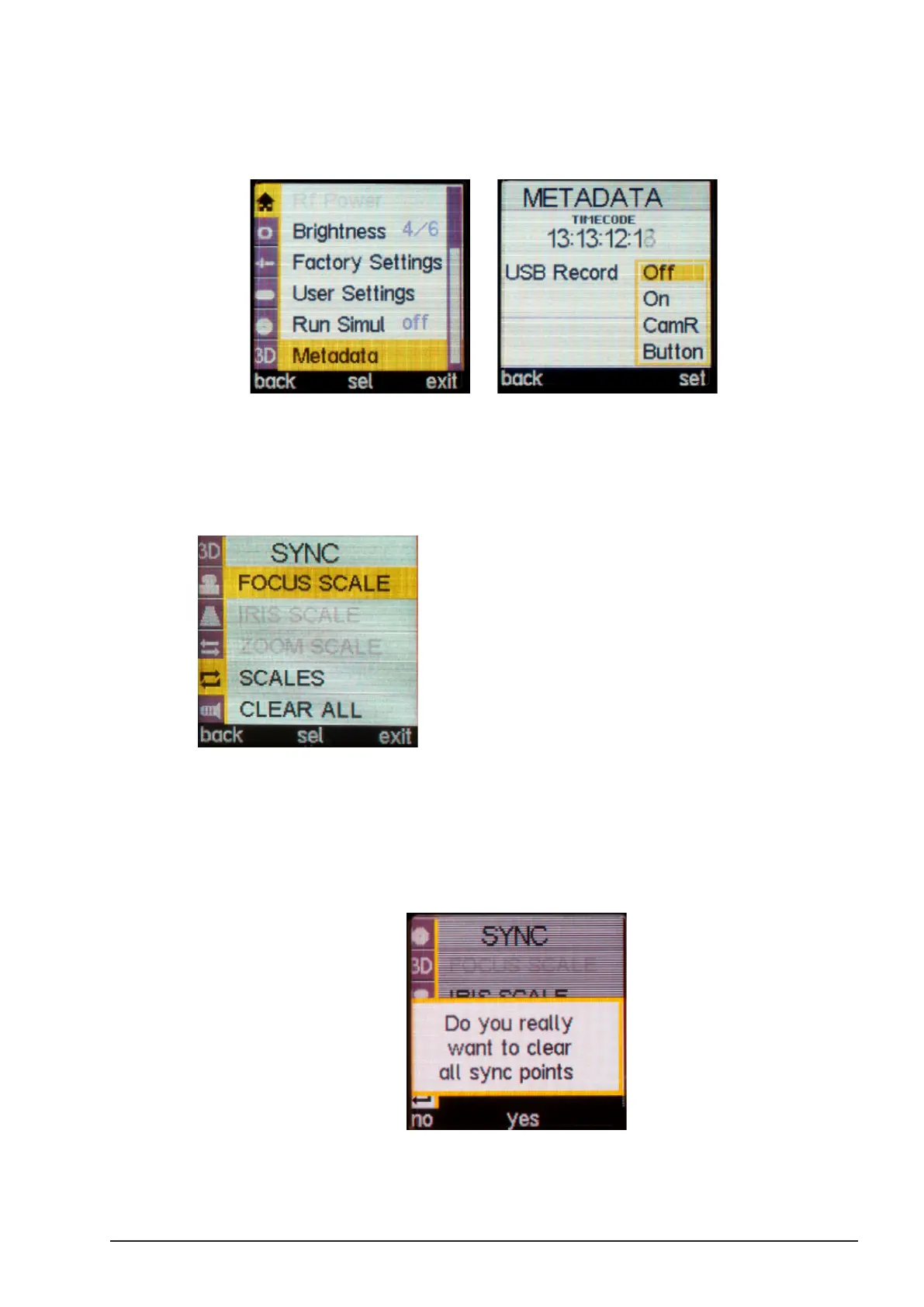
Note: All synchronization points can be deleted by selecting CLEAR
ALL and conrming [yes].
Note: If you reset the camin to factory defaults, you will also be asked
whether you want to clear all sync points.



 To Next Page