Setup procedures (part 4)
8-10 9390 Reference manual
Action Notes
10.
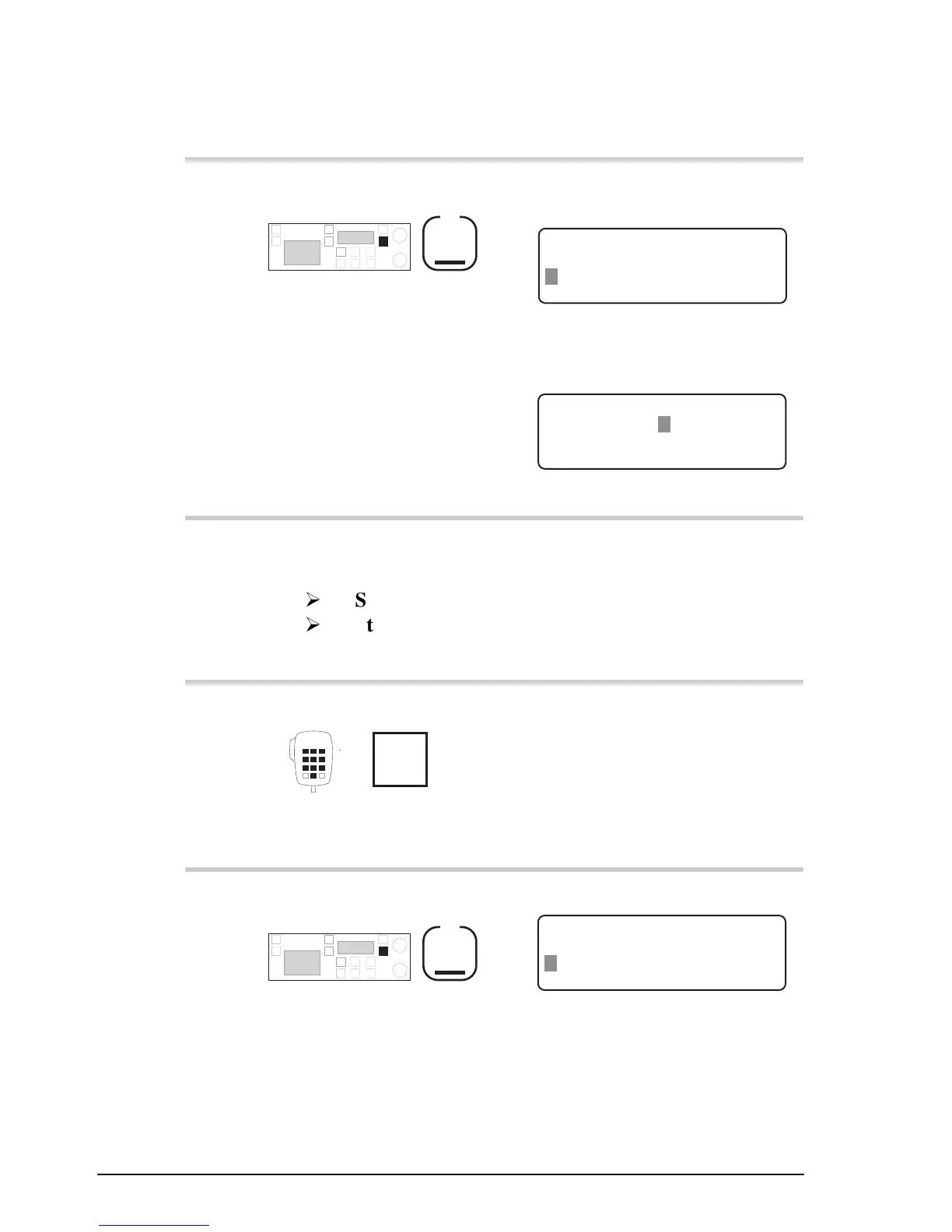
Press
F2
Example of the display for the
‘
Codan
’ selcall type:
CLEAR
Self ID: 1 8 5 0 7 4 Codan
Selcall Group: 2
ENTER
– – – – – – – – – – – – – – – – – – – –
Example of the display for the
‘
RDD
’ selcall type:
EXIT
PIN: – – – – – – RDD
Selcall Group: 1
ENTER
Enter RDD PIN
11.
Did you select the ‘
RDD
’
selcall type?
Yes
Step 12.
No
Step 14.
12.
Enter your RDD PIN
numeral
buttons
13.
Press
F2
Example of the display:
CLEAR
Self ID: 1 2 3 4 RDD
Selcall Group: 1
ENTER
– – – – – – – – – – – – – – – – – – – –



 To Next Page