Setup procedures (part 4)
9390 Reference manual 8-7
If you set a called ID for the selcall group, you will
automatically call the station with this ID every time you send
a selective call on a channel programmed with this selcall
group. If you then want to call a different station on this
channel, you will need to change or cancel this called ID
setting. Fixing the called ID in this way is useful for ship
stations that only ever need to call a coast station.
The selcall type describes the type of selcall group. For
normal selective calling between stations, use the ‘
Codan
’
selcall type. If you want to set up a selcall group for Radio
Direct Dialling (secure telcalls) use the ‘
RDD
’ selcall type.
A selcall group for sending secure calls consists of:
• the self ID
• the called ID field left unset
• the selcall type set to ‘
RDD
’
• the RDD PIN
• an optional comment describing the selcall group for
RDD use.
Setting up a selcall group
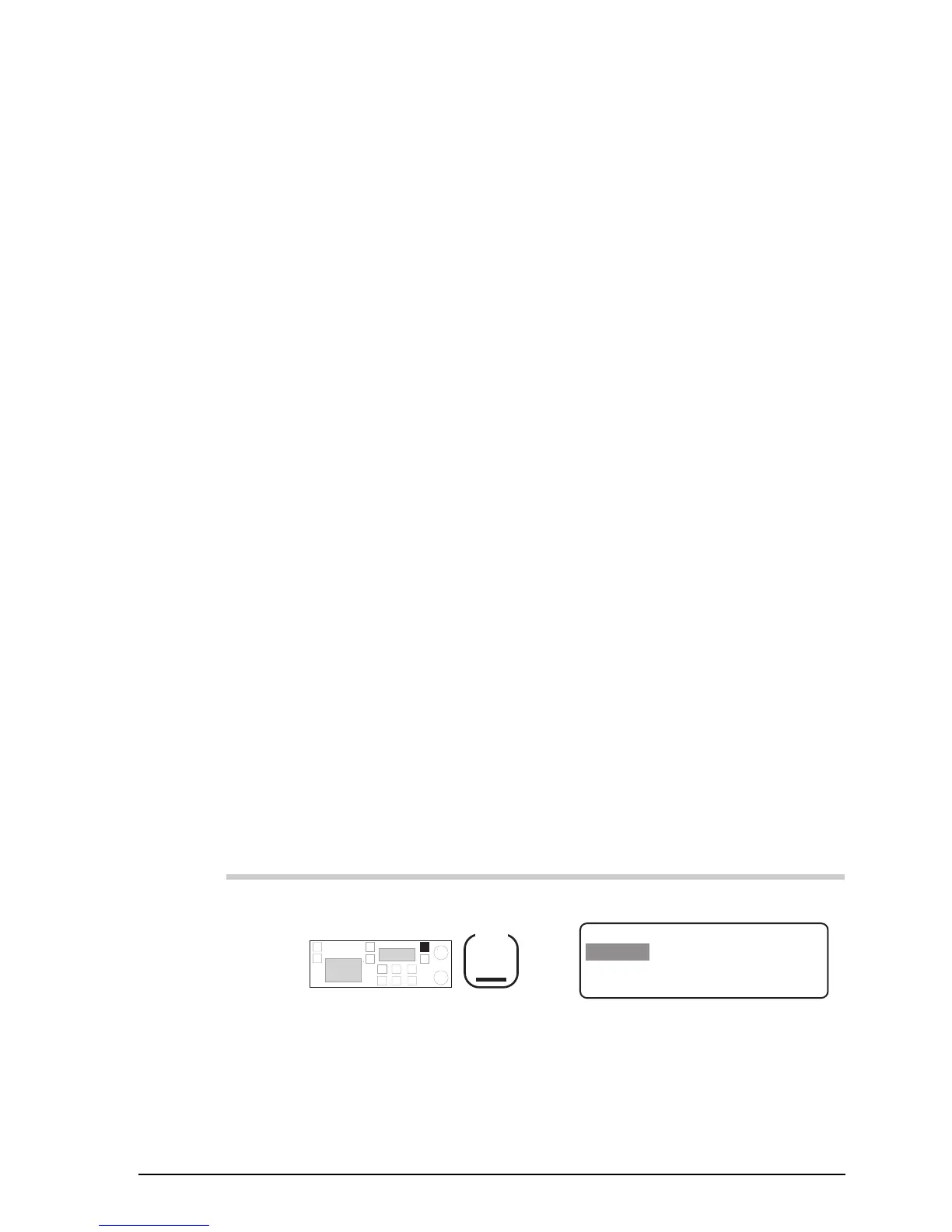
To set up a selcall group:
Action Notes
1.
Repeatedly press
Mode
until you see the display
for Setup mode.
The display shows:
EXIT
SETUP MENU
1- Scan-
2–Call
ENTER
3–Config
4–More
1/2



 To Next Page