Appendix A: RAU Upgrades P/N 709C011801 Page 121
6.2 GEU-S Installation
This section describes the installation procedure for the GEU-S installed at the remote site.
Note the following:
• The GEU-S unit must always be mounted parallel to the ceiling or wall with a 1-in (minimum) clearance from the surface on
the back and front to allow for proper airflow cooling and heat dissipation.
• The GEU- is provided with a mounting bracket used for mounting on the wall or concrete ceilings (including above acoustic
ceiling mounts). Additional below/mid-mount acoustic ceiling mounting options are possible using a T-Bar mounting bracket
(not provided).
• GEU-S weight: 2.64 lbs (1.2 kg)
6.2.1 Package Contents
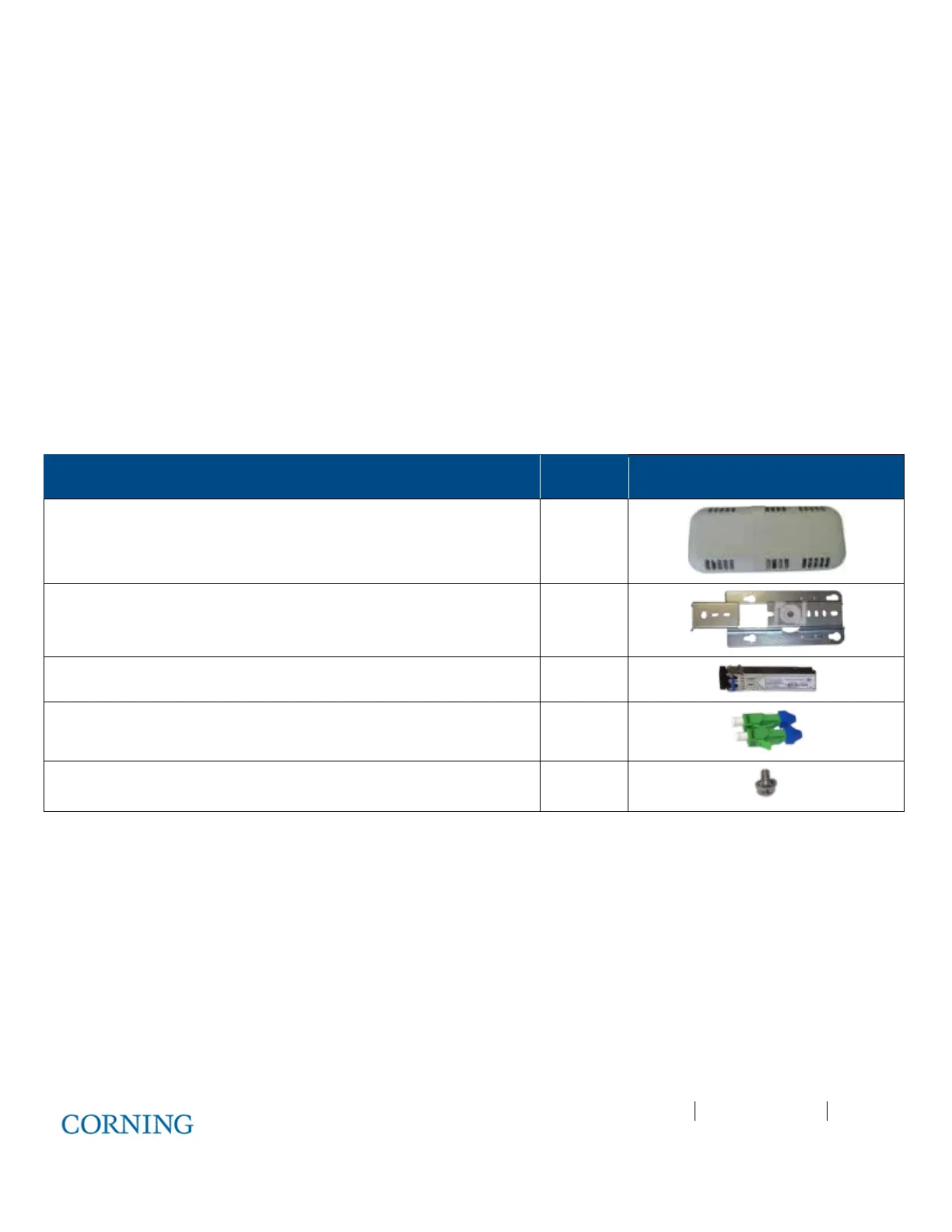
Check your package contents to verify that the items in the packing list are included. If any of the listed items are missing,
contact your Corning representative.
Description Quantity
Gigabit Ethernet Unit Standalone (GEU-S) 1
Mounting Bracket with CADDY
®
“Twist On” Fixture Support
1
SFP – Fiber UPC Module (pre-inserted) 1
UPC to APC Adapter 2
Screw, SEM 8-32X3/8 , Pan Head, Philips - used to secure bracket to
GEU-S
1
Table 6-2.GEU-S Package Contens
6.2.2 Routing Connection Cables
1. Locate DC, fiber, Ethernet and grounding wiring connections.
2. Route the connection cables through the center of the Mounting Bracket. See Figure 6-5.



 To Next Page