Installation – RF Path Elements P/N 709C011801 Page 83
5.1.3.5 Fiber Connections
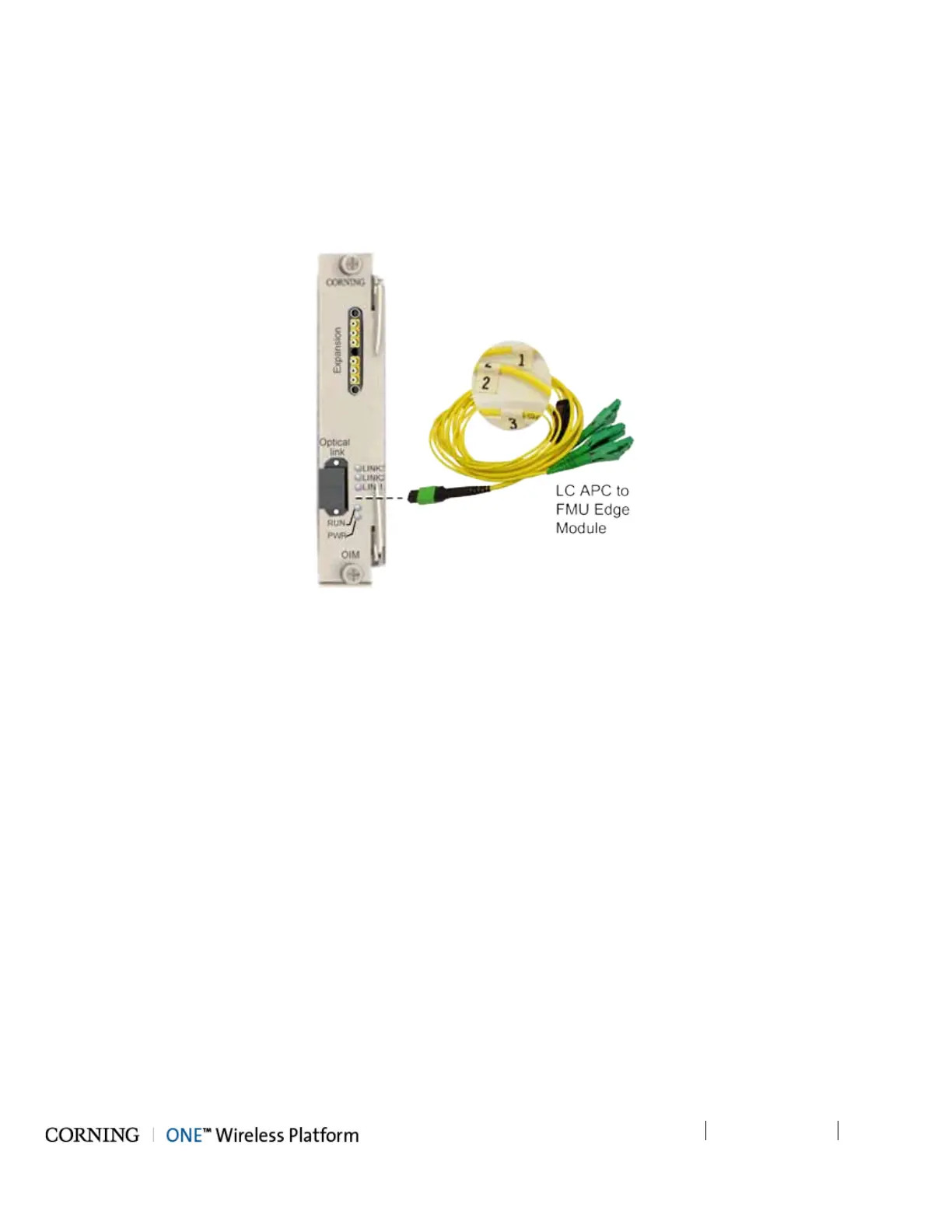
1. Using the provided Corning MTP-LC APC Harness Cable:
• Connect the cable MTP® connector to the OIM MTP® connector
• Remove the protective plastic covers and connect the (3) LC APC connection fibers to the FMU Edge module LC APC
connections. See Figure 5-30.
2. Take note of the fiber numbering (1/2/3). See Figure 5-30.
Figure 5-30. OIM Fiber Connections



 To Next Page