Installation – RF Path Elements P/N 709C011801 Page 92
5.2.1.2 Installing Power Supply Module
Note: The power supply modules are hot-swappable and can be installed/extracted either before or after power-up.
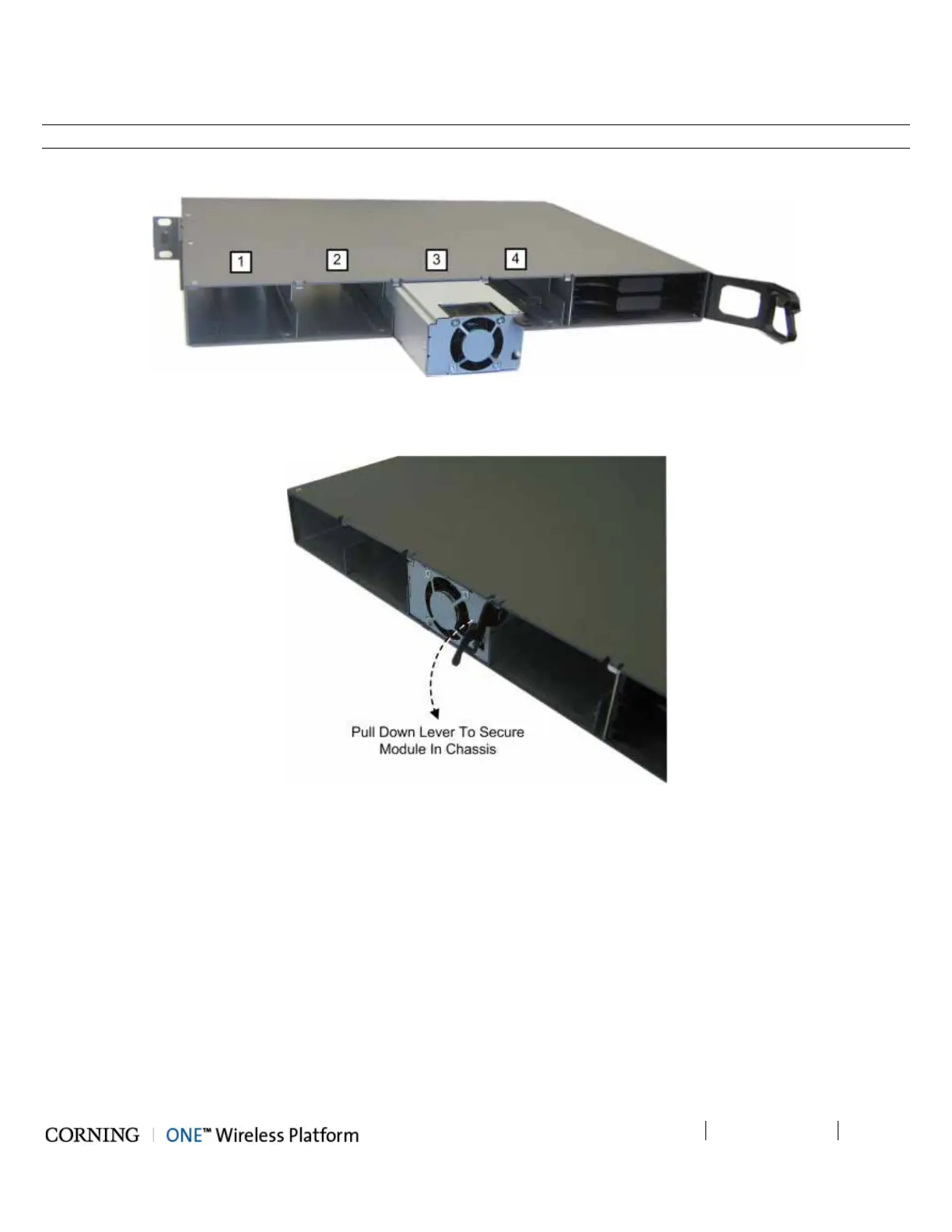
1. With the lever up, slide the power supply module into any of 1-4 PS slots on the ICU chassis rear (Figure Figure 5-42).
Figure 5-42. Inserting Power Supply Module
2. Push in the module until the lever meets the chassis (Figure 5-43).
Figure 5-43. Securing PS Module in ICU Chassis
3. Secure by pulling the lever downward until it “clicks" and module is flush with chassis rear.



 To Next Page