Installation – RF Path Elements P/N 709C011801 Page 63
5.1.2 HEU Installation
Note the following information:
• The HEU chassis is supplied empty and only includes the factory assembled FAN Module (FAM). All other modules are
ordered separately and must be installed.
• The RF service interfaces are implemented by service specific RIM/RIM-M modules that are provided separately according
to your order.
• In installations with more than one HEU, the HEU in which the HCM module is installed is determined as the “Main HEU”.
Any additional HEU unit is installed with an ACM module and is managed via the HCM in the Main HEU through an
RJ45/RJ45 connection (see section 5.1.1).
• One HEU supports connections to up to four OIU units
• The Cable management Tray can be assembled either before or after the unit is installed (see section 5.1.4 - HEU/OIU
Cable Management Tray).
5.1.2.1 Unpacking and Inspection
This section describes the installation procedure for the ONE™ Headend Unit (HEU) and relevant modules.
Unpack and inspect the cartons according as follows:
6. Open the shipping cartons and carefully unpack each unit from the protective packing material.
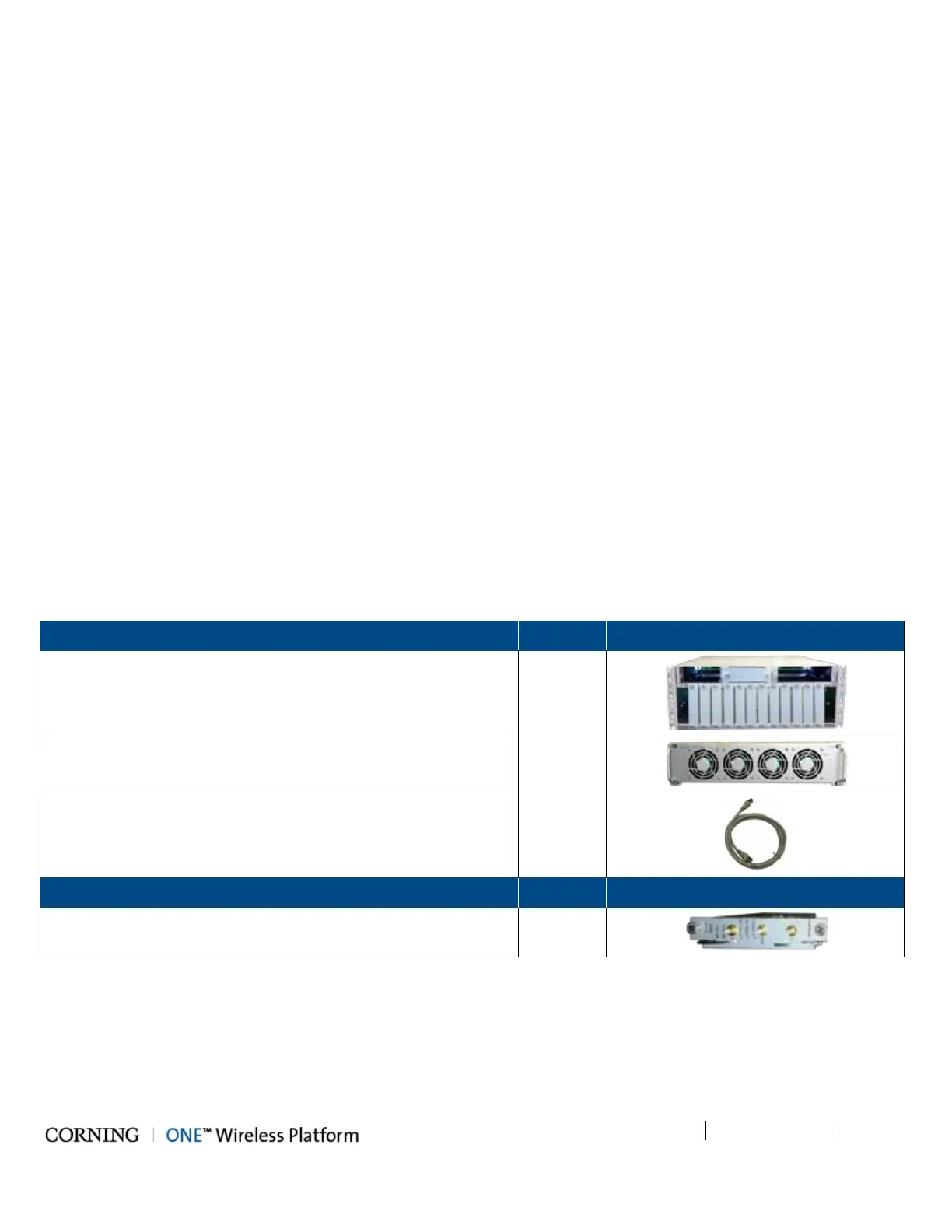
7. Verify that all the items required for installing the ONE™ HEU according to the items listed in Table 5-1. If any of the listed
items are missing, contact your Corning Cable Systems representative.
8. Check for signs of external damage. If there is any damage, call your Corning Cable Systems representative.
Items required for installing the HEU:
Headend Unit Chassis (with blank panels on RIM and one PSM slots
– includes factory installed Fan Module (FAM) in chassis rear
1
Fan Module (FAM) – single unit hosting 4 fans
(factory installed in chassis rear)
1
RJ45/RJ45 communication cable L=2m-2.15m (P/N 705900003) –
HCM management cable
1
RIM Kit (1-12 according to order)
Radio Interface Module (service specific)
1



 To Next Page