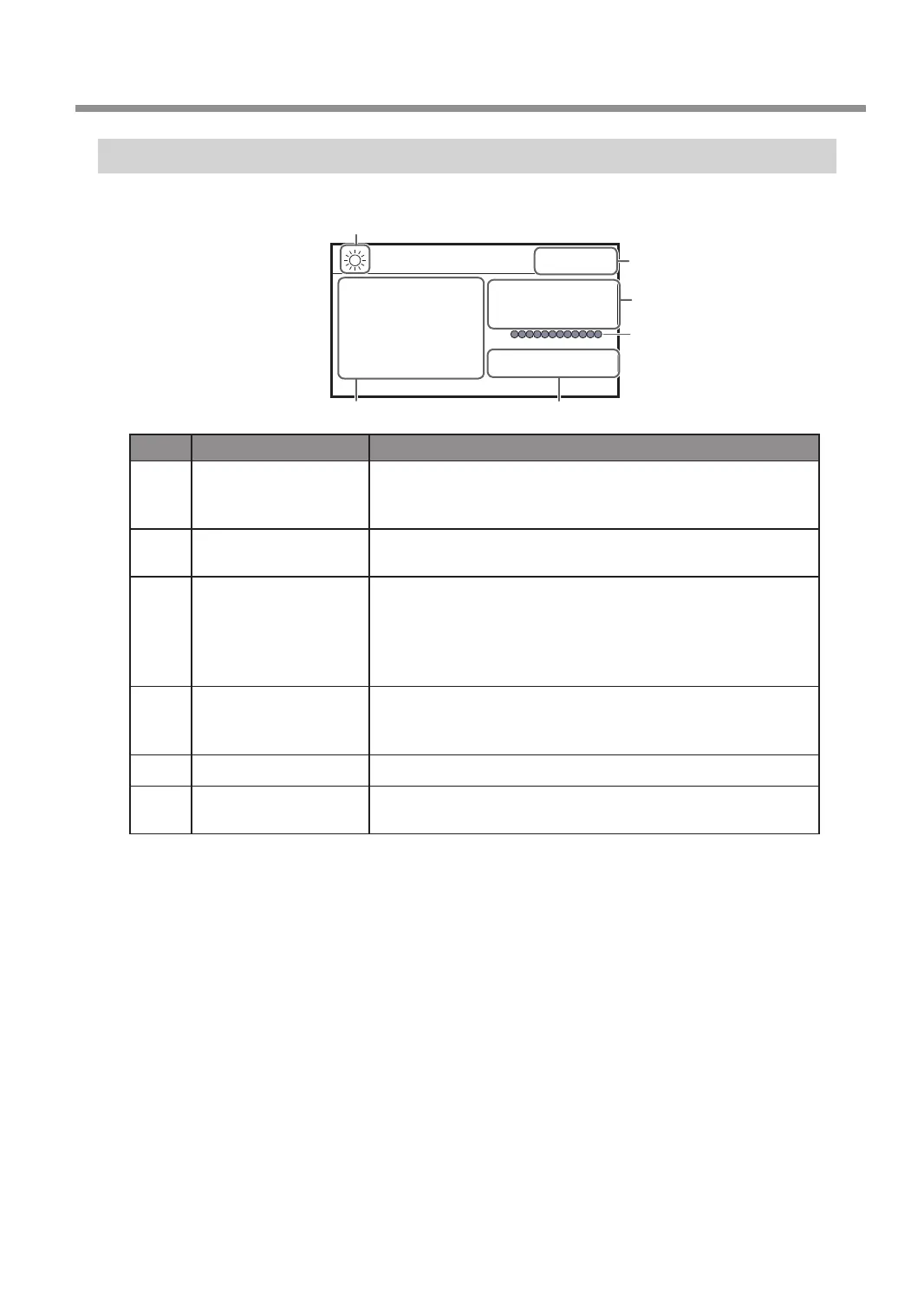
Viewing the Handy Panel Screen
XYZ 100%
S 100%
X 50.00mm
Y 30.00mm
Z 20.00mm S 5000rpm
012345678901234567 READY
2
5
1
6
4
3
(Main screen)
No. Part Overview
1
Laser pointer on/off
When the laser pointer function is turned on, this icon appears. When
the laser pointer function is turned on, the current values of the laser
pointer are displayed on the handy panel.
2
Status display
Displays the status of the machine such as [READY], [BUSY], and
[PAUSE].
3
Current values of the
tool/laser pointer
When the laser pointer function is off, this displays the current values
of the tool seen from the user origin. When the laser pointer function
is on, this displays the current values of the laser pointer seen from
the user origin.
" P. 39 “Step 2: Setting the XY Origin”
4
Override
Displays the ratio of change (unit: %) relative to the present feeding
speed (XYZ) and the spindle rotating speed (S). The override setting
is only displayed during engraving.
5
Spindle load Indicates the increase in load as the gauge increases to the right.
6
Number of rotations
of the spindle
Displays the number of spindle rotations per minute.
Part Names and Functions
9
Chapter 1 Getting Started



 To Next Page