Using an End Mill
This performs engraving using an end mill.
WARNING
Never inadvertently touch the computer or handy panel while performing this task.
Unintended operation of the machine may lead to you being caught in the machine.
WARNING
Securely fasten the cutting tool and workpiece in place. After securing in place,
make sure no spanners or other articles have been left behind inadvertently.
Otherwise, such articles may be thrown from the machine with force, posing a
risk of injury.
CAUTION
Be careful around the cutting tool.
The cutting tool is sharp. Broken cutting tools are also dangerous. To avoid injury,
exercise caution.
CAUTION
The machine contains blades and other sharp components.
Be careful not to touch the tool tip or any other sharp edges. Doing so may cause injury.
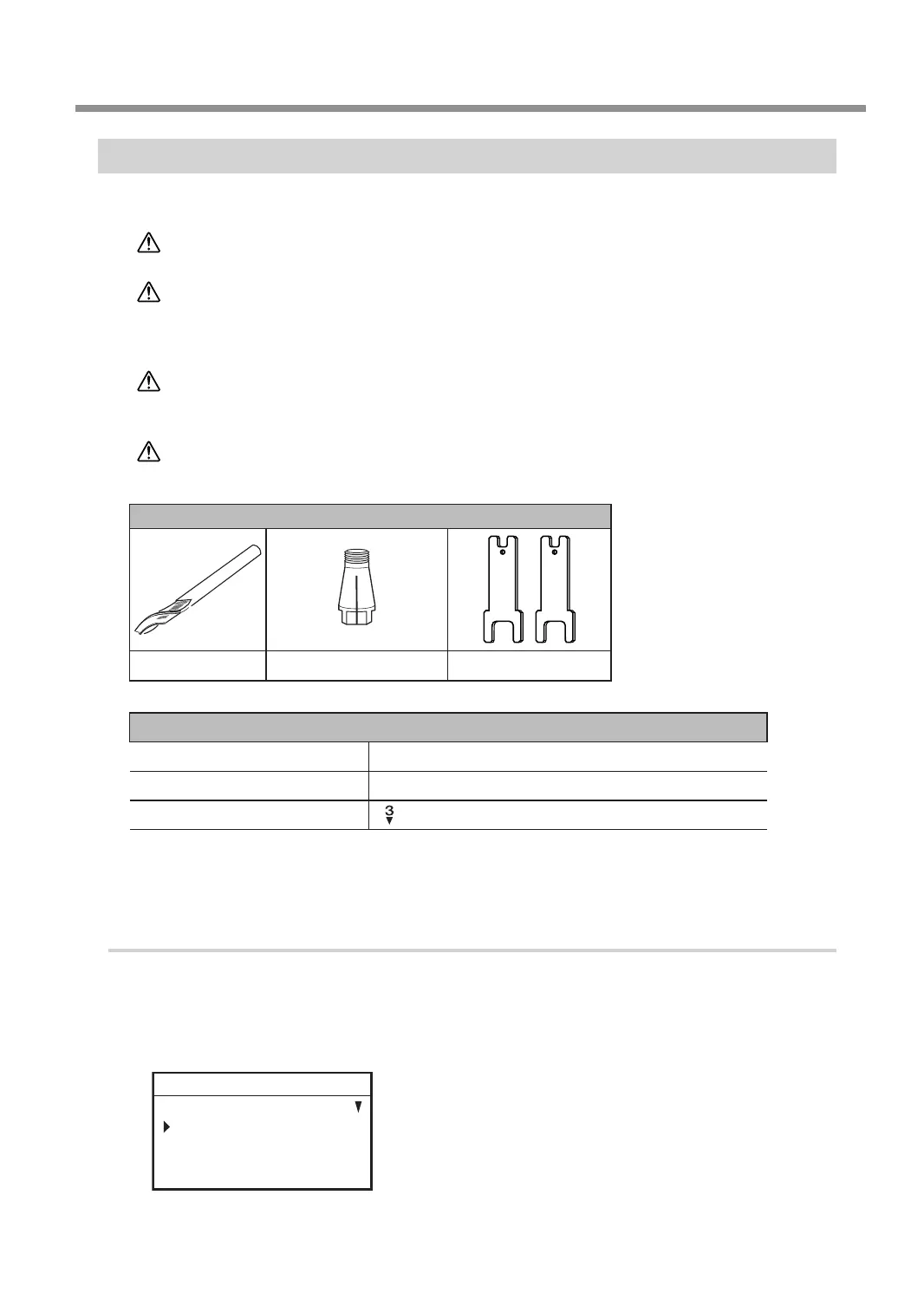
Items used in this procedure
End mill* Collet for end mill*
Wrenches (2)
* Optional item
Settings for this machine
Automatic Z control OFF
Spindle rotation ON
Lock lever position
Before performing the procedure in this section, complete the following operations.
" P. 38 "Setting the Workpiece"
" P. 39 "Step 2: Setting the XY Origin"
1.
Make the settings for Z-axis control.
A
If the front cover is open, close it.
B
Press [ENTER/PAUSE].
C
Press [MENU] several times to display the following screen.
SETTINGS
OPERATING MODE
SPINDLE REVOLUTION ON
AUTO Z CONTROL OFF
012345678901234567 READY
Using Various Tools
97
Chapter 5 Various Engraving Methods



 To Next Page