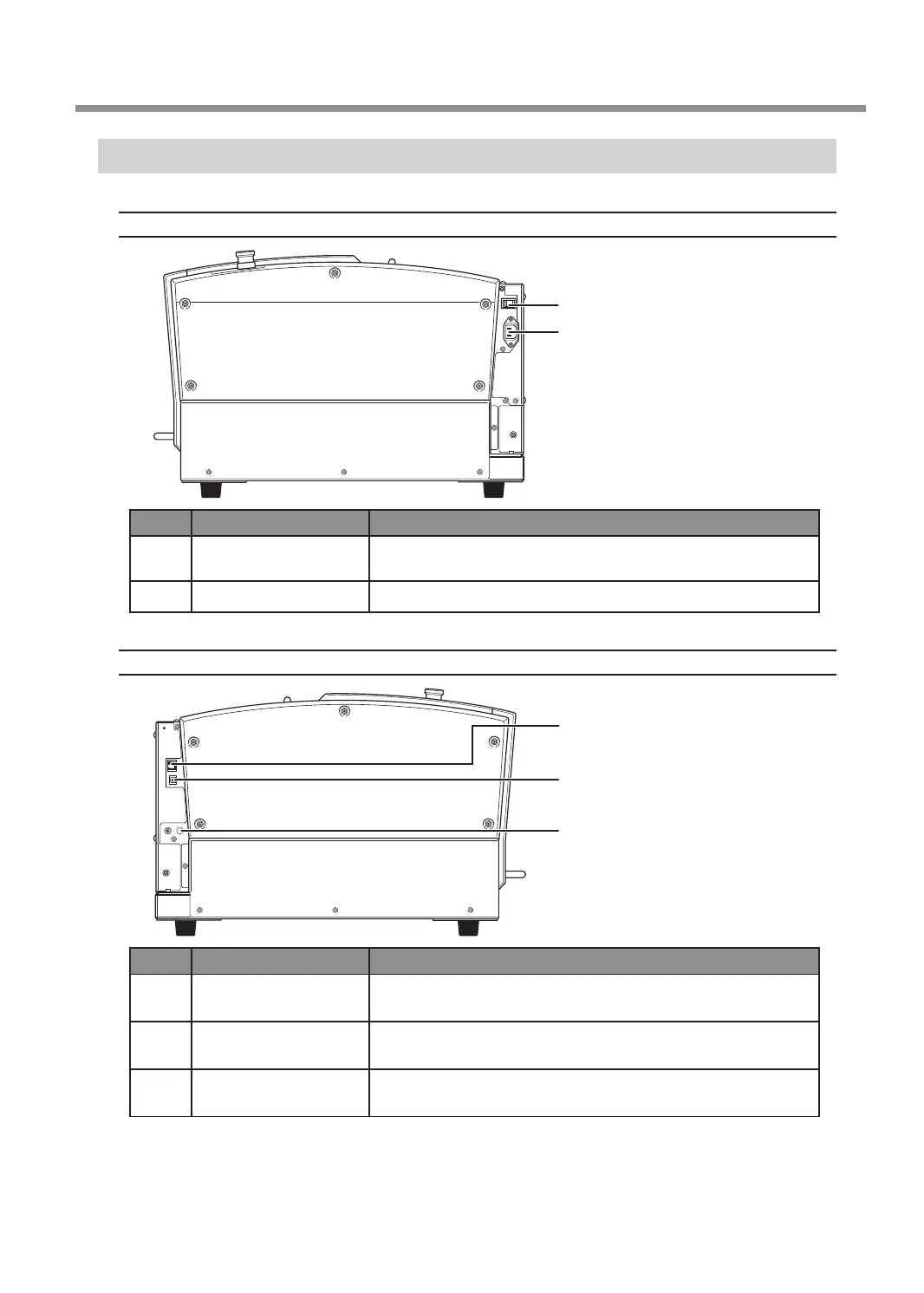
Side
Right Side
1
2
No. Part Overview
1
Power switch
This switches this machine's power on or off.
" P.16 “Switching the Power On or Off”
2
Power cord connector This is for connecting a power cord.
Left Side
3
4
5
No. Part Overview
3
LAN connector
This is for connecting a LAN cable.
" Setup Guide "Connecting the LAN Cable"
4
USB connector
This is for connecting a USB cable.
" Setup Guide "Connecting the USB Cable"
5
Expansion port
This is a connector for external equipment.
" P. 152 “Expansion Port”
Part Names and Functions
7
Chapter 1 Getting Started



 To Next Page