Considering Engraving Parameters
This machine lets you perform engraving using a wide variety of workpiece materials and tools. However, the
optimal engraving conditions that yield the desired engraving results for these combinations vary.
Typical Setting by Material
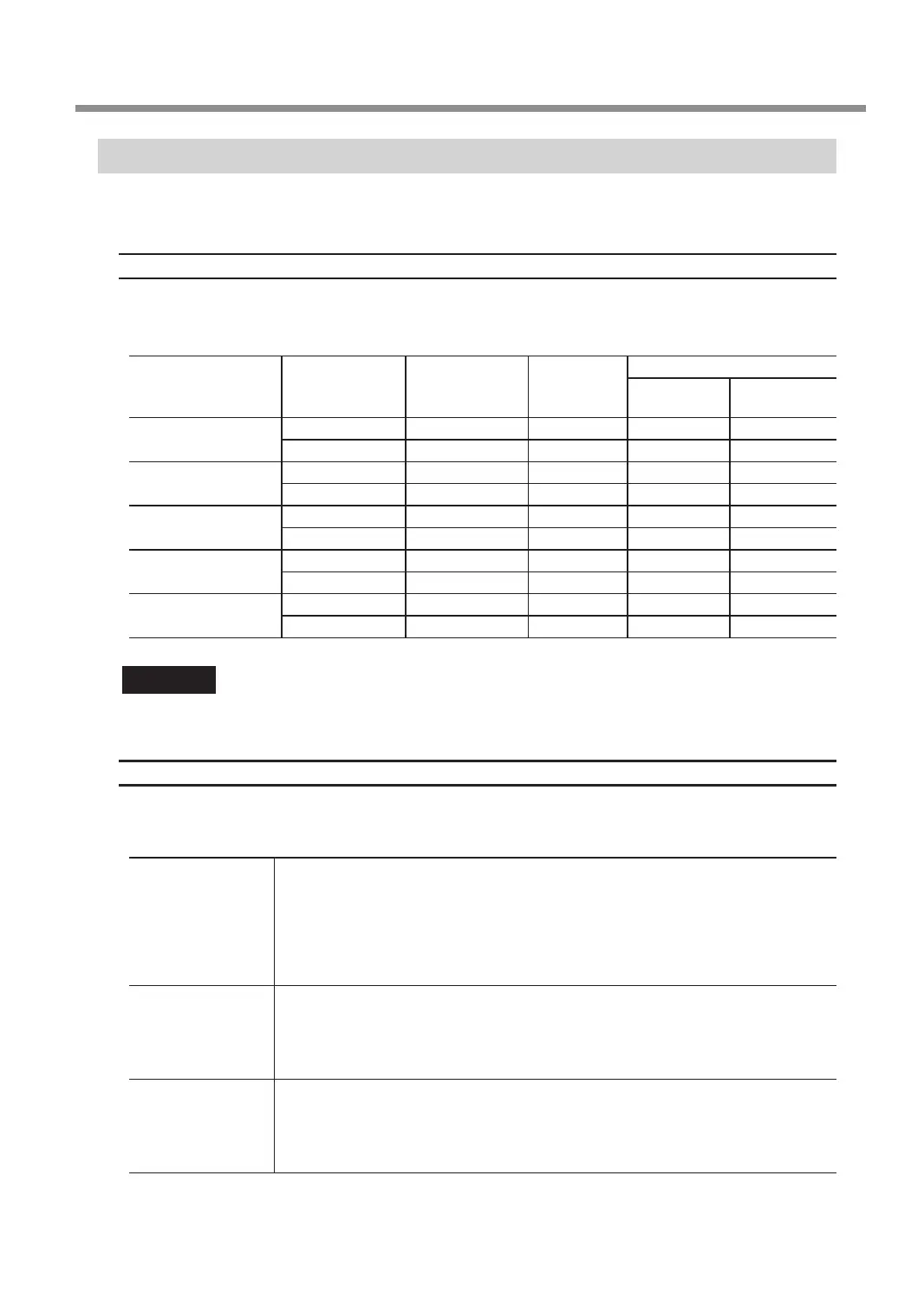
The table below shows suggested tools and engraving parameters suited to various types of workpieces. Refer to
these when selecting the engraving conditions. Before you perform the actual engraving, carry out an engraving
test and adjust each condition.
Workpiece material Tool type
Spindle
rotating speed
(RPM)
Cutting-in
amount
(mm)
Feeding speed
XY speed
(mm/sec.)
Z speed
(mm/sec.)
Acrylic
ZEC-A2025 15000 0.2 15 5
ZEC-A2320 15000 0.2 15 5
Aluminum
ZEC-A2025-BAL 15000 0.1 5 1
ZDC-A2000 No rotation - 10 1
Brass
ZEC-A2025-BAL 15000 0.1 5 1
ZDC-A2000 No rotation - 10 1
Chemical wood
ZEC-A2025 15000 0.45 8 7
ZEC-A2320 15000 0.45 8 4
Modeling wax
ZEC-A2025 15000 0.5 30 10
ZEC-A2320 15000 0.2 30 5
Important
Never use a ø4.36 mm (0.17 in.) tool at a spindle rotating speed higher than 15,000 rpm. Doing so may lead to
spindle unit damage due to vibrations.
Tips for Fine-tuning
The optimal conditions are determined by the balance between factors such as the workpiece hardness, the
feeding speed, the spindle rotating speed, the cutting-in amount, and the capability of the tool. Refer to the
following tips and try ne-tuning the conditions.
Spindle rotating
speed
In general, faster rotation provides increased engraving capacity. However, a feeding
speed that is too slow with respect to the number of rotations may lead to melting of the
workpiece due to heat or to increased burring or roughness. Roughness may also occur
at some places because tool feeding stops momentarily at places where the direction
of engraving changes (that is, at corners). In this case, lower the number of rotations. It
may also be a good idea to use faster settings for narrower tools and slower settings for
wider tools.
Feeding speed
Faster speeds result in shorter engraving times, but the load also increases accordingly.
The load may overcome the strength with which the workpiece is secured in place,
resulting in crooked lines or a non-uniform engraving depth. Also, a feeding speed that
is too fast for the spindle rotating speed may result in roughness or a raised nap. In such
cases, lower the feeding speed.
Cutting-in amount
Deeper cutting-in amount results in a greater load, and roughness becomes more likely
to occur. When you make the cutting-in amount deeper, it is a good idea to raise the
spindle rotating speed and lower the feeding speed accordingly. Note, however, that
there is a limit to the maximum cutting-in amount. When deep engraving is required, it is
a good idea to perform double engraving and reduce the amount of engraving per pass.
Using Various Tools
87
Chapter 5 Various Engraving Methods



 To Next Page