Changing the Operation Mode
This selects the operation when engraving data is sent from the computer.
Procedure
A
If the front cover is open, close it.
B
Press [ENTER/PAUSE].
C
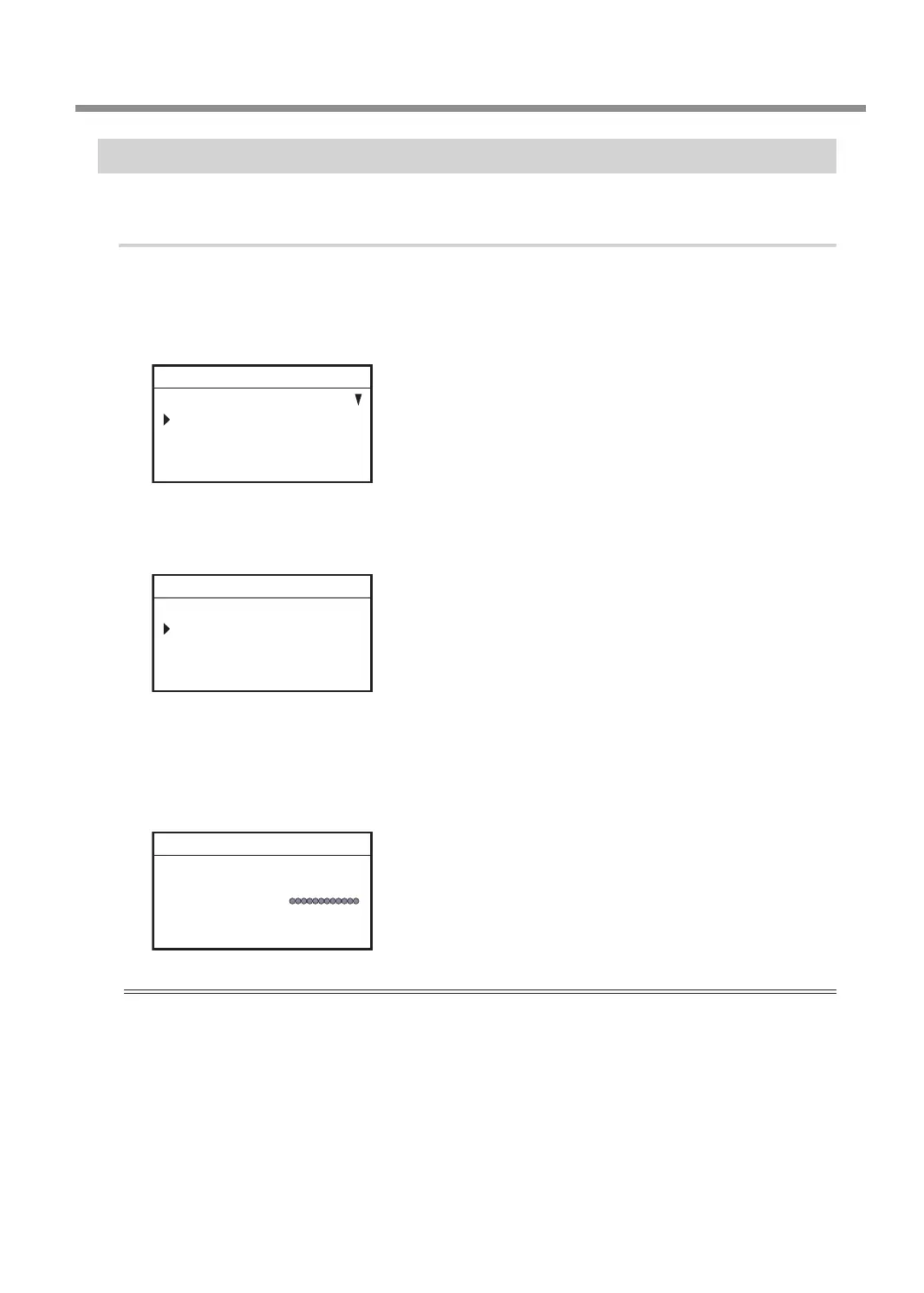
Press [MENU] several times to display the following screen.
SETTINGS
OPERATING MODE
SPINDLE REVOLUTION ON
AUTO Z CONTROL OFF
012345678901234567 READY
D
Press [ENTER/PAUSE].
E
Turn the [Dial] and select the operation.
OPERATING MODE
CUT
PREVIEW PATH
PREVIEW AREA
012345678901234567 READY
CUT : The engraving starts.
PREVIEW PATH
:
The laser pointer traces the path of the tool during engraving.
PREVIEW AREA
:
The laser pointer pauses at the four corners of the engraving area to indicate the area.
F
Press [ENTER/PAUSE] to conrm.
The main screen appears again.
X 15.00mm
Y 23.00mm
Z 0.00mm S 5000rpm
012345678901234567 READY
Important
If the operating mode is set to [PREVIEW PATH] or [PREVIEW AREA], this setting returns to [CUT] after engraving
data is output once. If you want to perform a preview when outputting the engraving data the second time as
well, set the operating mode again prior to output or select [Engraving Preview] from the menu in Dr. Engrave
Plus.
" P. 118 "Previewing before Engraving"
Other Basic Operations
63
Chapter 3 Basic Engraving Methods



 To Next Page