Previewing before Engraving
Preview using the laser pointer.
" P. 155 "Laser Pointer Irradiation Area"
Checking the Cutting Path of the Tool (Path Preview)
The laser pointer traces the path that the tool takes to engrave the shape. Verify that the laser pointer
passes through the intended area of the loaded workpiece.
Previewing Engraving Data Created Using Dr. Engrave Plus
Procedure
A
Set the workpiece.
" P. 38 "Setting the Workpiece"
B
Close the front cover.
C
Press [ENTER/PAUSE].
D
Start Dr. Engrave Plus.
If engraving data is already open, proceed to step
H
.
E
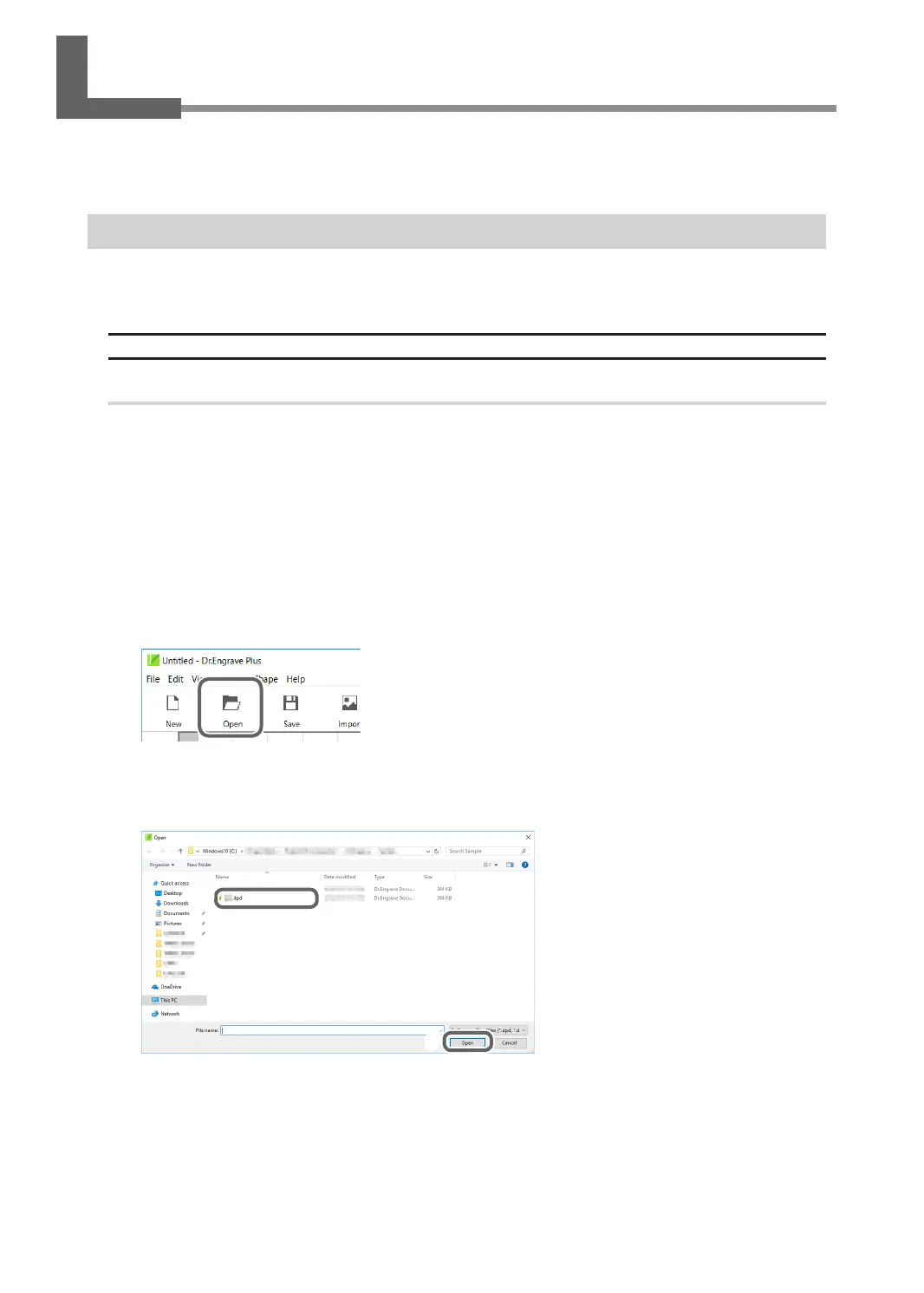
Click [Open].
F
Select the data to engrave.
G
Click [Open].
F
G
118
Chapter 5 Various Engraving Methods



 To Next Page