Responding to an Error Message
This section describes the error messages that may appear on the handy panel screen of this machine, and how to
take action to remedy the problem. If the action described here does not correct the problem or if an error
message not described here appears, contact your authorized Roland DG Corporation dealer.
Error
number
Message Action Error level
1000-000* The % limit switch was not found.
P. 145
Level 3
1017-0000 The cover was opened during the spindle rotating.
P. 145
Level 1
1023-0000 ( RML-1) The number of parameters is incorrect.
P. 146
Level 1
1024-0000 ( RML-1) The parameter is out of range.
P. 146
Level 1
1025-0000 ( RML-1) A wrong command is detected.
P. 147
Level 1
1029-0000 The spindle experienced an overload.
P. 147
Level 2
102A-000* The spindle experienced overcurrent.
P. 148
Level 2
102B-0000 The spindle motor temperature is too high.
P. 149
Level 2
102D-0000 The spindle cannot be turned.
P. 150
Level 3
1044-0000 The automatic Z0 setting failed.
P. 150
Level 2
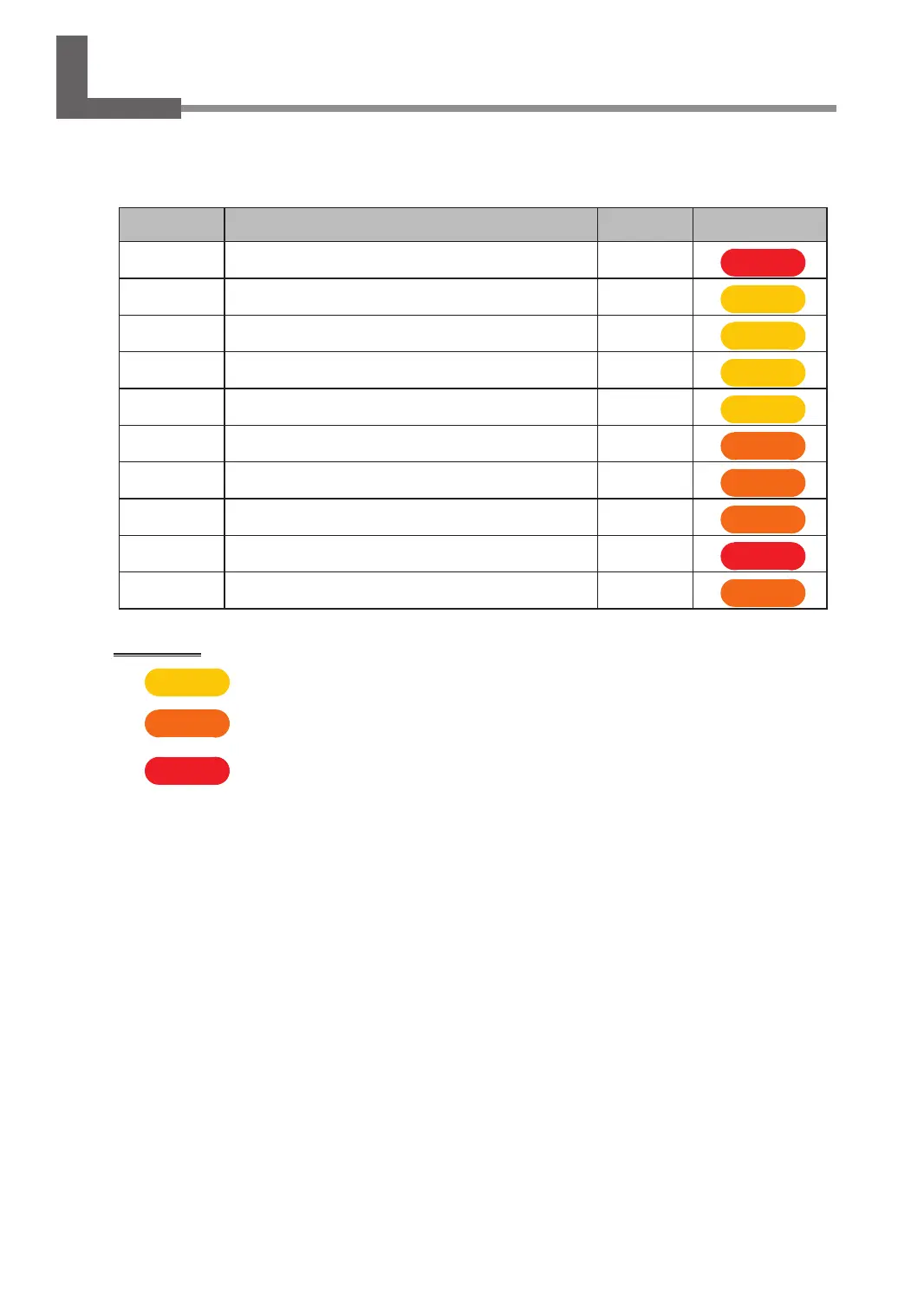
Error level
Level 1
This is an error that is not very serious. After the cause of the error is eliminated, cutting can resume
from the point where it stopped.
Level 2
This is an error that is moderately serous. After the cause of the error is eliminated, cutting can be
restarted from the beginning. It is not possible to resume cutting from the point where it stopped.
Level 3
This is an error that is very serious. Before eliminating the cause of the error, it is necessary to turn the
power o.
144
Chapter 6 Appendix



 To Next Page