E
Follow the on-screen instructions to proceed with the installation.
If the [User Account Control] window appears, click [Allow], and then continue with the installation.
F
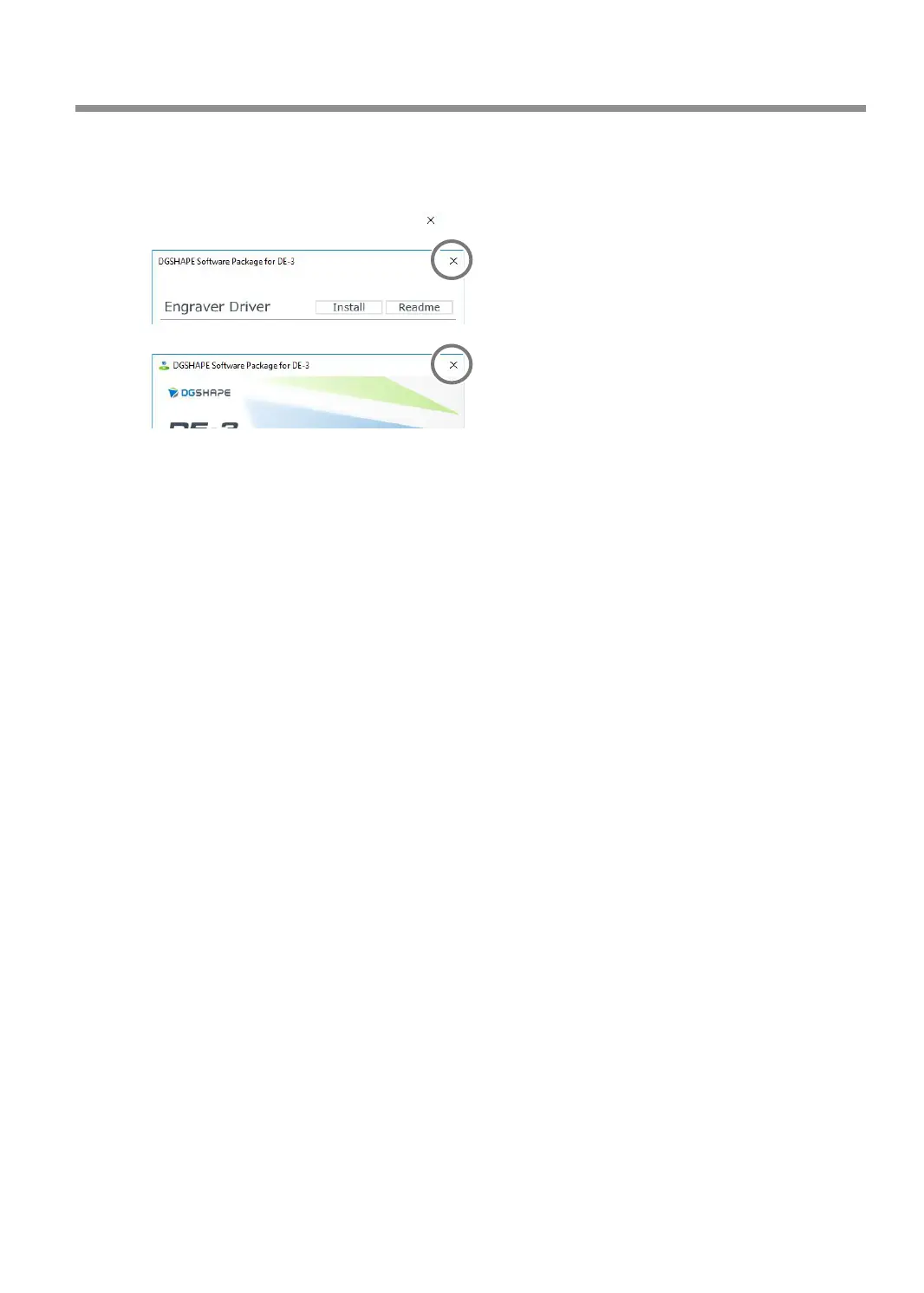
When the installation nishes, click on the setup menu.
G
Remove the CD from the CD-ROM drive.
Troubleshooting (Installation)
143
Chapter 6 Appendix



 To Next Page