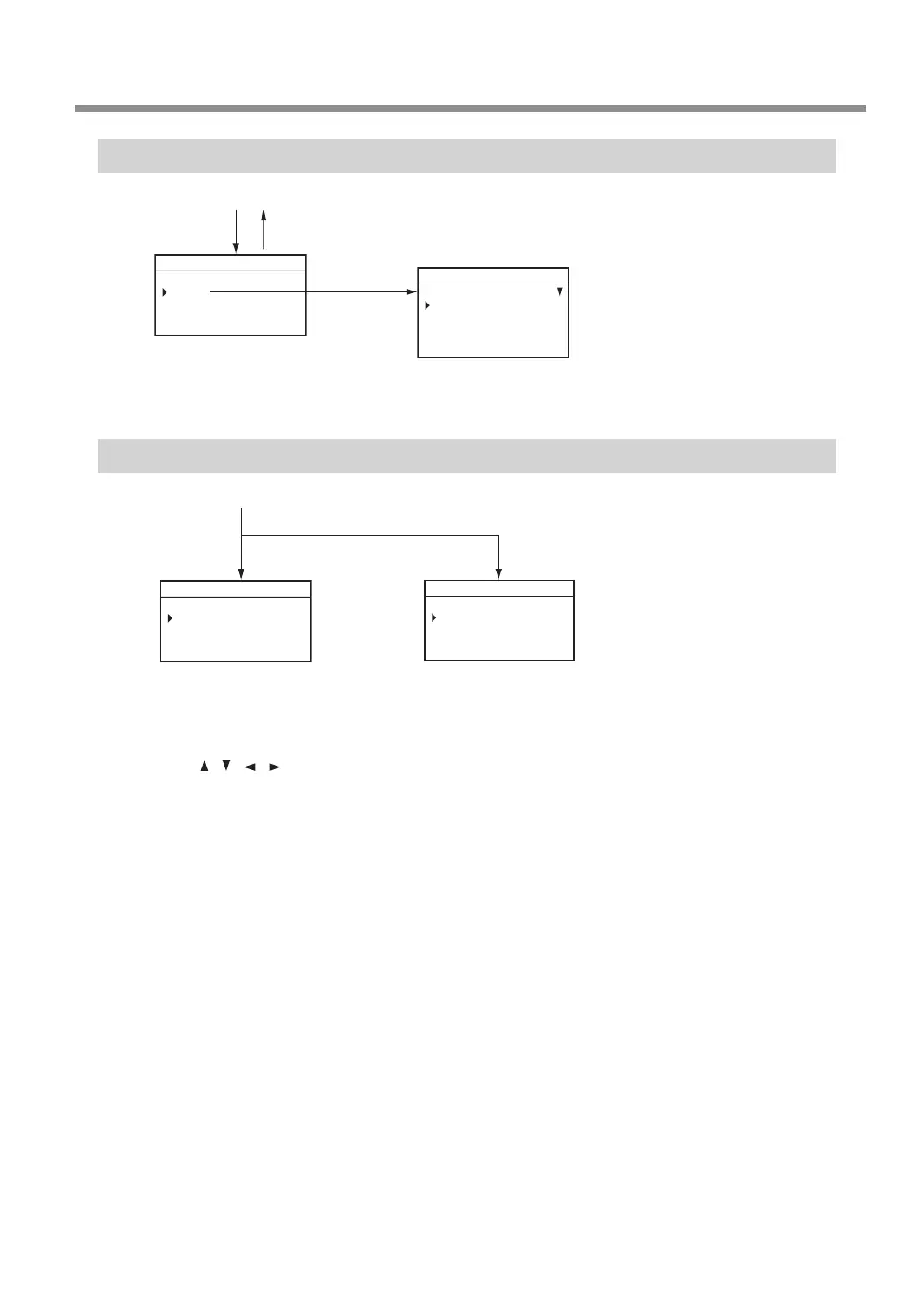
File Menu
ìïòëÆõöëøçúïõôÆÆÆÆÆÆÆÆÆÆÆÆÆÆÆÆÆÆÆ
ÆùúçøúÆéûúúïôí
ÆùúçøúÆöøëüïëýÆöçúî
ÆùúçøúÆöøëüïëýÆçøëç
Æêëòëúë
Ö×ØÙÚÛÜÝÞßÖ×ØÙÚÛÜÝÆøëçêÿ
ìïòëÆÆÆÆÆÆÆÆÆÆÆÆÆÆÆÆÆÆÆ
Æéõöÿ
Ö×ØÙÚÛÜÝÞßÖ×ØÙÚÛÜÝÆøëçêÿ
Main screen
[FILE]
" P.123
[MENU]
Origin-setting Menu
• Turn the [Dial] to move the cursor on the screen.
• Use [ ], [ ], [ ], [ ], [+Z], and [−Z] to change the settings.
• Press [MENU] to return to the main screen.
Z0
Z -30.00mm
012345678901234567 READY
ORIGIN SET XY
ÆþÿƄƄƄƄþƄƄƄƄÿ
ÆÆþƄÙÞÔÞÞĒĒ
ÆÆÿÆÆ×ÝÔÖÖĒĒ
Ö×ØÙÚÛÜÝÞßÖ×ØÙÚÛÜÝÆREADY
Main screen
[ORG.XY]
[ORG.Z]
" P.39
" P.108
" P.100
Menu List
11
Chapter 1 Getting Started



 To Next Page