The data sent from the computer is saved in this machine's memory. You can repeatedly perform the same
engraving just by using this data and performing operations from this machine.
Procedure
A
Send engraving data from the computer, and perform engraving.
B
Replace the workpiece.
" P. 38 "Setting the Workpiece"
C
Close the front cover.
D
Press [ENTER/PAUSE].
E
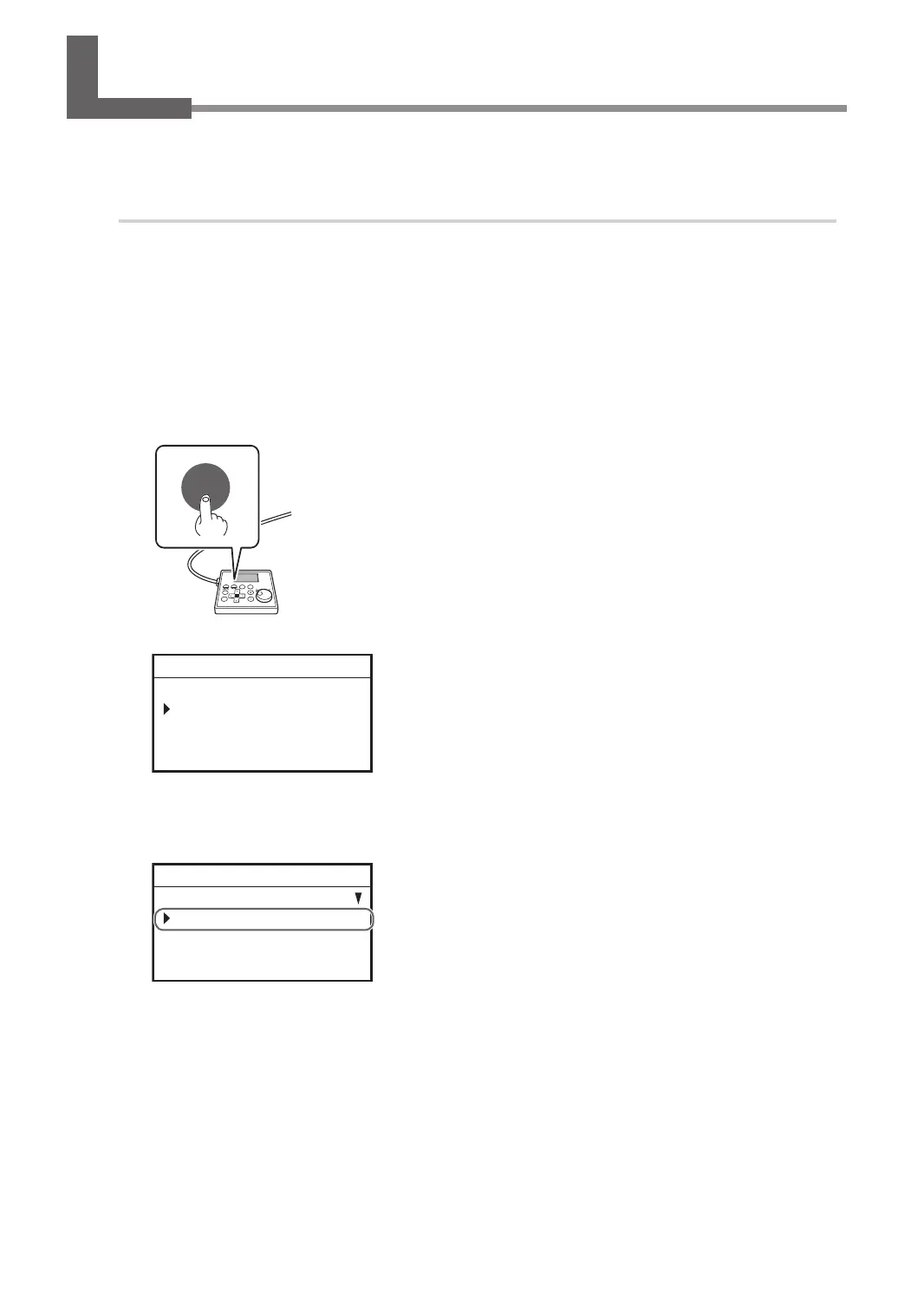
Press [FILE].
FILE
The following window is displayed.
FILE
COPY
012345678901234567 READY
F
Press [ENTER/PAUSE].
G
Select [START CUTTING] using the [Dial].
START CUTTING
START PREVIEW PATH
START PREVIEW AREA
012345678901234567 READY
H
Press [ENTER/PAUSE] to conrm.
The same engraving will be performed based on the previously performed engraving data.
Repeating the Same Engraving
123
Chapter 5 Various Engraving Methods



 To Next Page