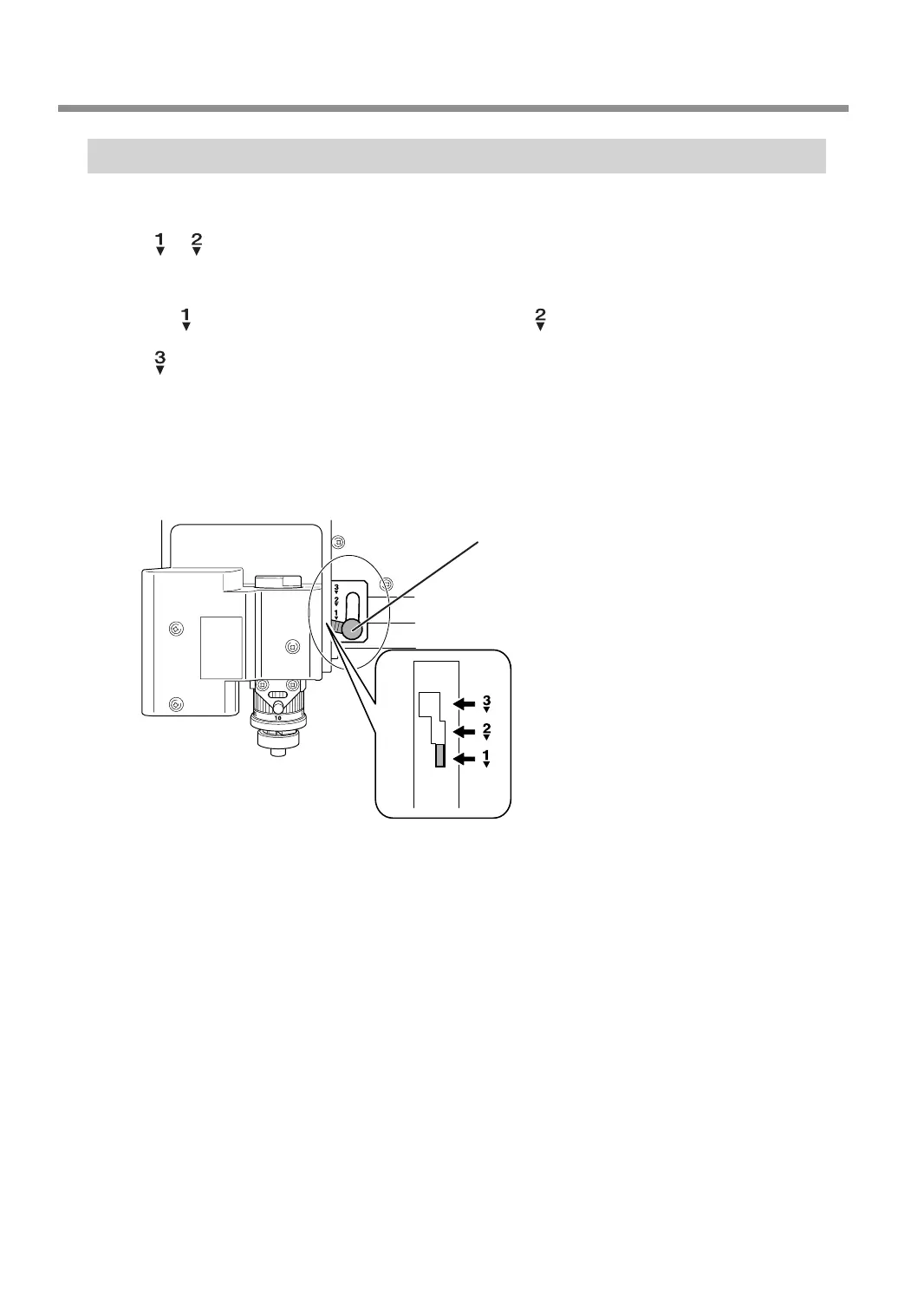
Setting the Lock Lever
You change the position at which the lock lever is set to match the setting for automatic Z control.
•
or
When [AUTO Z CONTROL] is set to [ON], you set the lock lever at one of these positions. The spindle head is
put into a oating state, and the Z-axis origin point is determined by the height of the workpiece surface.
The
setting applies greater pressure to the workpiece than .
•
When [AUTO Z CONTROL] is set to [OFF], you set the lock lever at this position. The spindle head is locked,
and so the setting for the Z-axis origin point must be made via the menu items. Setting the lock lever at this
position when [AUTO Z CONTROL] is set to [ON] causes errors when setting the origin point or engraving,
resulting in an emergency stop of this machine.
" P. 144 "Responding to an Error Message"
○
To raise: Simply lift up the lever.
○
To lower: Press the lever in slightly, then lower it.
Lock lever
Other Basic Operations
62
Chapter 3 Basic Engraving Methods



 To Next Page