C
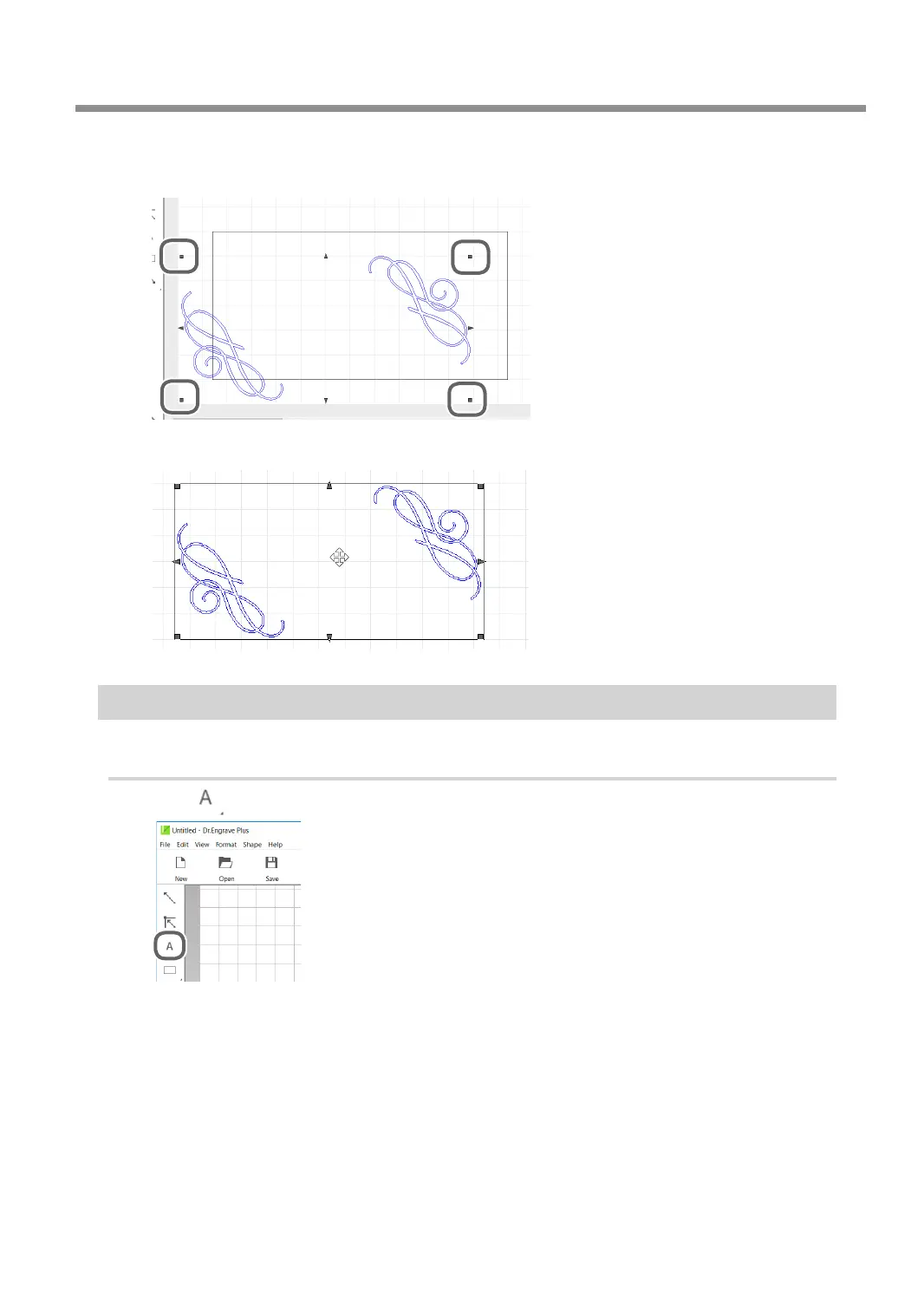
Drag ■ to adjust the size.
To enlarge/reduce the size with the aspect ratio xed, hold down the [Shift] key as you drag it.
D
Drag the image to move it to the target position.
Step 4: Entering Text
1.
Enter text and determine its font, etc.
A
Click .
B
Click any position on the screen.
You will change the position later on. At this point, click a position you want.
C
Enter text, such as name, using the keyboard.
Creating Engraving Data
33
Chapter 3 Basic Engraving Methods



 To Next Page