B
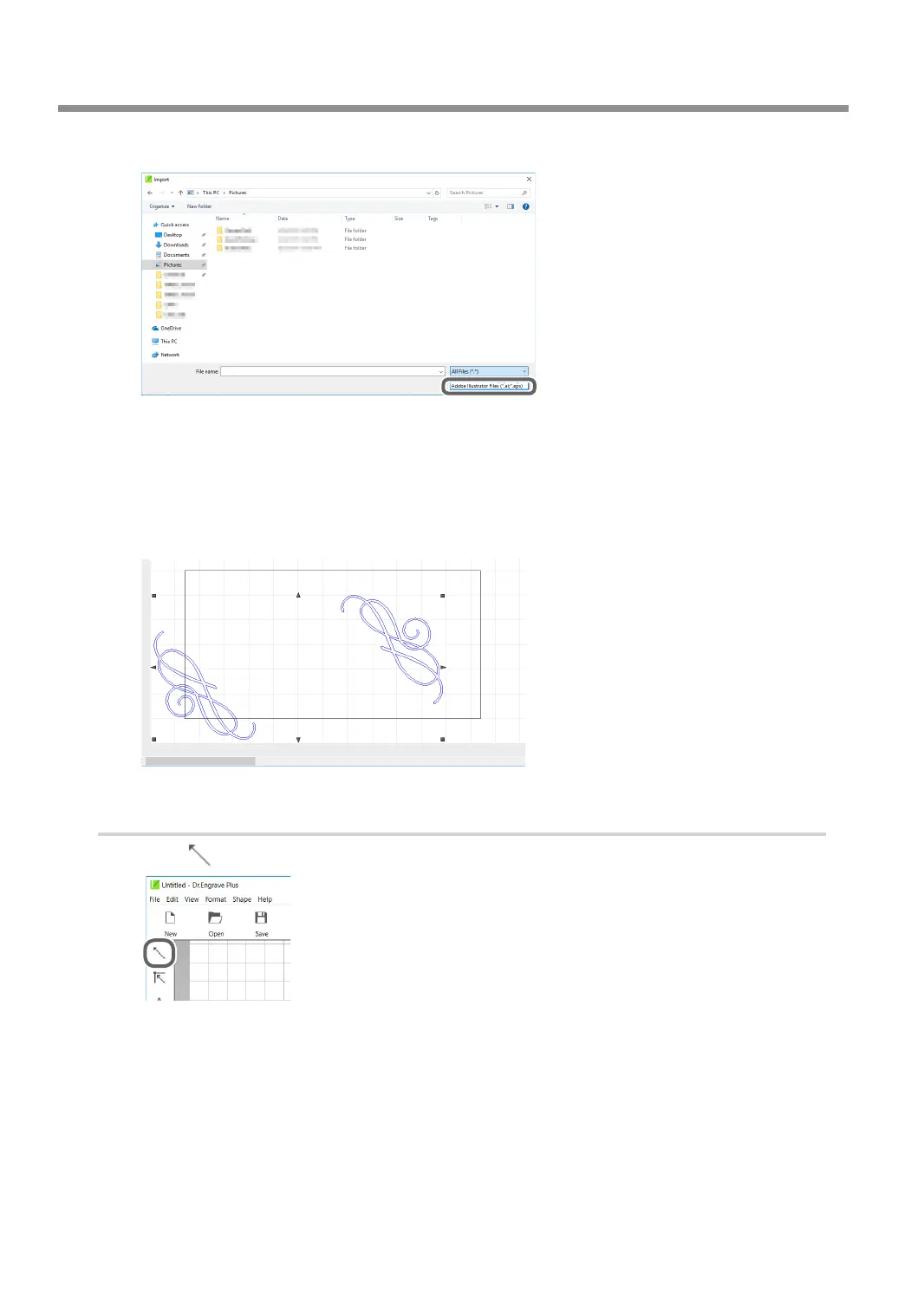
From [File Type], select "Adobe Illustrator Files."
C
Open [the drive on which Dr. Engrave Plus is installed]* - [ProgramData] - [DGSHAPE
Corporation] - [Dr. Engrave Plus] - [Sample] and select "Gift_DE3.ai."
* This is most commonly the [C drive] or [D drive].
D
Click [Open].
The selected image is placed on the screen.
2.
Position an image le.
A
Click .
B
Click the image you have imported.
■ appears on the four corners of the image.
Creating Engraving Data
32
Chapter 3 Basic Engraving Methods



 To Next Page