I
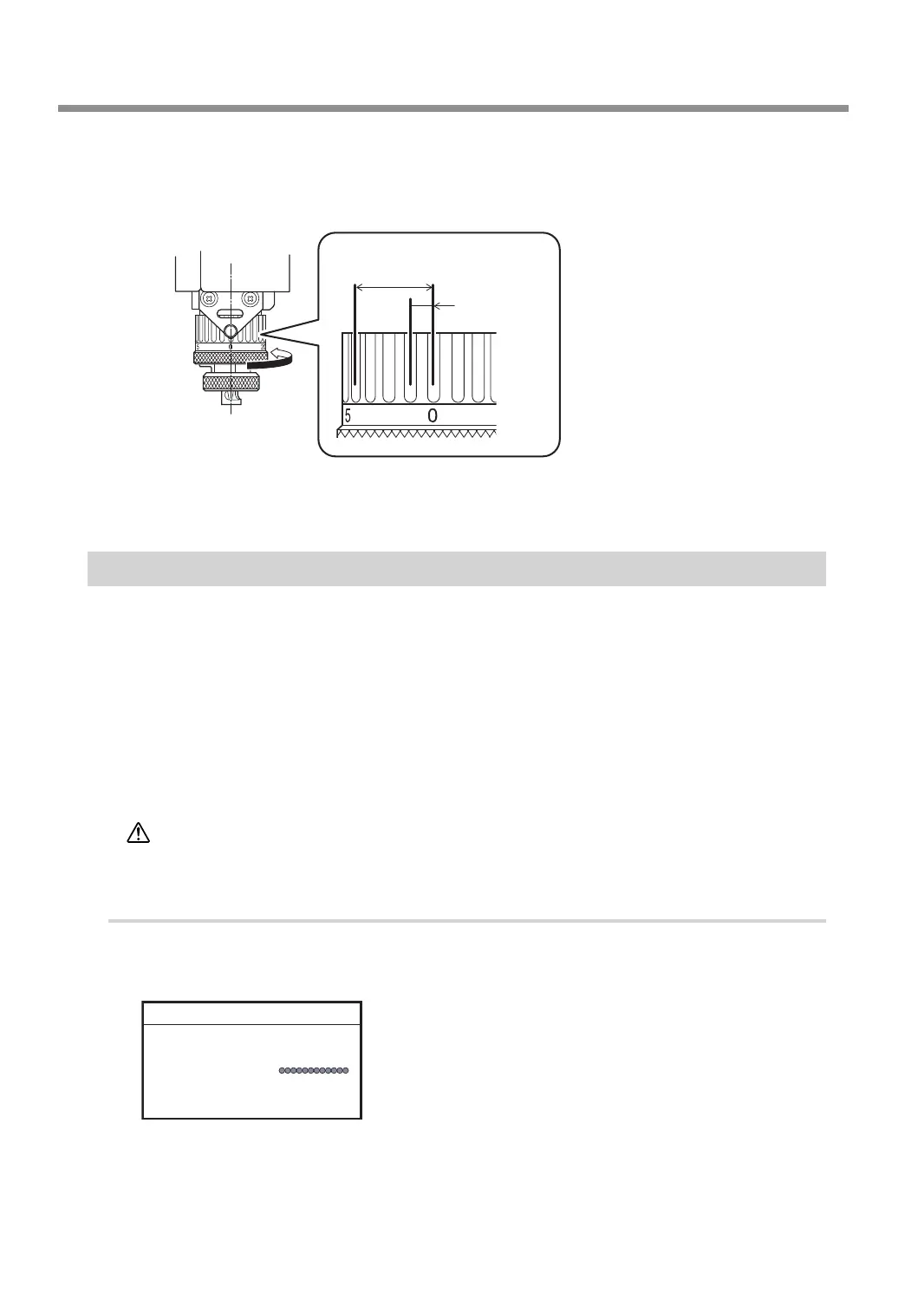
Check the scale of the nose unit.
Conrm that the scale of the nose unit is set to the desired engraving depth. The amount of extension
of the cutter is the engraving depth.
1 scale tick
= 0.0254 mm
(0.001 in.)
4 scale ticks =
Approx. 0.1 mm (0.004 in.)
1 full turn =
0.635 mm (0.025 in.)
If you have changed the settings, save the engraving data.
" P. 37 "Step 6: Saving Engraving Data"
Step 5: Starting Engraving
Make sure the following tasks have all been completed, then sent the engraving data from the computer.
• Mounting the workpiece
" P. 38 "Step 1: Setting the Workpiece"
• Setting the XY origin
" P. 39 "Step 2: Setting the XY Origin"
• Installing a tool
" P. 41 "Step 3: Installing a Character Cutter/Parallel Cutter"
" P. 88 "Using a Diamond Scraper"
" P. 97 "Using an End Mill"
CAUTION
This procedure makes this machine operate.
Before you perform this procedure, check to make sure that operation of this
machine will not create any hazard or danger.
Procedure
A
If the front cover is open, close it, and then press [ENTER/PAUSE].
B
Press [MENU/TOP] several times to display the main screen.
X 50.00mm
Y 30.00mm
Z 20.00mm S 5000rpm
012345678901234567 READY
Starting Engraving
54
Chapter 3 Basic Engraving Methods



 To Next Page