B
Select the tool based on the material and engraving method.
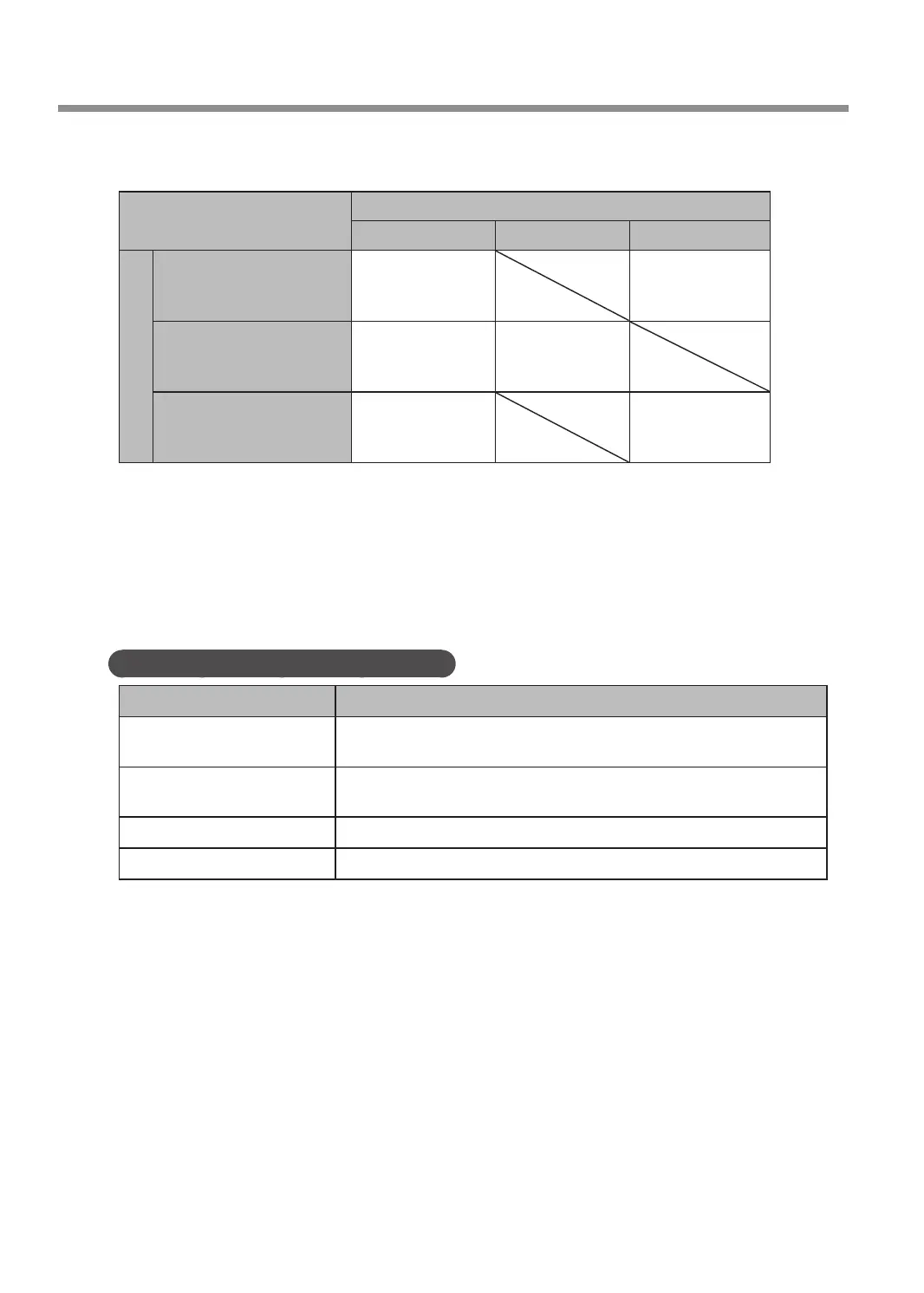
Select a tool suitable for the material to engrave and the engraving method from the table below.
Engraving method
Cutting engraving Scribing Hollowing
Material
Resin-based material
• Acrylic
• Modeling wax, etc.
Character cutter
or
parallel cutter
Character cutter
or
end mill
Light metals
• Aluminum
• Brass, etc.
Character cutter Diamond scraper
Wood
• Wood
• Chemical wood, etc.
Character cutter
or
parallel cutter
Character cutter
or
end mill
* Optional parts may need to be purchased depending on the type and diameter of the tool. Contact your
authorized DGSHAPE Corporation dealer or access our website (http://www.dgshape.com/) to purchase the
optional tool or dedicated collet.
C
Check the tool installation method.
For the installation procedure for each tool, see the following pages.
Tool Installation Procedures (Four Patterns)
Tool type Tool installation procedure
Character cutter/Parallel cutter
(with nose unit)
P. 41 "Step 3: Installing a Character Cutter/Parallel Cutter"
Character cutter/Parallel cutter
(without nose unit)
P. 104 "Using a Character Cutter/Parallel Cutter (without Nose Unit)"
Diamond scraper P. 88 "Using a Diamond Scraper"
End mill P. 97 "Using an End Mill"
Using Various Tools
86
Chapter 5 Various Engraving Methods



 To Next Page