When Checking the Status of the Workpiece by Moving the Tool
Procedure
A
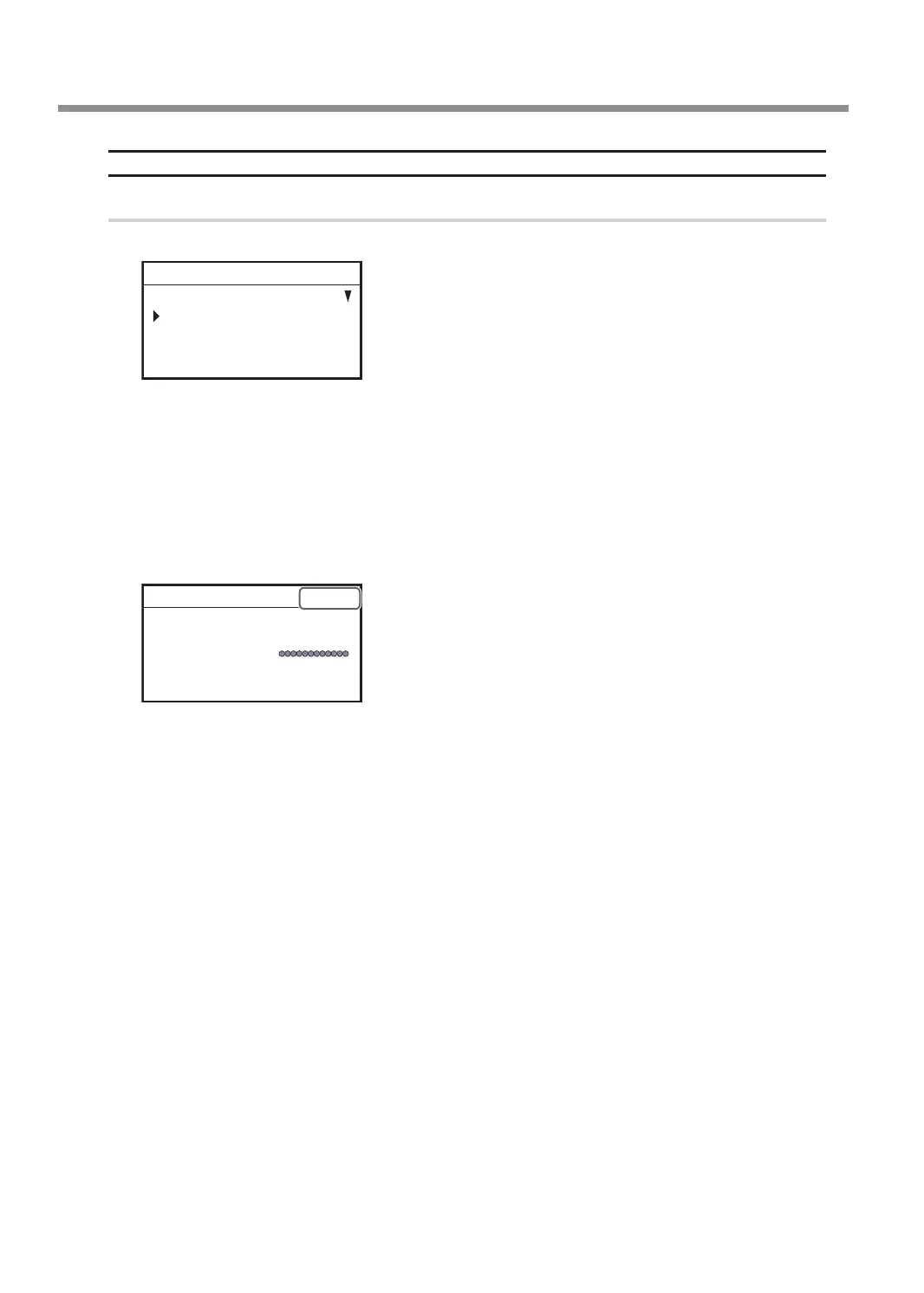
Press [MENU/TOP] several times to display the following screen.
MOVE
VIEW POSITION
CENTER
USER ORIGIN XY
012345678901234567 PAUSE
B
Select [VIEW POSITION] using the [Dial].
C
Press [ENTER/PAUSE] to conrm.
The tool moves to the view position at the left side of the back.
" P. 20 "Moving to the Specied Position"
D
Press [MENU/TOP] several times to return to the main screen.
The main screen in the paused state appears again.
XYZ 100%
S 100%
X 15.00mm
Y 23.00mm
Z 0.00mm S 5000rpm
012345678901234567 PAUSE
Pausing and Aborting
22
Chapter 2 Basic Operation



 To Next Page