F
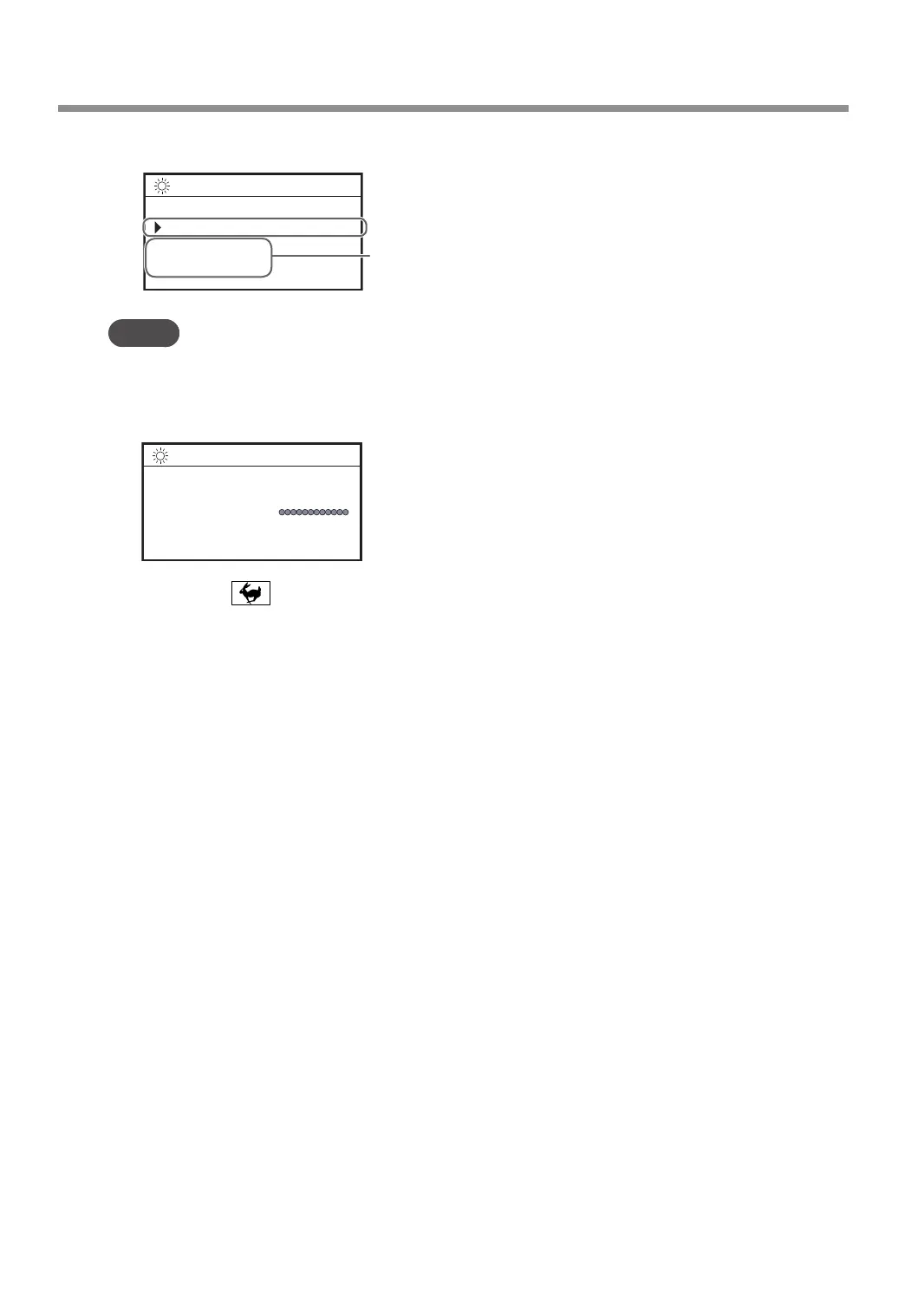
Using the [Dial], select [XY] for the target axis.
ORIGIN SET XY
XY X Y
X 38.88mm
Y 17.00mm
012345678901234567 READY
The machine coordinate is displayed.
Target axis
MEMO
You can set the origins of the X and Y axes separately by selecting [X] or [Y] for the target axis.
G
Press [ENTER/PAUSE].
The current value is set as the origin point, and you are returned to the main screen.
X 0.00mm
Y 0.00mm
Z 39.00mm S 5000rpm
012345678901234567 READY
H
Hold down and press [ORG.XY/POINTER].
The laser pointer turns off.
Starting Engraving
40
Chapter 3 Basic Engraving Methods



 To Next Page