E
Hold down and press [MENU/TOP].
The main screen appears again.
X 15.00mm
Y 23.00mm
Z 0.00mm S 5000rpm
012345678901234567 READY
Resetting the Working Time after Replacing the Spindle
After replacing the spindle, reset the working time.
Procedure
A
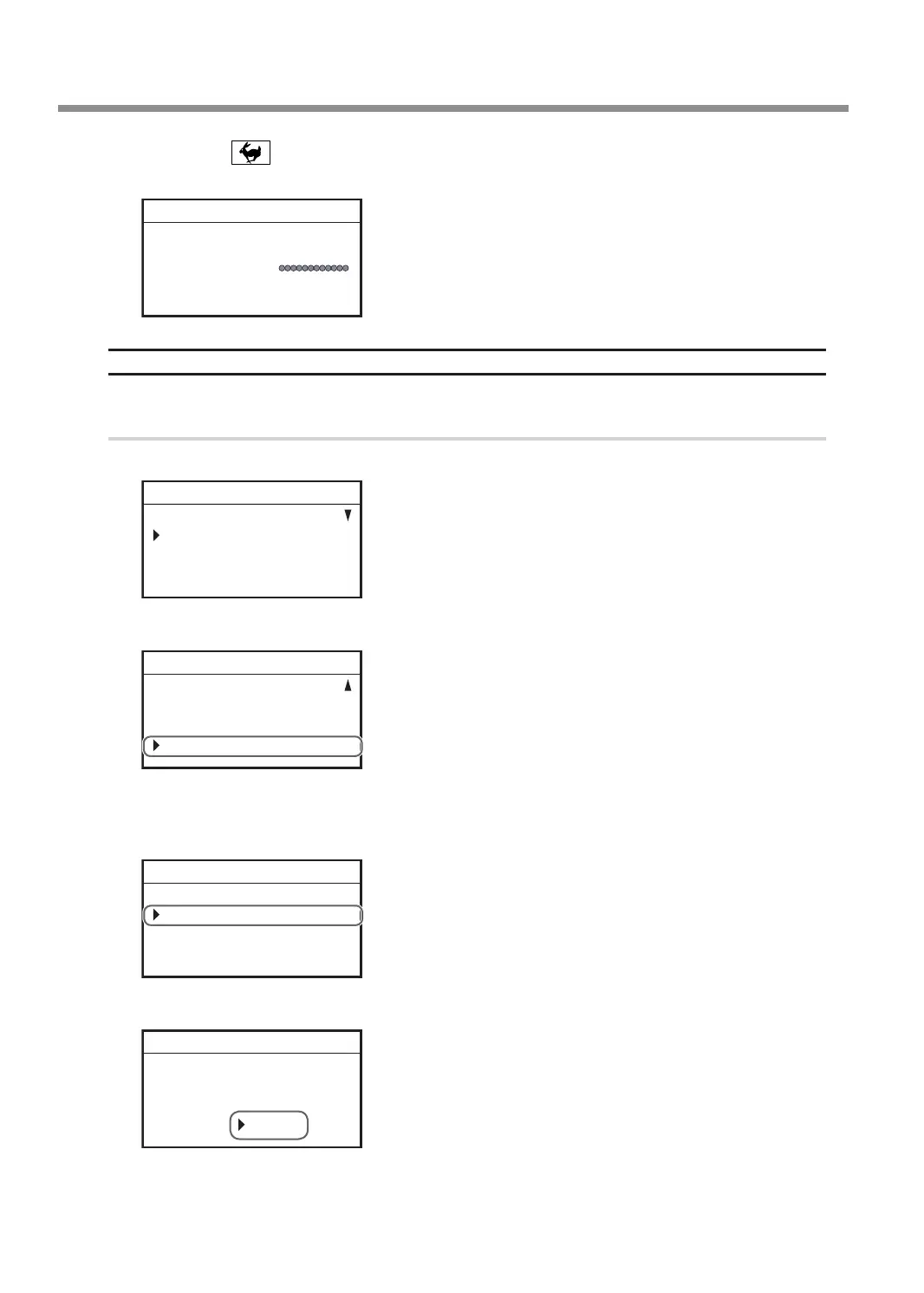
Press [MENU/TOP] several times to display the following menu.
SETTINGS
OPERATING MODE
SPINDLE REVOLUTION ON
AUTO Z CONTROL OFF
012345678901234567 READY
B
Turn the [Dial] and select [INFORMATION].
LASER CORRECTION
LAN
INFORMATION
012345678901234567 READY
C
Press [ENTER/PAUSE].
D
With [SPINDLE UNIT] selected, press [ENTER/PAUSE].
SPINDLE UNIT 1999h50m
TOTAL WORK 2250h20m
012345678901234567 READY
E
Select [Clear] using the [Dial].
SPINDLE UNIT
WORK TIME 1999h50m
OK Clear
012345678901234567 READY
Replacing Consumable Parts
72
Chapter 4 Maintenance



 To Next Page