Instructions for use – Infinity
®
M300 and M300+ series – VG3.0 45
System overview
Front panel of the M300
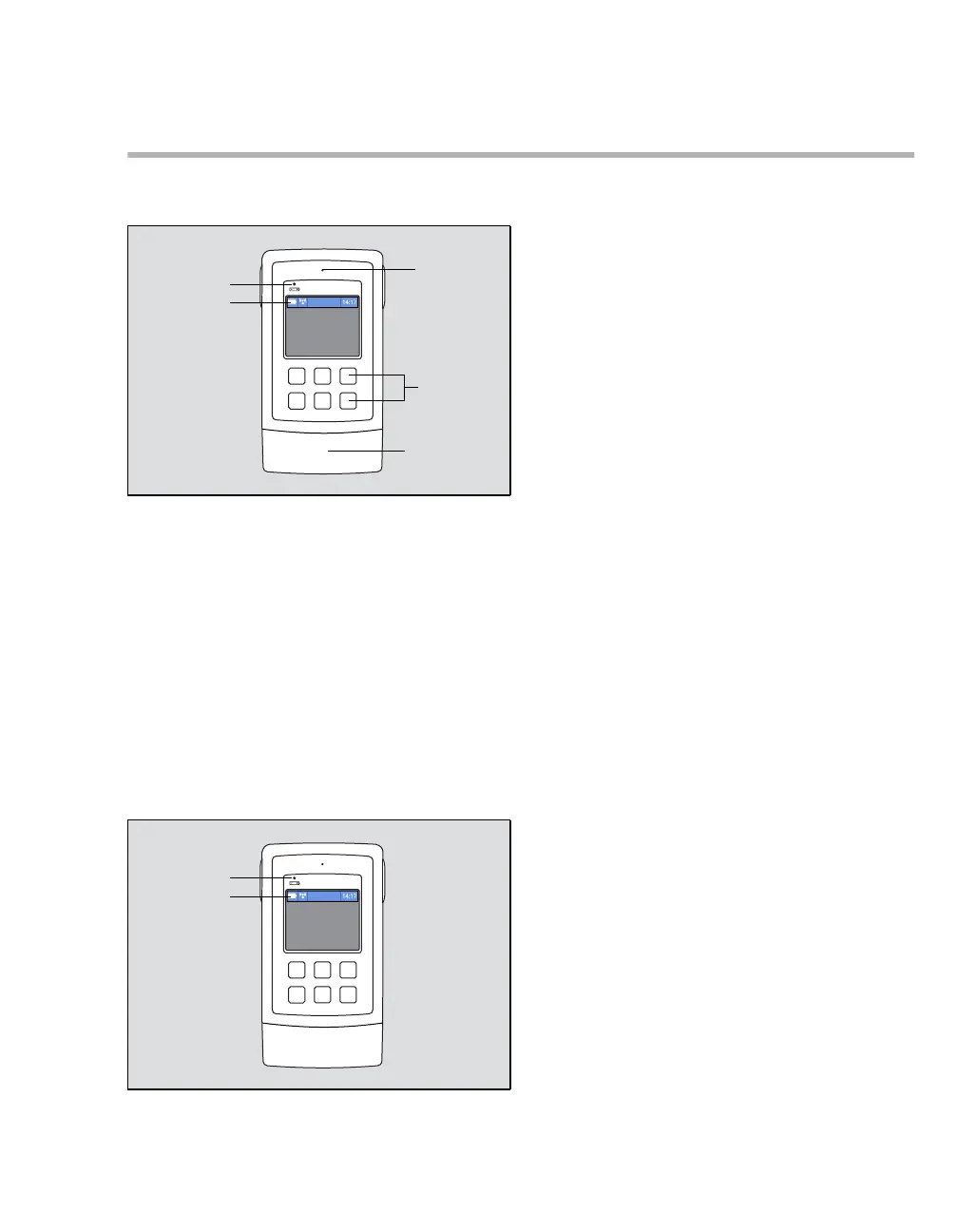
The following illustration shows the elements of the front panel of the M300:
A Speaker for audio alarm signals
B Keys
C Battery compartment
D Battery symbol indicating the remaining charge
E Battery status LED
Battery status LED of the M300
When the M300 screen is enabled, the battery symbol (D) indicates the available battery power. When the
screen is disabled because it is in power-save mode, the battery condition is indicated with the battery
LED (E).
458458











 To Next Page