Instructions for use – Infinity
®
M300 and M300+ series – VG3.0 97
Charging the M300 battery
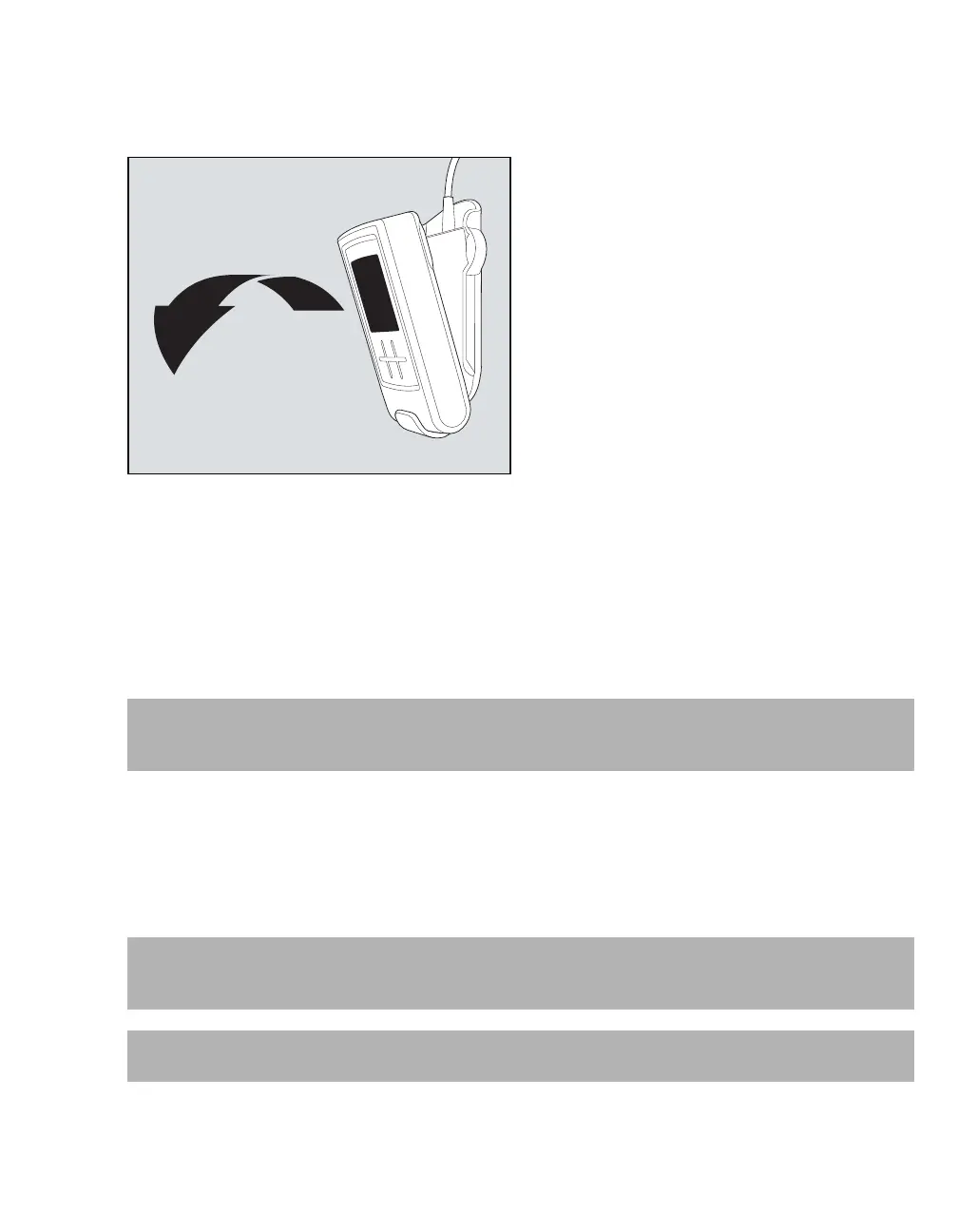
1 Grab the M300 on the top and carefully pull it away from the Bedside Charger.
2 Lift the M300 out of the Bedside Charger.
When the M300 is removed from the Bedside Charger, the battery status LED indicator flashes once every
5 seconds. In addition, the battery symbol displays the available battery power, provided the M300 screen
is not in power save mode (see "Battery status LED" on page 94).
Using the Central Charger
The Central Charger can accommodate up to ten M300 devices at one time.
When an M300 is placed on the Central Charger:
– The patient is discharged from the ICS
– Patient data (locally-stored trends, demographic data, etc.) stored in the memory of the M300 is
erased
– The battery recharges
417
CAUTION
Placing the M300 into a Central Charger will discharge the M300 and stop the monitoring of the current
patient.
WARNING
Remove the lead wire set from M300 before placing it into the Central Charger, to avoid possible
electrical shock.
CAUTION
Do not use the Central Charger near patients as exposure to any fluids may cause damage.











 To Next Page