System overview
50 Instructions for use – Infinity
®
M300 and M300+ series – VG3.0
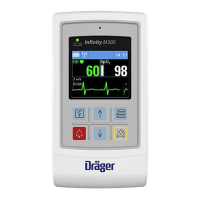
M300 screen examples
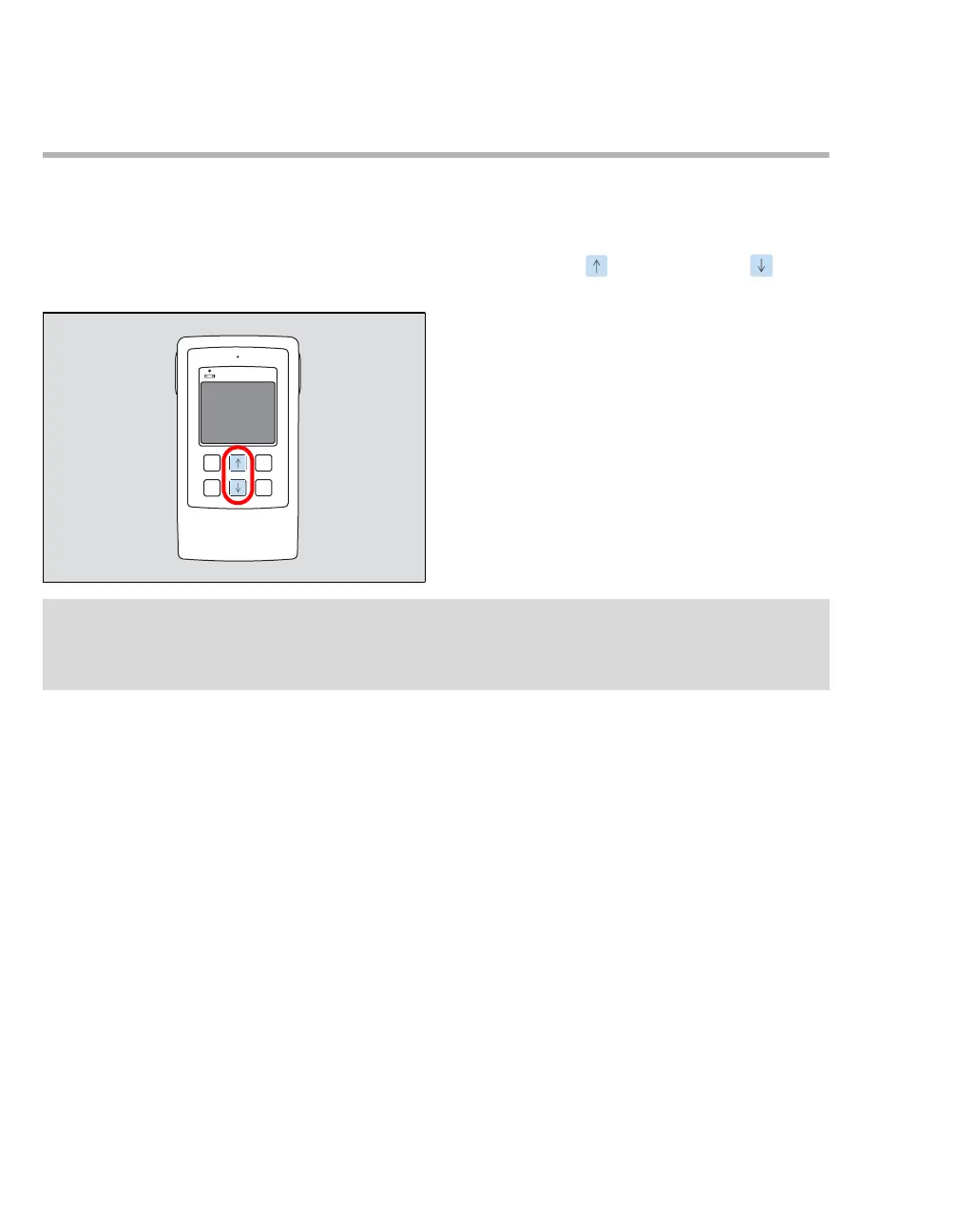
Power on/off
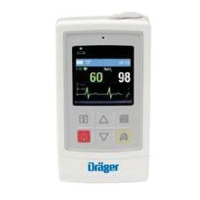
To turn on and off the Infinity M300/M300+, simultaneously press the Up ( ) arrow and Down ( ) arrow
keys located in the middle of the Infinity M300/M300+ panel (shown circled in red in the illustration).
418
NOTE
M300/M300+ device settings, including clinical data and current alarm settings, are retained for a maxi-
mum of 2 minutes after the device is powered off. After 2 minutes of no power, the patient is discharged,
and factory default settings are restored.



 To Next Page