EasyManua.ls Logo

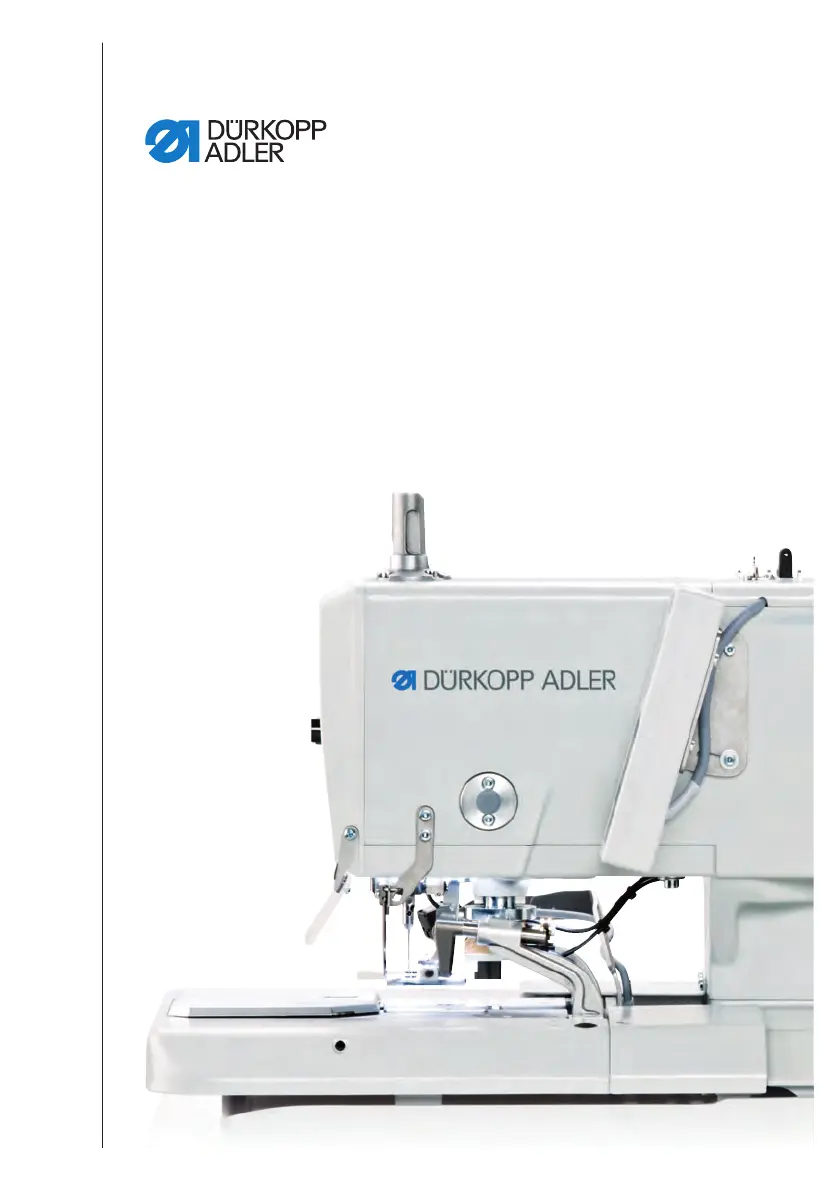
DURKOPP ADLER 581 - User Manual

DURKOPP ADLER 581
198 pages
Print Icon
To Next Page IconTo Next Page
Loading...
581
Operating Instructions

Table of Contents

Other manuals for DURKOPP ADLER 581

Questions and Answers

  • A
    Antonio SheppardSep 9, 2025
    What to do if a prohibited cutting combination was selected (ONLY for Multiflex) on DURKOPP ADLER 581 Sewing Machine?
    • M
      Michelle PatrickSep 9, 2025
      If a prohibited cutting combination was selected (ONLY for Multiflex) on your DURKOPP ADLER Sewing Machine, check and adjust the data for the blade and cutting block set in the control. If necessary, insert and set an appropriate blade and cutting block.
  • L
    Lindsey Brown MDSep 7, 2025
    What to do if there is no compressed air available, or the pressure is too low on DURKOPP ADLER 581?
    • A
      asmithSep 8, 2025
      If your DURKOPP ADLER Sewing Machine has no compressed air available, or the pressure is too low, switch off the machine, ensure the supply of sufficient compressed air, and then switch on the machine.
  • E
    Erik FernandezAug 22, 2025
    What to do if the serial number of the DURKOPP ADLER 581 has not been entered?
    • M
      Michelle GreenAug 22, 2025
      If your DURKOPP ADLER Sewing Machine displays that the serial number of the machine has not been entered, press the OK button. You can also contact DA service.
  • S
    sweeneynancySep 5, 2025
    What to do if the sewing process stops on DURKOPP ADLER 581 (ONLY for 141, 341 with integrated and activated gimp monitoring)?
    • A
      Adam VaughnSep 5, 2025
      If the sewing process stops on your DURKOPP ADLER 141 or 341 Sewing Machine with integrated and activated gimp monitoring, you can continue the sewing process by pressing the OK button or button 2, or stop it by pressing the ESC button or button 1.
  • C
    Carl MilesSep 4, 2025
    What to do if sewing motor fault (Error 1007) occurs on DURKOPP ADLER 581?
    • M
      Miguel ConwaySep 4, 2025
      If your DURKOPP ADLER Sewing Machine displays a sewing motor fault (Error 1007), replace the encoder and eliminate any stiff movement in the machine.
  • B
    Bryan HurleySep 3, 2025
    What to do if sewing motor encoder error (Error 1008) occurs on DURKOPP ADLER 581?
    • M
      masonveronicaSep 3, 2025
      If your DURKOPP ADLER Sewing Machine has a sewing motor encoder error (Error 1008), replace the encoder.
  • D
    David AlvarezSep 1, 2025
    What to do if sewing motor synchronization error (Error 1010) occurs on DURKOPP ADLER 581 Sewing Machine?
    • O
      osandersSep 1, 2025
      If your DURKOPP ADLER Sewing Machine displays a sewing motor synchronization error (Error 1010), it could be because the external synchronizer plug (Sub-D, 9-pin) is not connected. Connect the plug of the external synchronizer to the control, using the correct connection (Sync). You may also need to replace the reference switch or synchronizer. Note that this is only required for machines with transmission!
  • D
    Donna GriffithAug 31, 2025
    What to do if sewing motor insulation error (Error 1002) occurs on DURKOPP ADLER Sewing Machine?
    • R
      Ricardo AdamsAug 31, 2025
      If your DURKOPP ADLER Sewing Machine displays a sewing motor insulation error (Error 1002), check the motor phase and PE for a low-impedance connection. You may also need to replace the encoder or the sewing motor.
  • H
    Heidi GonzalezAug 30, 2025
    What to do if sewing motor fault (Error 1004) occurs on DURKOPP ADLER 581?
    • E
      Erika JacksonAug 30, 2025
      If your DURKOPP ADLER Sewing Machine displays a sewing motor fault (Error 1004) due to an incorrect direction of rotation, replace the encoder. Additionally, check the plug assignment and change it if necessary. Also, inspect the wiring in the machine distributor and change it if needed. Finally, test the motor phases and check for the correct value.
  • M
    Mrs. Amber Smith PhDAug 28, 2025
    What to do if sewing motor fault (Error 1000) occurs on DURKOPP ADLER 581 Sewing Machine?
    • L
      Lee LewisAug 29, 2025
      If your DURKOPP ADLER Sewing Machine shows a sewing motor fault (Error 1000), it might be due to the encoder plug (Sub-D, 9-pin) not being connected or being defective, or the encoder itself might be defective. Check the connection of the encoder cable and replace it if necessary.

Summary

Safety

Basic safety instructions

Provides fundamental safety guidelines for machine operation and maintenance.

Machine description

Operation

Programming

Buttonhole programming

Comprehensive guide to programming buttonhole characteristics and bartack forms.

Sequence programming

Instructions for creating and managing sequences of buttonholes, including adding/deleting.

Menu item Machine config

Configuration of basic machine settings applicable to all programs.

Maintenance

Cleaning

Daily cleaning procedures to ensure optimal machine performance and prevent issues.

Lubricating

Instructions for lubricating machine parts using specified oils for longevity.

Changing the cutting blocks and blade

Procedures for replacing cutting blocks and blades for optimal cutting performance.

Setup

Electrical connection

Guidelines for establishing a safe and correct electrical connection to the machine.

Pneumatic connection

Procedures for connecting the machine to a compressed air supply.

Decommissioning

Disposal

Troubleshooting

DURKOPP ADLER 581 Specifications

General IconGeneral
BrandDURKOPP ADLER
Model581
CategorySewing Machine
LanguageEnglish

Related product manuals