Proline Promass E 500 PROFIBUS PA Commissioning
Endress+Hauser 153
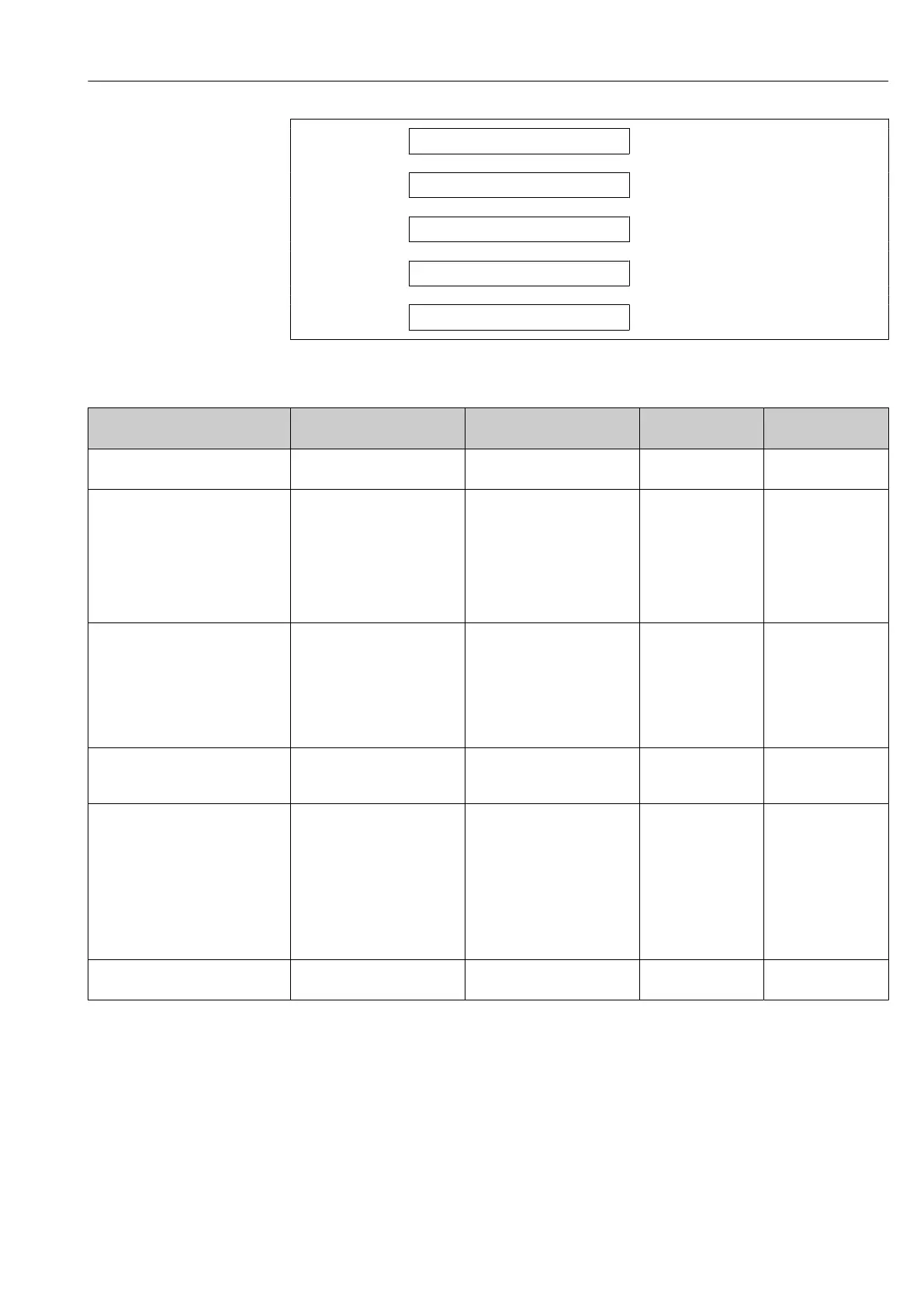
Security type
→ 153
WLAN passphrase
→ 153
Assign SSID name
→ 153
SSID name
→ 153
Apply changes
→ 153
Parameter overview with brief description
Parameter Prerequisite Description User entry /
Selection
Factory setting
WLAN IP address – Enter IP address of the device
WLAN interface.
4 octet: 0 to 255 (in
the particular octet)
–
Network security – Select the security type of the
WLAN network.
• Unsecured
• WPA2-PSK
• EAP-PEAP with
MSCHAPv2
*
• EAP-PEAP
MSCHAPv2 no
server authentic.
*
• EAP-TLS
*
–
WLAN passphrase The WPA2-PSK option is
selected in the Security type
parameter.
Enter the network key (8 to 32
characters).
The network key
supplied with the device
should be changed
during commissioning
for security reasons.
8 to 32-digit
character string
comprising numbers,
letters and special
characters (without
spaces)
Serial number of the
measuring device
(e.g. L100A802000)
Assign SSID name – Select which name will be used
for SSID: device tag or user-
defined name.
• Device tag
• User-defined
–
SSID name • The User-defined option is
selected in the Assign SSID
name parameter.
• The WLAN access point
option is selected in the
WLAN mode parameter.
Enter the user-defined SSID
name (max. 32 characters).
The user-defined SSID
name may only be
assigned once. If the SSID
name is assigned more
than once, the devices
can interfere with one
another.
Max. 32-digit
character string
comprising numbers,
letters and special
characters
EH_device
designation_last 7
digits of the serial
number (e.g.
EH_Promass_500_A
802000)
Apply changes – Use changed WLAN settings. • Cancel
• Ok
–
* Visibility depends on order options or device settings
10.7.6 Configuration management
After commissioning, you can save the current device configurationor restore the previous
device configuration. The device configuration is managed via the Configuration
management parameter.














 To Next Page