Proline Promass E 500 PROFIBUS PA Operation options
Endress+Hauser 71
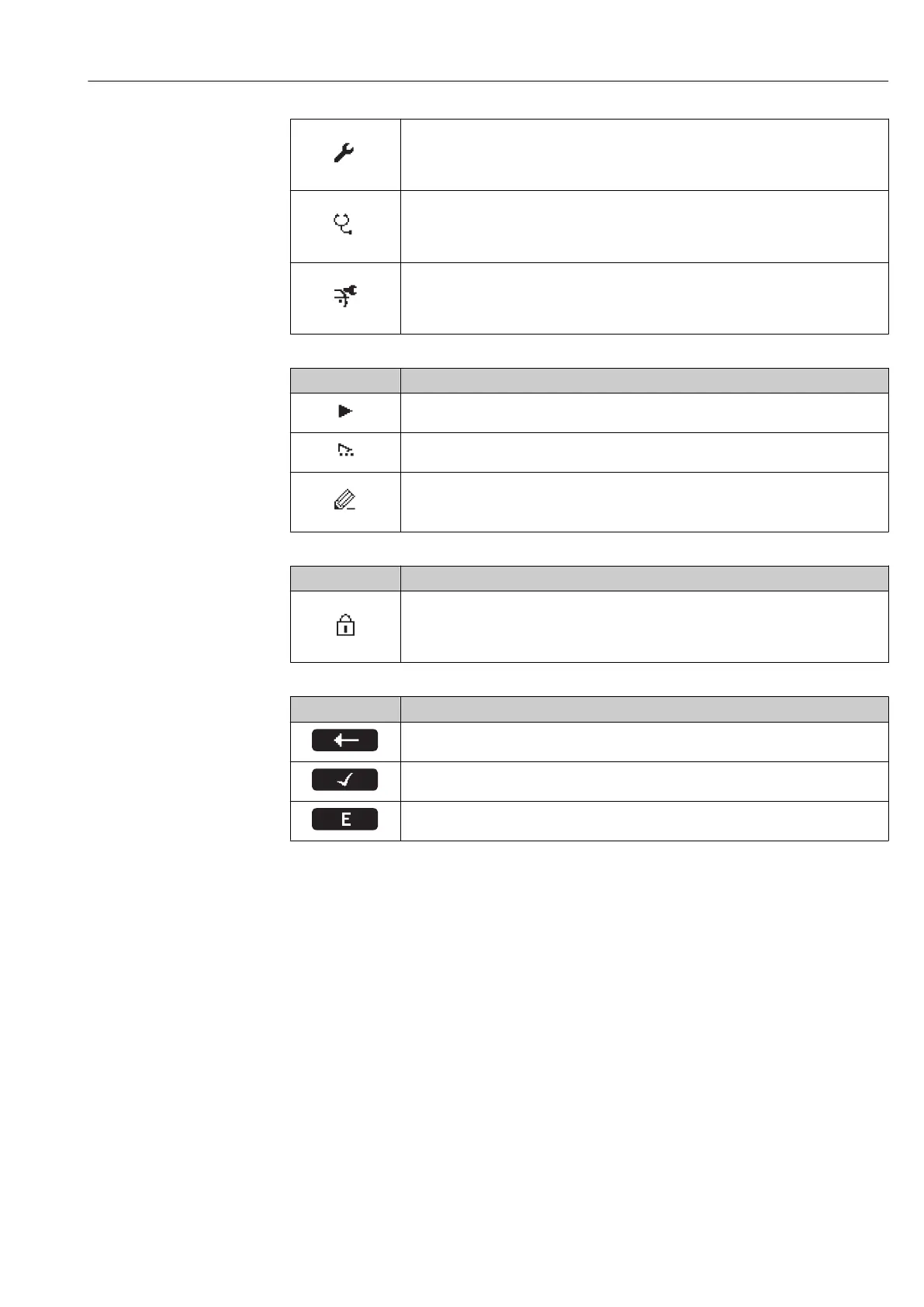
Setup
Is displayed:
• In the menu next to the "Setup" selection
• At the left in the navigation path in the Setup menu
Diagnosis
Is displayed:
• In the menu next to the "Diagnostics" selection
• At the left in the navigation path in the Diagnostics menu
Expert
Is displayed:
• In the menu next to the "Expert" selection
• At the left in the navigation path in the Expert menu
Submenus, wizards, parameters
Symbol Meaning
Submenu
Wizards
Parameters within a wizard
No display symbol exists for parameters in submenus.
Locking procedure
Symbol Meaning
Parameter locked
When displayed in front of a parameter name, indicates that the parameter is locked.
• By a user-specific access code
• By the hardware write protection switch
Wizards
Symbol Meaning
Switches to the previous parameter.
Confirms the parameter value and switches to the next parameter.
Opens the editing view of the parameter.














 To Next Page