Proline Promass E 500 PROFIBUS PA Diagnostics and troubleshooting
Endress+Hauser 193
Xxxxxx/…/…/
Xxxxxx
P
P
P
+
+
+
+
Diagnostics 1:
Remedy information:
Failure (F)
Function check (C)
Out of spezification (S)
Maintenance required (M)
C485 Simulation measured vari...
Deactivate Simulation (Service...
Diagnostics 1: C485 Simu...
Remedy information: Deactivate...
Access status tooling: Mainenance
Operation
Setup
Diagnostics
Expert
Function check (C)Status signal:
Device tag:
Device name:
Mass flow:
Volume flow:
Xxxxxxx
12.34
kg/h
12.34
m /h³
Xxxxxxx
1
2
3
A0021799-EN
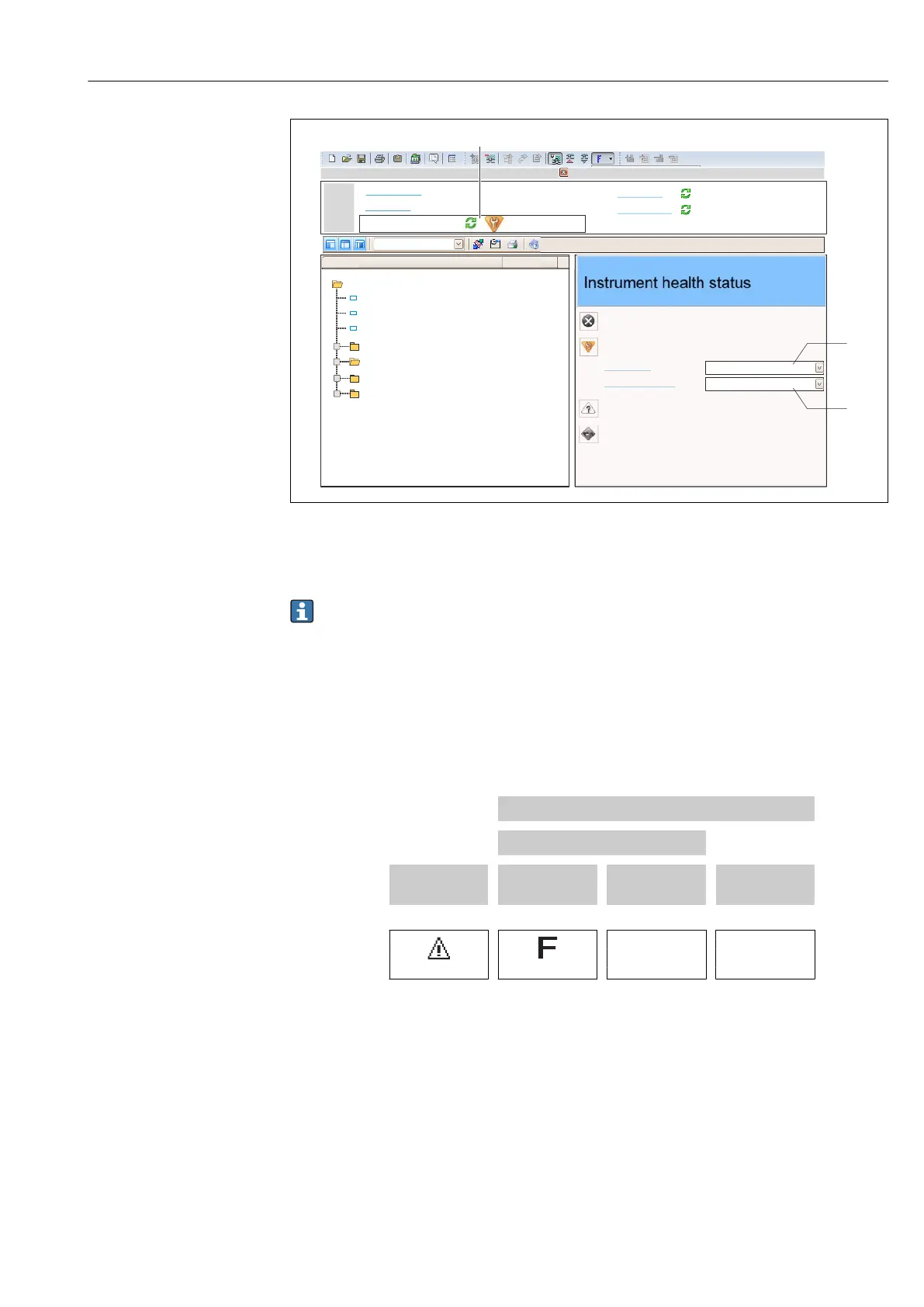
1 Status area with status signal → 189
2 Diagnostic information → 190
3 Remedial measures with service ID
In addition, diagnostic events which have occurred can be shown in the Diagnostics
menu:
• Via parameter → 249
• Via submenu → 249
Diagnostic information
The fault can be identified using the diagnostic information. The short text helps you by
providing information about the fault. In addition, the corresponding symbol for the
diagnostic behavior is displayed in front of the diagnostic information on the local display.
Diagnostic information
Diagnostic code
Diagnostic
behavior
Status signal
Diagnostic
number
Short text
↓ ↓ ↓
Example
A0013962 A0013956
261
Electronics
modules
NAMUR
NE 107
3-digit number
12.5.2 Calling up remedy information
Remedy information is provided for every diagnostic event to ensure that problems can be
rectified quickly:
• On the home page
Remedy information is displayed in a separate field below the diagnostics information.
• In the Diagnostics menu
Remedy information can be called up in the working area of the user interface.














 To Next Page