Commissioning Proline Promass E 500 PROFIBUS PA
108 Endress+Hauser
A0029422
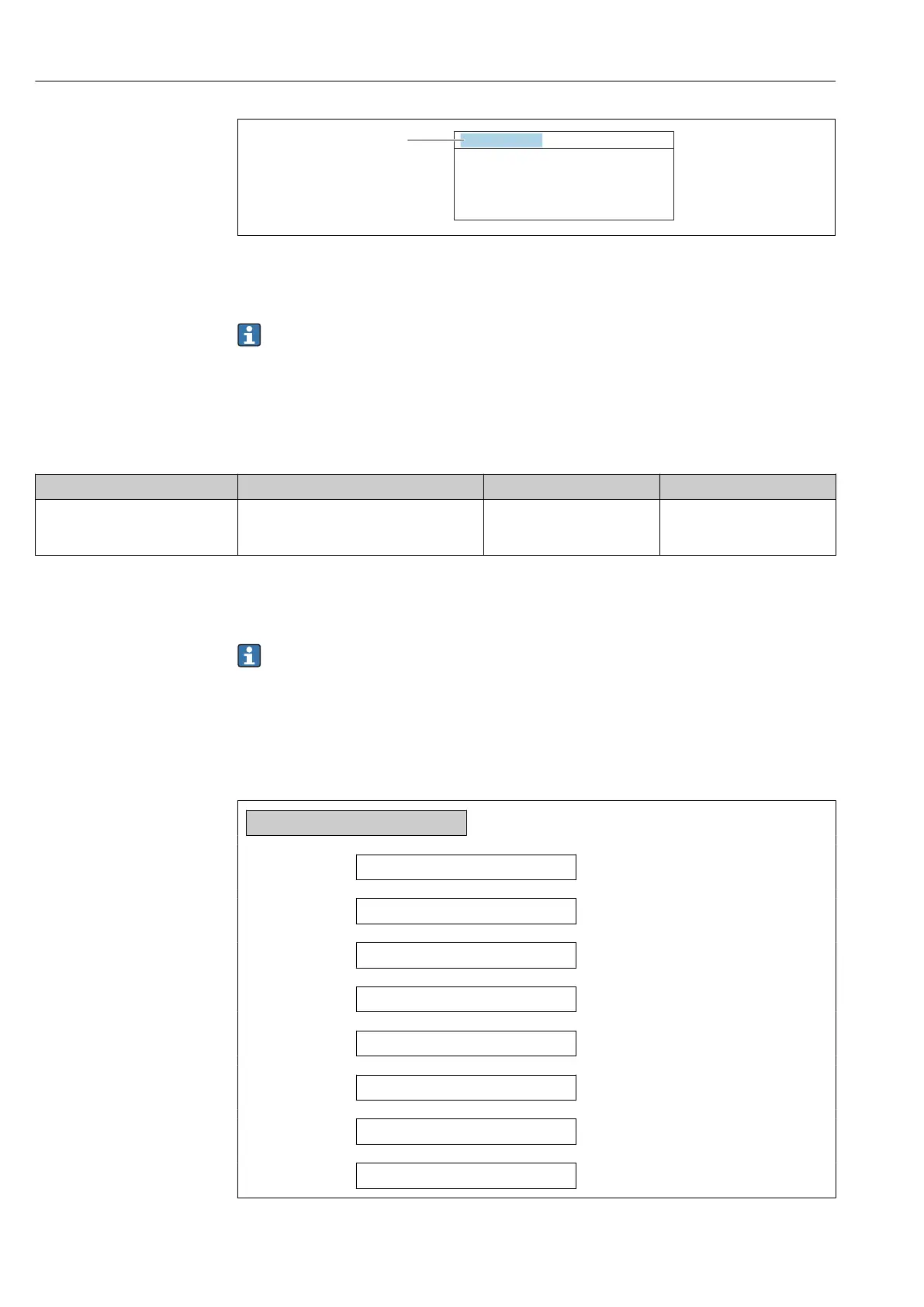
37 Header of the operational display with tag name
1 Tag name
Enter the tag name in the "FieldCare" operating tool → 90
Navigation
"Setup" menu → Device tag
Parameter overview with brief description
Parameter Description User entry Factory setting
Device tag Enter the name for the measuring point. Max. 32 characters, such as
letters, numbers or special
characters (e.g. @, %, /).
Promass 500 PA
10.6.2 Setting the system units
In the System units submenu the units of all the measured values can be set.
The number of submenus and parameters can vary depending on the device version.
Certain submenus and parameters in these submenus are not described in the
Operating Instructions. Instead a description is provided in the Special Documentation
for the device ("Supplementary documentation").
Navigation
"Setup" menu → System units
‣
System units
Mass flow unit
→ 109
Mass unit
→ 109
Volume flow unit
→ 109
Volume unit
→ 109
Corrected volume flow unit
→ 109
Corrected volume unit
→ 109
Density unit
→ 109
Reference density unit
→ 109














 To Next Page